Best Gadgets for Students Studying Late Night in Shared Hostel Rooms: 12 Quiet Picks for Roommate-Friendly Nights
Affiliate Disclosure: As an Amazon Associate, we earn from qualifying purchases made through links on this page, at no extra cost to you. This helps support our work and keeps our guides free to read.
A quick note on prices: prices change often, so we never quote a fixed price here. Please check the latest price on Amazon before you buy, using the yellow buttons in this guide. The product pictures in this article are original illustrations created for this guide, not manufacturer photos.
A shared hostel room at 1 a.m. is a negotiation. Your roommate is asleep, the ceiling light is off limits, and your exam is in two days. That is exactly when the best gadgets for students studying late night in shared hostel rooms earn their place: light that stays on your pages, sound that stays in your ears, and gear that folds away by morning. The right late night study essentials let you work through the night without turning the room into a battleground.
The rule for everything in this guide is simple: quiet, dim and small. Quiet study gadgets do their work without clicks, hums or bright screens lighting up the whole room. A lamp with a warm, focused beam beats the overhead tube light; earbuds with good noise cancelling beat turning up the volume; a fan that whispers beats one that rattles. If a gadget would wake a light sleeper in the next bunk, it did not make this list.
Space is the second battle. A hostel desk is often a plank, a bunk corner or the end of your own bed, so a small space study setup has to build upwards and fold away. The picks below lean on clamps, clips and cushions rather than floor space: lights that clip to a book or bunk rail, stands that fold flat into a drawer, and a lap desk that turns the bed itself into a workstation. Nothing here needs a wall of sockets or a room of its own.
Finally, think like a roommate. The best roommate friendly study gear respects the two things shared rooms run on — darkness and quiet — while still giving you a real setup: a power strip so nobody fights over the one working socket, a mug warmer so your tea survives a long chapter, and a backup drive so a lost file never becomes a 3 a.m. panic. Several of these picks double as everyday dorm room study gadgets long after exam week, which is exactly what a student budget needs.
How We Chose
We picked every gadget in this guide against one test: could you use it at 2 a.m., in a shared room, with a roommate asleep two metres away, and still be friends in the morning? Anything loud, glaring or bulky failed that test, however impressive its spec sheet looked. We favoured honest, repeatable gains — focused light, real quiet, a desk that appears when you need it — over novelty features that stop being useful after a week.
Practical details carried as much weight as performance. We looked for USB charging (hostel sockets are scarce), battery life that survives a full night of study, warm light modes that do not flood the room, and builds that survive being stuffed into a backpack every day. We also read student feedback for the usual failure points — lamps that flicker, fans that develop a rattle, stands that wobble — and dropped the types where those complaints kept repeating.
Quick List
- Rechargeable LED Desk Lamp with USB Charging Port — your own pool of light, no socket needed.
- Wireless Noise-Cancelling Earbuds — a quiet bubble in a noisy block.
- Clip-On LED Book Light with Warm Modes — light that travels with the page.
- Foldable Laptop Stand for Bed Desks — better screen height on any bunk.
- Silent USB Desk Fan with Timer — a whisper of air to keep you alert.
- Power Strip with USB Ports and Long Cord — one socket, every gadget charged.
- Electric Mug Warmer with Auto Shut-Off — tea that stays warm to the last page.
- Mini USB Humidifier with Night Light — gentler air and a soft glow.
- Foldable Lap Desk with Cushion — a desk that exists only while you study.
- White Noise Machine with Headphone Jack — corridor noise, smoothed away.
- Portable SSD for Study Files — fast backups for work you cannot redo.
- Blue-Light Blocking Glasses for Night Study — a comfort aid for screen-heavy nights.
1. Rechargeable LED Desk Lamp with USB Charging Port
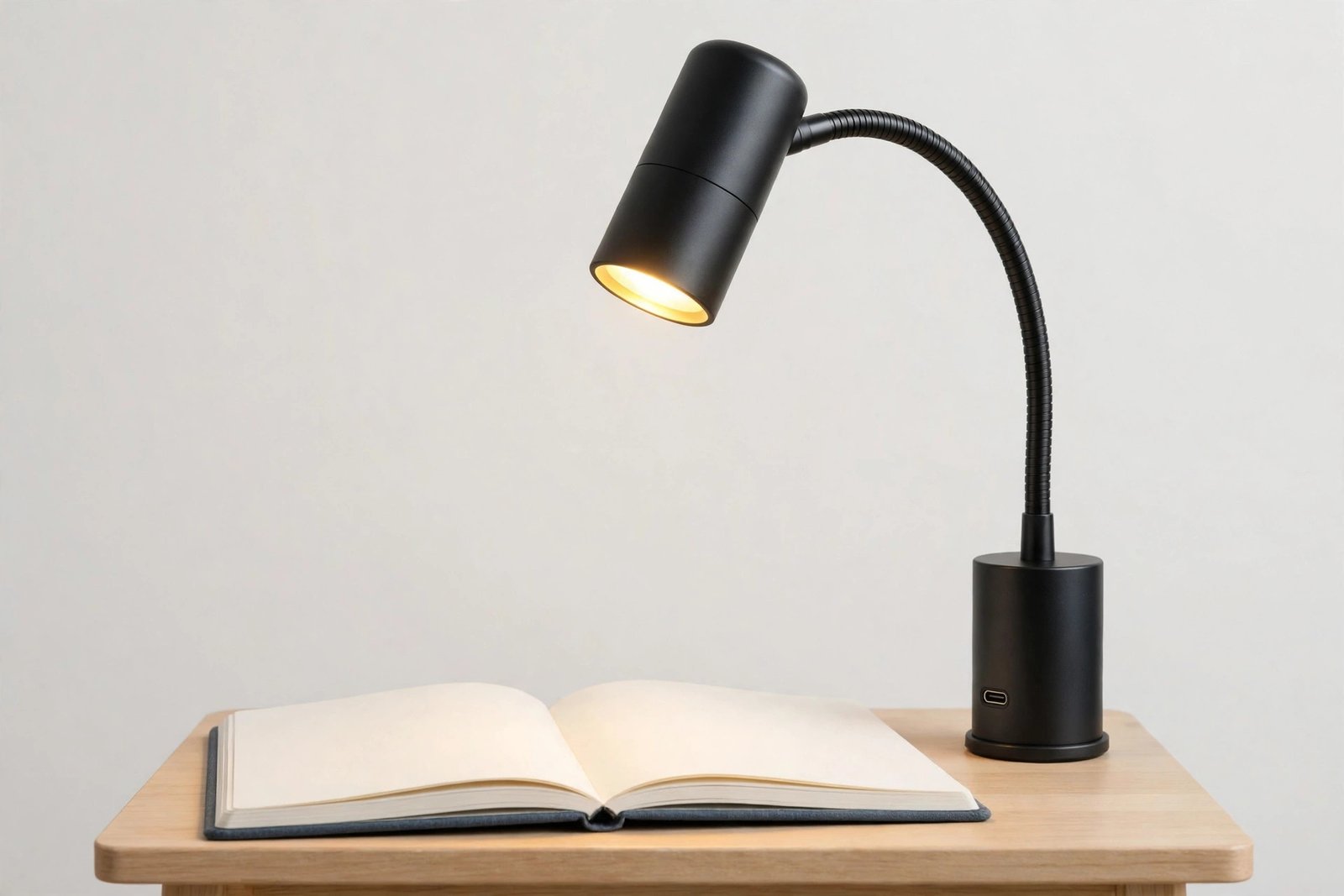
Everything starts with light you control. A Rechargeable LED Desk Lamp with USB Charging Port runs on its own battery, so it never competes for the room’s one free socket, and its focused beam lights your notes without flooding the room. Among late night study essentials, it is the first purchase to make: warm light modes for reading, a brighter setting for diagrams, and a neck that aims the light down at the page instead of across at your roommate’s bunk.
Look for several colour temperatures — warm for relaxed reading, neutral for long writing sessions — and brightness you can dim low enough for a final skim before sleep. A USB output port lets the lamp double as a small power source for your phone. Charge it during the day, fold it flat for the drawer, and it will quietly outlast every exam season. Battery lamps also keep working through hostel power cuts, which every student eventually meets.
Pros
- 👍 Battery powered, so no socket needed
- 👍 Warm, dimmable light stays on your desk
- 👍 USB port charges a phone while you study
- 👍 Folds flat for drawers and backpacks
Cons
- 👎 Battery needs daytime recharging
- 👎 Beam too narrow to light a whole room
- 👎 Cheaper models flicker at low brightness
Best for: the first upgrade for any hostel desk — light that never disturbs a sleeping roommate.
Check Price And User Reviews on Amazon
2. Wireless Noise-Cancelling Earbuds
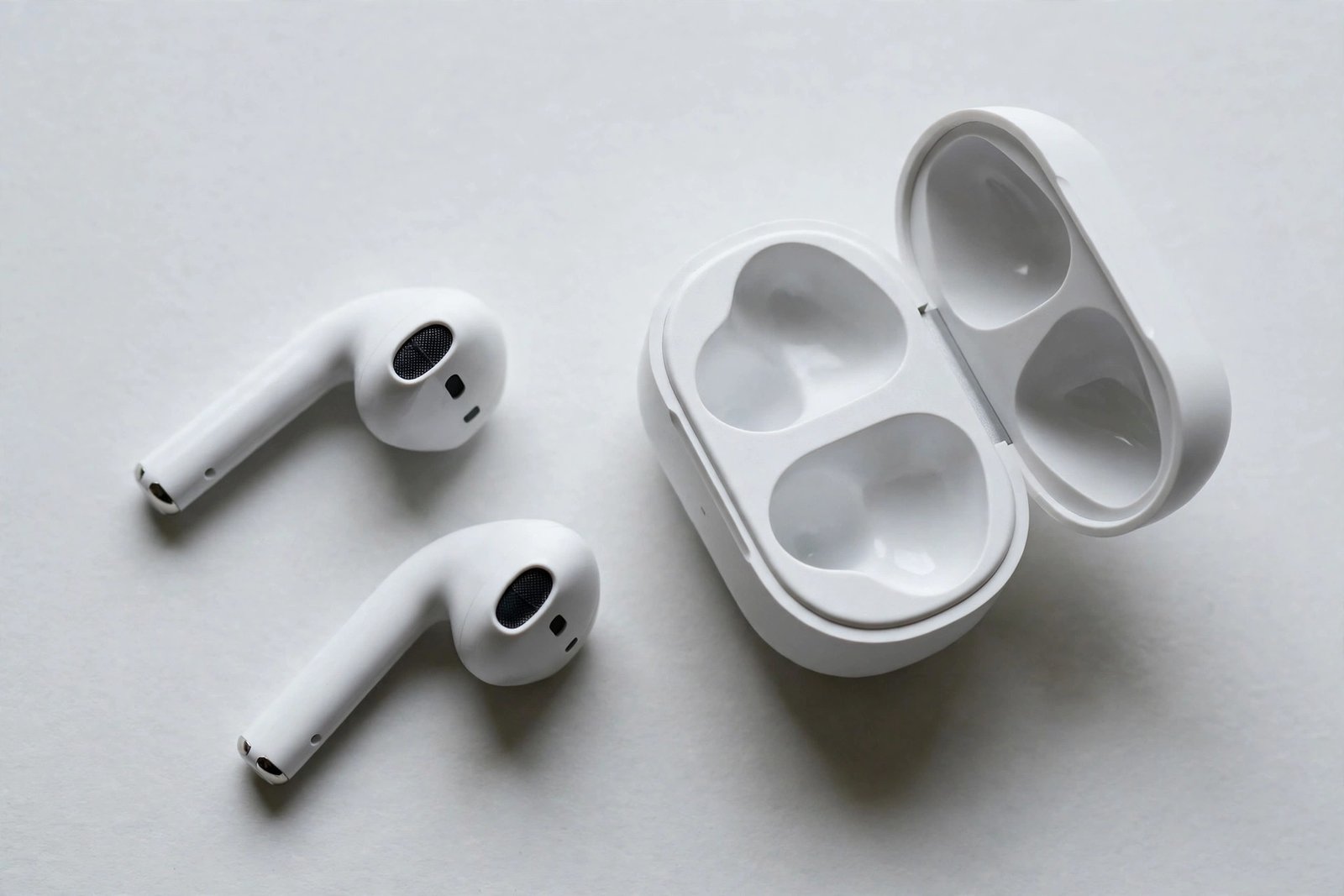
Shared rooms are never truly silent: corridor voices, a roommate’s phone buzzing, the ceiling fan, the neighbour’s music through the wall. Wireless Noise-Cancelling Earbuds build a quiet bubble around your desk work — active noise cancelling softens steady background noise, and a good ear seal blocks most of the rest. Play focus playlists, recorded lectures or plain silence; at sensible volume, nothing leaks out to disturb anyone.
Battery life matters more than fancy extras: look for a case that holds several full charges, so a week of evening sessions does not end in a dead earbud mid-chapter. Comfort matters too — you will wear these for hours, so light buds with several ear-tip sizes beat heavy ones. A transparency mode is genuinely useful in hostels: one tap lets you hear a roommate’s question or a knock at the door without taking the buds out.
Pros
- 👍 Blocks corridor and roommate noise
- 👍 Small case is easy to carry everywhere
- 👍 Modest volume means no sound leaks out
- 👍 Transparency mode for quick conversations
Cons
- 👎 Easy to misplace in bedding
- 👎 Noise cancelling is weaker on sudden sharp sounds
- 👎 Very long sessions can tire some ears
Best for: students whose biggest enemy is noise — snoring, corridors and thin walls.
Check Price And User Reviews on Amazon
3. Clip-On LED Book Light with Warm Modes
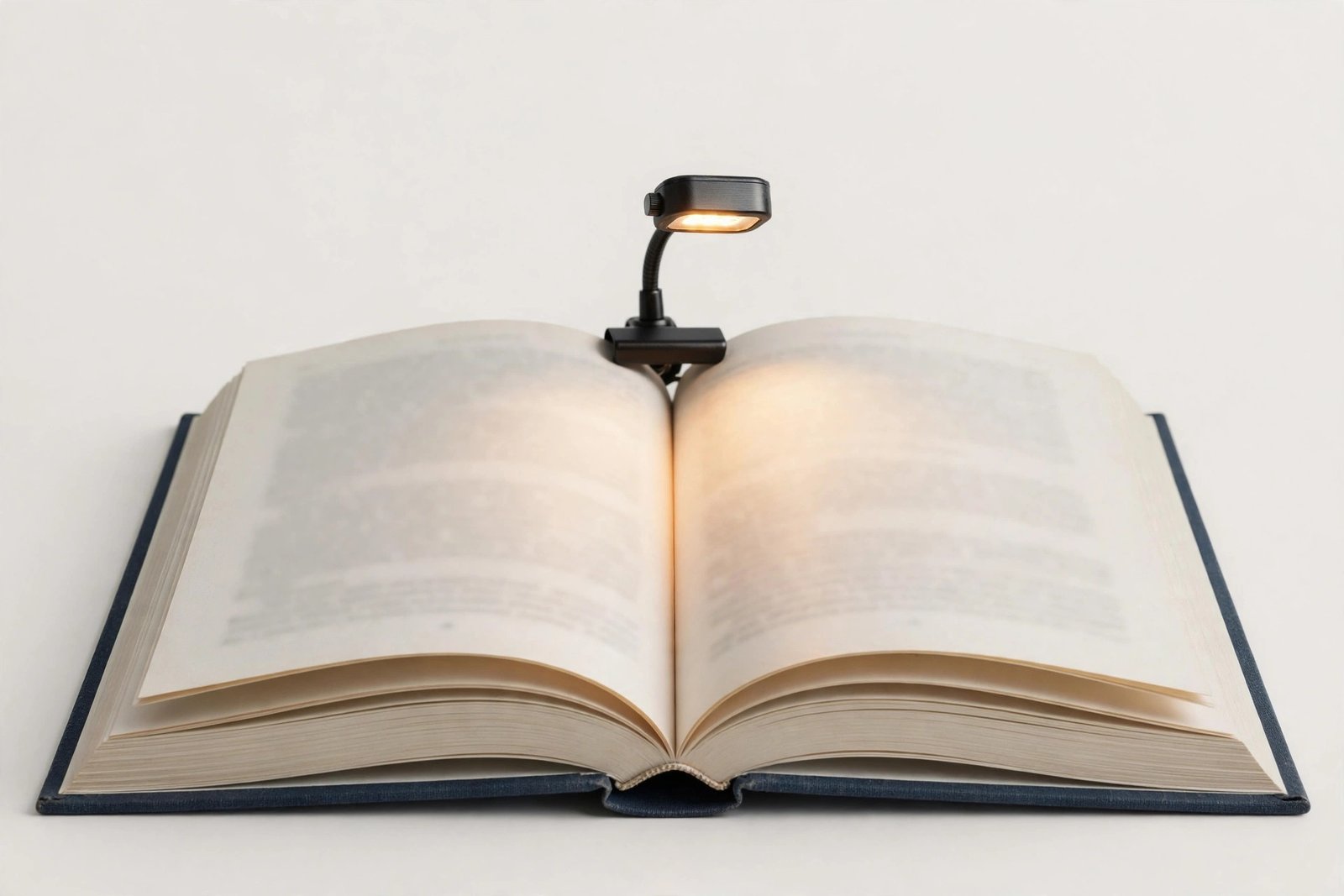
For paper books and printed notes, nothing beats a light that travels with the page. A Clip-On LED Book Light with Warm Modes grips the back cover or a bunk rail and throws a small, warm pool of light exactly where you are reading — the purest form of roommate friendly study gear, because from two metres away the room still looks dark. It is the gadget that lets you finish a chapter in bed without negotiating over the main light.
Warm and amber modes matter here: they are gentler late at night and far less likely to bother a light sleeper than a white beam. Look for a flexible neck that holds its angle, a clip wide enough for thick textbooks, and USB recharging so it shares the same cable as everything else on your desk. Small enough for a pencil case, it also moonlights as a torch for dark hostel corridors and early-morning bathroom trips.
Pros
- 👍 Light stays on your page only
- 👍 Clips to books, bunk rails and shelves
- 👍 Warm modes are gentle late at night
- 👍 Tiny, affordable and easy to replace
Cons
- 👎 Too dim for desk-wide work
- 👎 Clip can mark delicate paper covers
- 👎 Small battery needs frequent top-ups
Best for: bed readers and anyone revising from printed books and notes after lights-out.
Check Price And User Reviews on Amazon
4. Foldable Laptop Stand for Bed Desks

Hunching over a laptop on a mattress strains your neck and overheats the machine. A Foldable Laptop Stand for Bed Desks raises the screen to a comfortable height on the bed, a bunk or a tiny desk, with legs or a scissor frame that folds flat when the session ends. Angles adjust for typing or reading, and the open design lets air flow under the laptop instead of trapping heat in the bedding.
Stability is the spec to check: look for non-slip feet, a front lip that keeps the laptop from sliding, and a frame rated for your machine’s weight. Metal models feel steadier than thin plastic, and wider legs cope better with soft mattresses. Pair it with a separate keyboard if you type for hours, or use it purely as a reading stand for PDFs and lecture slides. Folded, it slides beside your books and takes up less room than a textbook.
Pros
- 👍 Better screen height on beds and bunks
- 👍 Folds completely flat for storage
- 👍 Keeps laptop vents clear of bedding
- 👍 Doubles as a book or tablet stand
Cons
- 👎 Can wobble on very soft mattresses
- 👎 Raised keyboard angle does not suit everyone
- 👎 Long typing sessions want a separate keyboard
Best for: bed-based study sessions and tiny desks where the laptop is the whole workstation.
Check Price And User Reviews on Amazon
5. Silent USB Desk Fan with Timer
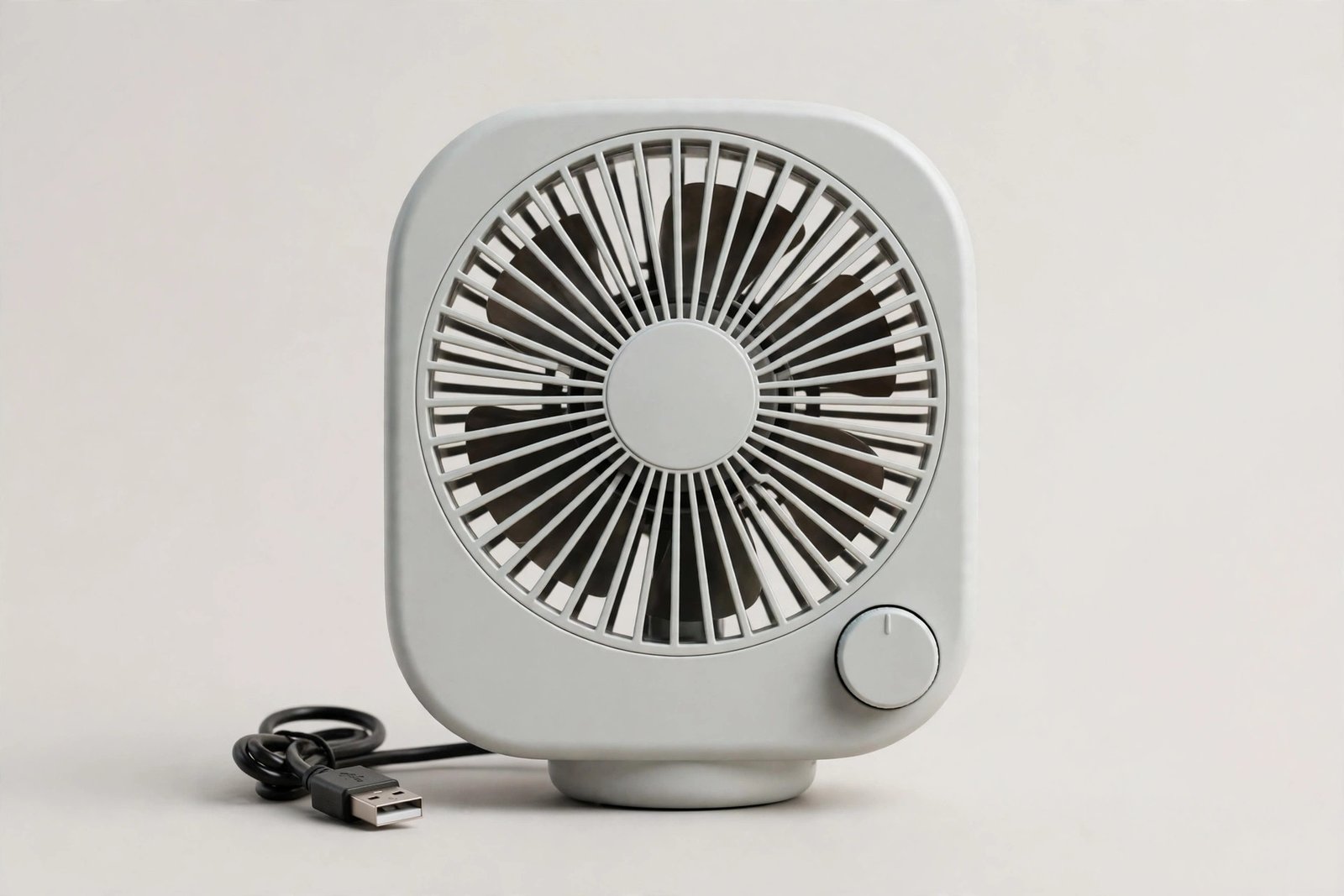
A warm, still room is a sleep machine — the wrong kind. A Silent USB Desk Fan with Timer keeps a gentle stream of air moving over your desk so you stay alert through a long night, and a good one does it at a whisper. This is where quiet study gadgets prove their worth: efficient motors and sleep timers let the fan run all night without becoming the loudest thing in the room, and USB power means it runs happily from a laptop or power bank.
Check the lowest speed first — that is the one you will actually use at 2 a.m. — and look for a timer that switches the fan off after you fall asleep. A head that tilts lets you aim the breeze at your face or share it with a roommate. Small fans clog with dust quickly in hostel rooms, so a front grille that comes off for cleaning is worth having.
Pros
- 👍 Quiet low speed made for night use
- 👍 USB powered from a laptop or power bank
- 👍 Timer switches it off after you sleep
- 👍 Small footprint for crowded desks
Cons
- 👎 Lowest speed moves modest air
- 👎 Needs regular dust cleaning
- 👎 Budget motors can develop a hum over time
Best for: warm rooms and warm climates, where still air ends study sessions early.
Check Price And User Reviews on Amazon
6. Power Strip with USB Ports and Long Cord
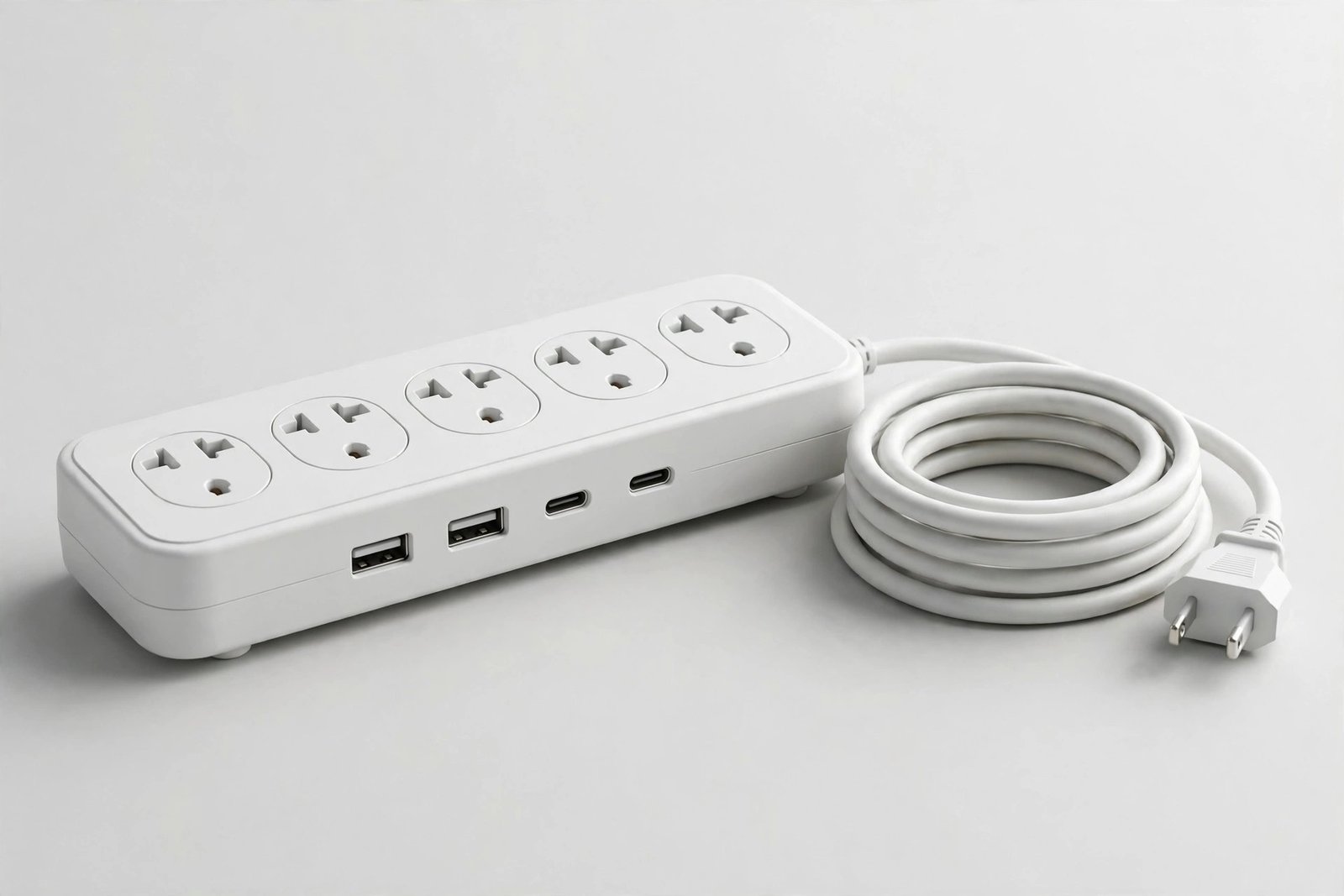
Every hostel room has one good socket and four people who need it. A Power Strip with USB Ports and Long Cord ends the negotiation: one strip on your desk charges the laptop, lamp, fan, phone and earbuds together, and the long cord reaches the socket wherever it hides. It is the backbone of any set of dorm room study gadgets — unglamorous, and the thing everything else quietly depends on.
Choose a strip with surge protection, widely spaced sockets for chunky adapters, and a switch you can reach without crawling under the desk. Flat plugs sit better behind beds and wardrobes. Keep the total load sensible — a strip is not a licence to run a kettle, a heater and a hair dryer at once — and coil spare cord neatly rather than letting it snake across the floor where roommates trip over it at night.
Pros
- 👍 Charges everything from one socket
- 👍 Long cord reaches awkward outlets
- 👍 USB ports free up plug space
- 👍 Surge protection guards your laptop
Cons
- 👎 Easy to overload if you are careless
- 👎 Cord needs tidying in shared space
- 👎 One more thing to pack when moving rooms
Best for: any room where the socket count starts arguments — which is every hostel room.
Check Price And User Reviews on Amazon
7. Electric Mug Warmer with Auto Shut-Off
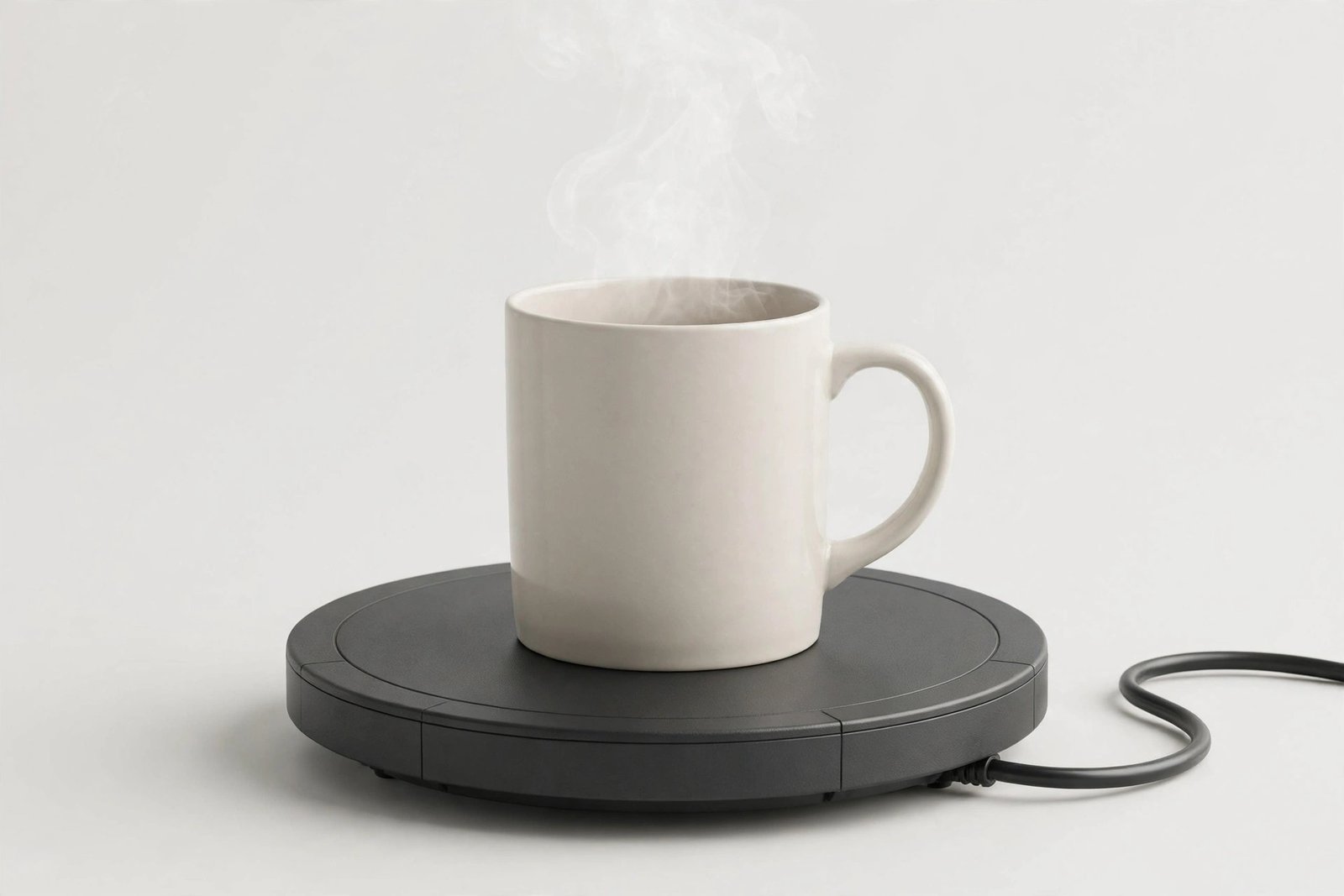
Tea made at midnight is cold by the second chapter. An Electric Mug Warmer with Auto Shut-Off keeps your drink warm at your desk for as long as the session runs, so you are not making trips to the shared kitchen — and waking everyone with the kettle — every hour. The auto shut-off is the feature that matters most in a hostel: if you fall asleep over your notes, the warmer switches itself off instead of heating an empty mug all night.
Warmers work best with flat-bottomed mugs, and they keep drinks warm rather than making them hot, so set expectations accordingly. Models with a gravity switch turn on when the mug lands and off when you lift it, which is the most forget-proof design of all. Keep the warmer on your own desk corner, away from papers and bedding, and wipe spills quickly — sugary tea baked onto the plate is its main enemy.
Pros
- 👍 Keeps tea and coffee warm for hours
- 👍 Auto shut-off for forgetful sleepers
- 👍 Fewer noisy kitchen trips at night
- 👍 Tiny footprint on a crowded desk
Cons
- 👎 Keeps drinks warm, not piping hot
- 👎 Works best with flat-bottomed mugs
- 👎 Spills can bake onto the plate
Best for: tea-and-coffee powered revisers who study in long, single sittings.
Check Price And User Reviews on Amazon
8. Mini USB Humidifier with Night Light
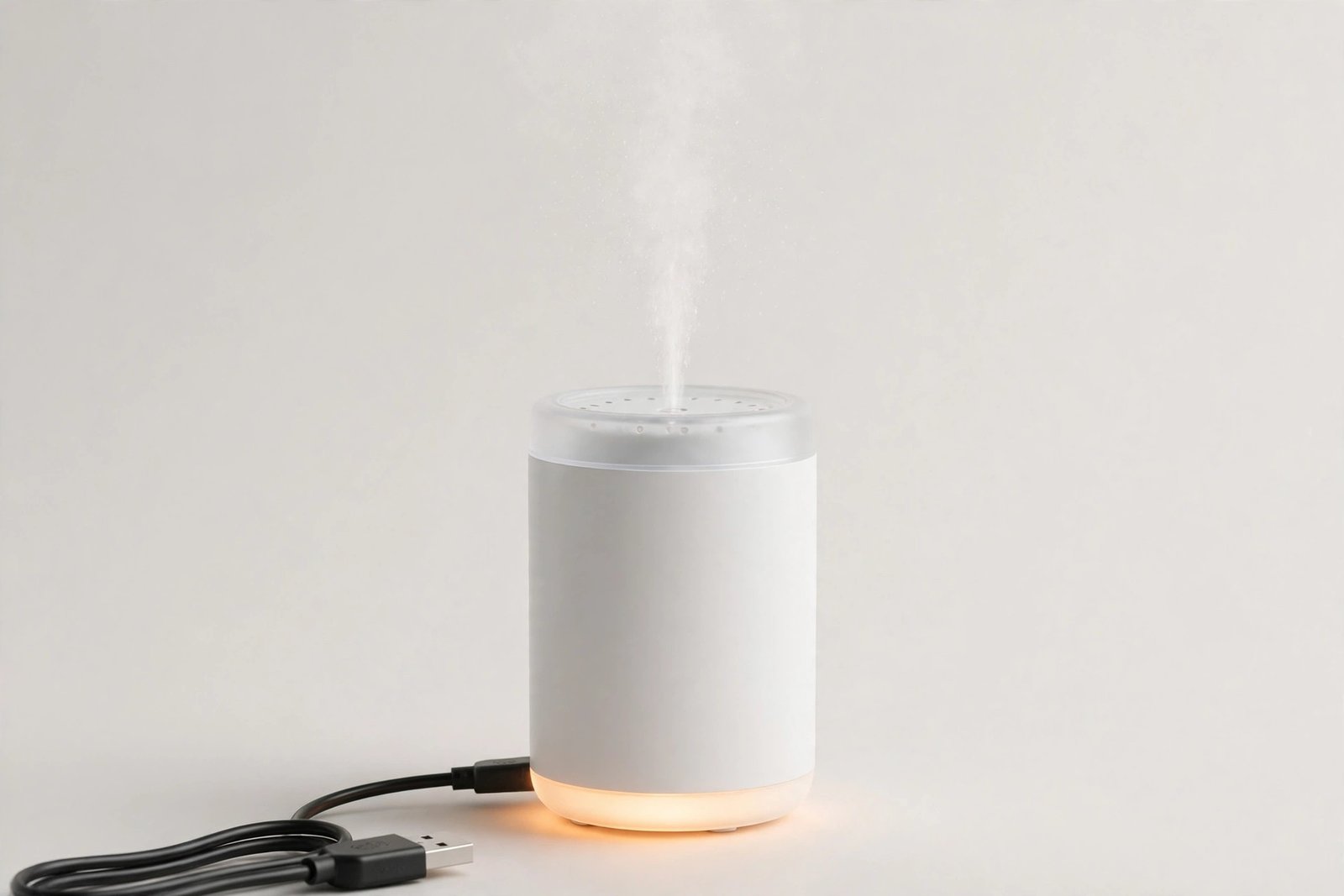
Hostel air gets dry — air conditioning in summer, heating in winter, and windows that barely open all year round. A Mini USB Humidifier with Night Light adds a fine, cool mist to the air around your desk, which makes long reading sessions feel easier on your eyes, throat and skin, and its soft built-in glow doubles as a gentle night light that will not bother a roommate. USB power keeps it in the same low-power family as the rest of your desk.
Keep it close: a mini humidifier treats the air around your desk, not the whole room. Use clean water, empty and dry the tank every few days, and change the cotton filter sticks on schedule — a neglected humidifier smells worse than dry air ever did. An intermittent mist mode stretches a small tank across a full night. Set it a sensible distance from books and the laptop; you want moister air, not damp pages.
Pros
- 👍 Gentler air for long night sessions
- 👍 Soft glow doubles as a night light
- 👍 USB powered and very quiet
- 👍 Small tank suits a single desk
Cons
- 👎 Only treats the air near your desk
- 👎 Needs regular cleaning and filter changes
- 👎 Must be kept away from books and laptops
Best for: dry, air-conditioned or heated rooms where long sessions leave you parched.
Check Price And User Reviews on Amazon
9. Foldable Lap Desk with Cushion
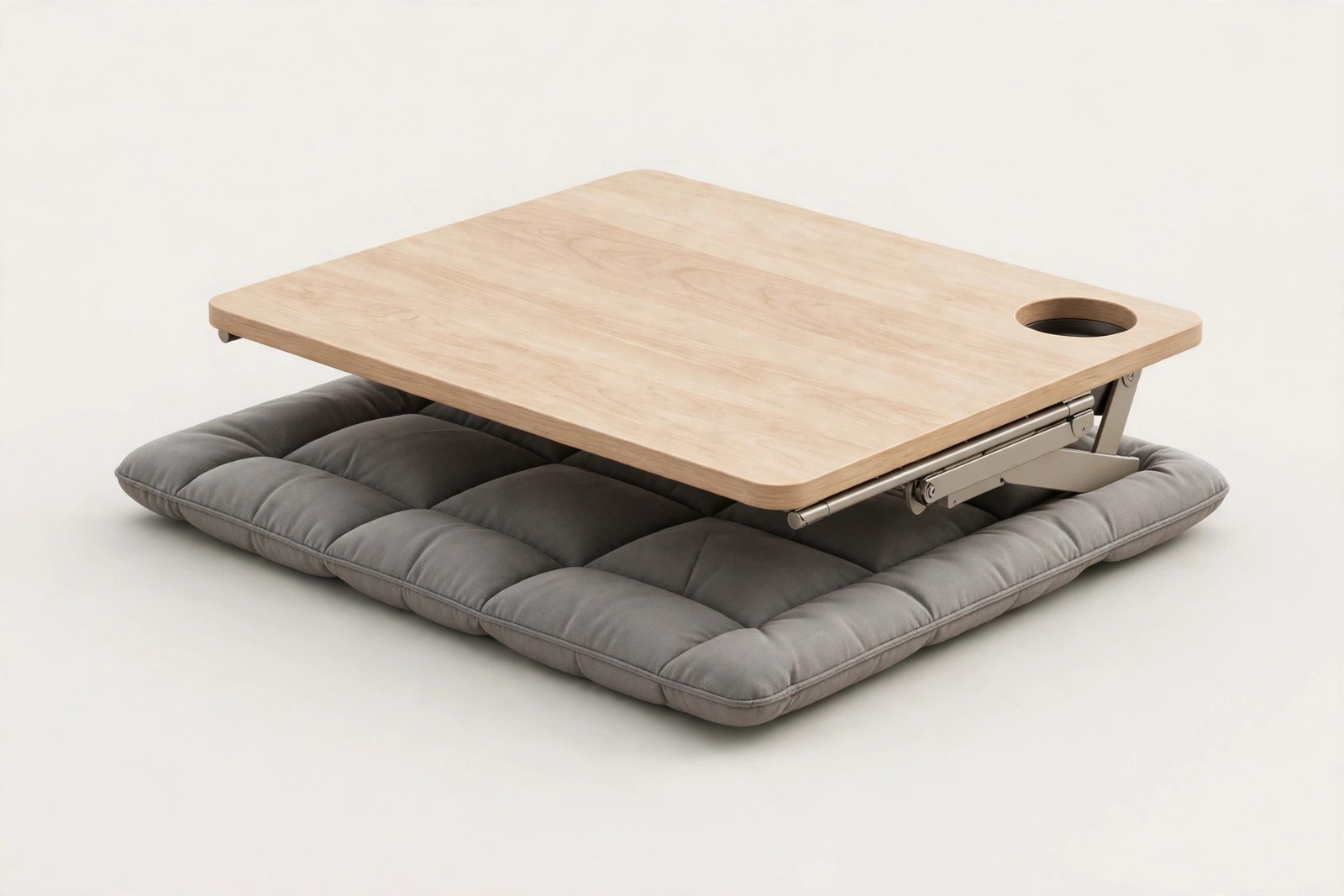
Sometimes the desk is taken, the common room is loud, and your bed is the only office left. A Foldable Lap Desk with Cushion turns it into a proper workstation: a flat, stable surface for the laptop or notebook, a cushioned base that sits comfortably on your legs, and a fold-flat design that stores behind the bed. It is the heart of a small space study setup — a desk that exists only while you are using it.
Look for a surface wide enough for a laptop plus a notebook, a ledge that stops things sliding off, and a cushion that does not cook your legs over a long session. Cup holders and tablet slots are nice extras, but flat stability is what you are really buying. Wipe-clean surfaces survive tea accidents, and a handle makes it easy to carry to the library or a friend’s room for group revision.
Pros
- 👍 Turns any bed or bunk into a desk
- 👍 Cushioned base stays comfortable for hours
- 👍 Folds away behind the bed or wardrobe
- 👍 Doubles as a reading or breakfast tray
Cons
- 👎 Less stable than a real desk
- 👎 Cushion can feel warm in summer
- 👎 Not suited to heavy monitor setups
Best for: bunk-bed students and anyone whose desk is wherever they can sit.
Check Price And User Reviews on Amazon
10. White Noise Machine with Headphone Jack

Earbuds are not for everyone at hour three — ears ache, batteries die, and some students simply focus better with sound in the room rather than in their ears. A White Noise Machine with Headphone Jack covers corridor noise, dripping taps and distant conversations with a steady wash of sound, so the distractions fade into the background. Plug in headphones and it becomes private; play it through the speaker at low volume and it smooths the room’s noise for everyone.
A choice of sounds matters: plain fan and rain loops distract less than musical tracks with sudden changes. Look for a sleep timer, a memory of your last settings, and USB power so it shares your desk’s charging setup. Place it between your desk and the door — masking works best when the steady sound sits closer to the noise source than to your ears.
Pros
- 👍 Masks corridor and roommate noise
- 👍 Headphone jack keeps it private when needed
- 👍 Steadier than phone apps, with no notifications
- 👍 Sleep timer for after you finish
Cons
- 👎 Some people find white noise tiring
- 👎 Speaker mode is a shared-room negotiation
- 👎 Loops can sound repetitive on budget models
Best for: light sleepers and easily distracted students in noisy hostel blocks.
Check Price And User Reviews on Amazon
11. Portable SSD for Study Files
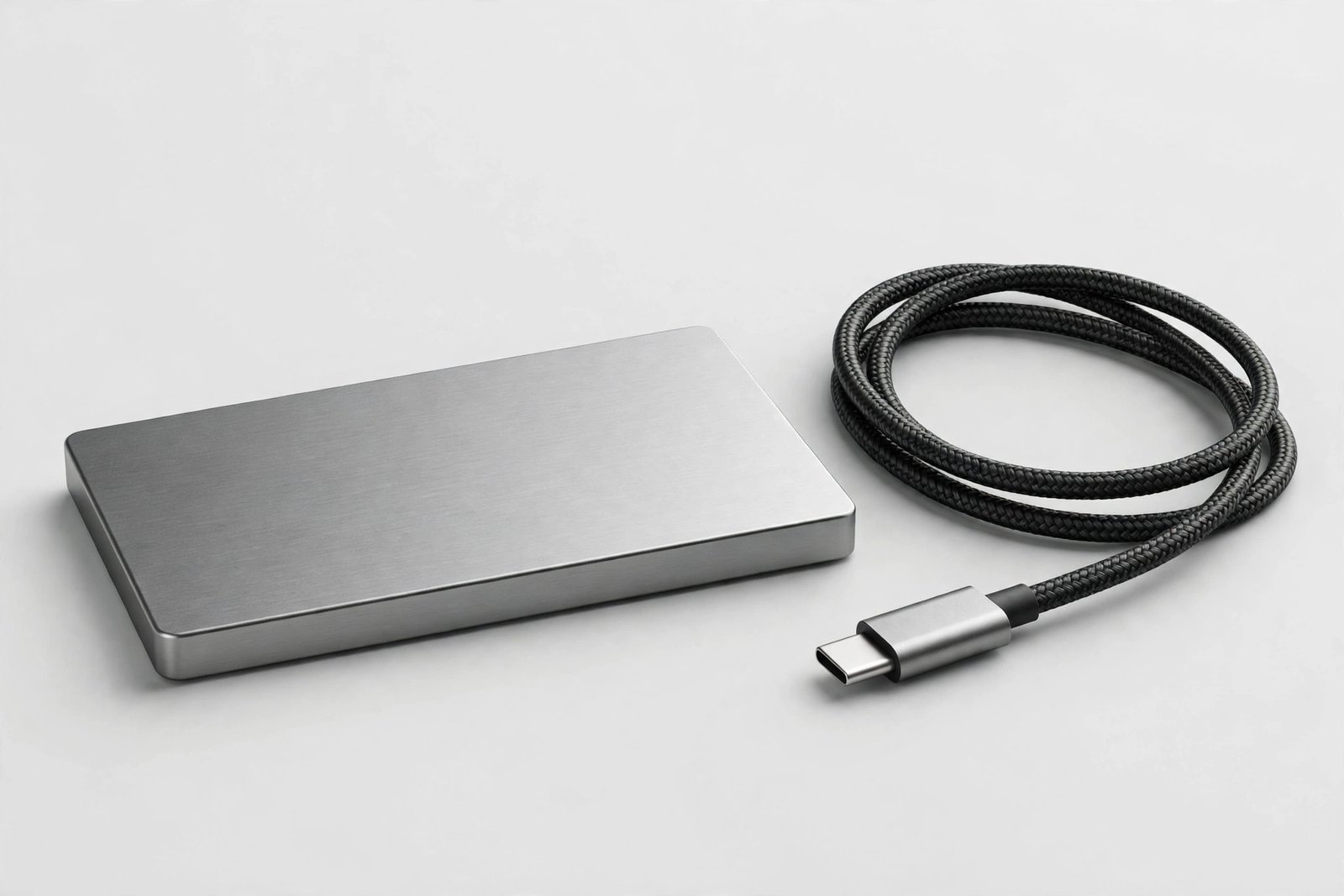
Hostel laptops live dangerously: shared rooms, borrowed chargers, tea near keyboards, and bags dropped on hostel stairs. A Portable SSD for Study Files is your insurance — a pocket-sized drive that backs up your notes, assignments and dissertation drafts in seconds, and moves big files between your laptop, the library computer and a friend’s machine without waiting on hostel Wi-Fi. Fast backups are the whole point: when copying a semester’s work takes a minute, you actually do it.
Set a simple routine: plug in at the end of each study session and copy the day’s folders, or sync the whole week every Sunday. Password protection is worth switching on — a lost drive should not mean a stranger reading your work along with it. Keep the drive in a different bag from the laptop, so one theft or one spilled drink does not take both copies. It is the least exciting gadget in this guide and the one most likely to save your degree.
Pros
- 👍 Backs up a semester of work in minutes
- 👍 Moves files without relying on Wi-Fi
- 👍 Pocket-sized and survives daily carrying
- 👍 Works with library and friends’ computers
Cons
- 👎 Small enough to lose without care
- 👎 Only helps if you actually back up
- 👎 Cable is one more thing to keep track of
Best for: final-year students and anyone whose laptop holds work they cannot redo.
Check Price And User Reviews on Amazon
12. Blue-Light Blocking Glasses for Night Study
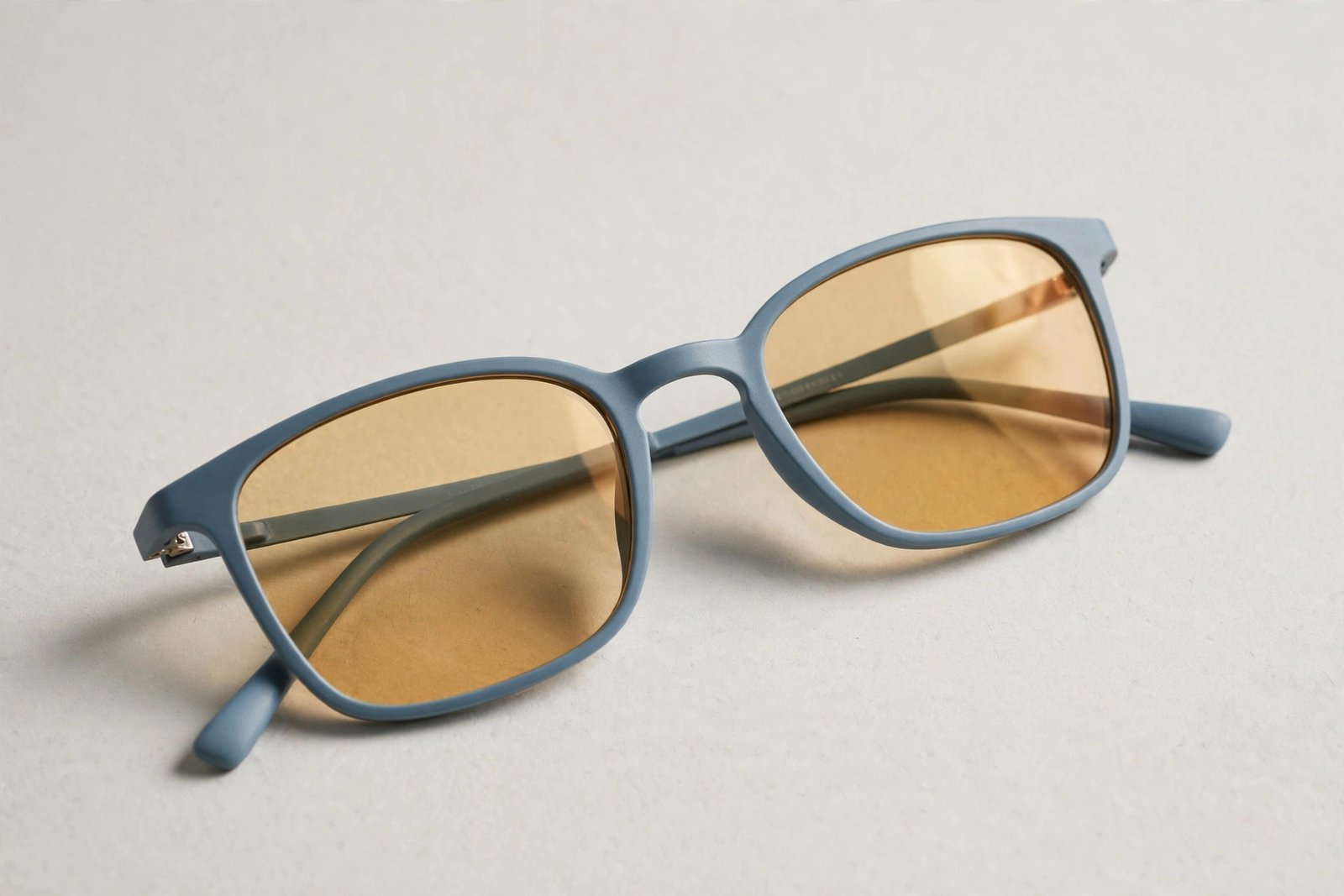
After hours of screens and bright pages, many students find their eyes feel tired and the session ends early — a comfort problem as much as anything. Blue-Light Blocking Glasses for Night Study filter part of the blue light from screens and lamps, and plenty of students simply find long evening sessions feel more comfortable with them on. Treat them as a comfort aid, not a medical device: they will not fix your eyesight or replace sleep, but as part of a gentler night setup they earn their tiny corner of the desk.
Amber-tinted lenses filter the most blue light but shift colours — awkward for design work or anything colour-critical — while lighter tints suit general study. Fit matters over a long night, so look for light frames that do not pinch. Combine the glasses with the basics that carry the real load: a dim warm lamp, a screen break every half hour or so, and the habit of looking at something distant regularly. And if eye strain keeps coming back, get your eyes tested — no glasses from a guide are a substitute for that.
Pros
- 👍 Many students find night sessions comfier
- 👍 Weighs nothing and needs no charging
- 👍 Amber lenses also soften harsh hostel lighting
- 👍 Affordable enough to keep a spare pair
Cons
- 👎 A comfort aid only, not a medical fix
- 👎 Amber tints shift colours noticeably
- 👎 Easy to sit on in a bunk bed
Best for: screen-heavy students who end long nights with tired, strained-feeling eyes.
Check Price And User Reviews on Amazon
What to Look for Before You Buy
Start with the room, not the catalogue. Count your sockets, measure your desk — or your bunk — and notice what actually ends your study sessions: noise, light, heat or a dead battery. The best small space study setup is built by fixing your own bottleneck first — a lamp if the light is the problem, earbuds or a white noise machine if the corridor is, a fan if the room cooks you by midnight. One well-aimed purchase beats four gadgets that all solve a problem you do not have.
Power is the hidden constraint in every hostel. Favour USB-powered and rechargeable gear, because sockets are shared and trailing extension leads start arguments. A single good power strip feeding a lamp, a fan and your chargers keeps your corner self-contained, and battery-powered picks keep working through power cuts and library trips. Think of your whole desk as one system sharing one plug, and every choice gets easier.
Next, judge everything by the roommate test. Would this wake a light sleeper, light up the whole room, or spread itself across shared space? Passing that test is what makes roommate friendly study gear worth its name: dim warm light instead of bright white, quiet motors instead of clicks and hums, and everything folding or clipping away by morning. If you share with someone on a different schedule, these courtesies are not extras — they are the price of a peaceful room.
Finally, buy for the long semester, not the exciting first week. Sturdy hinges, replaceable cables and simple controls outlast novelty features, and the most useful dorm room study gadgets are the ones still on your desk in month six. Keep receipts, add pieces one at a time as your routine shows you what is missing, and let the setup grow around your real habits. A desk built gradually stays useful; a desk bought in one splurge usually hides two mistakes.
Final Thoughts
Late-night study in a shared room will never feel like a private library, and no gadget makes an exam revise itself. What the right gear does is remove the nightly frictions — the borrowed light, the corridor noise, the dead battery, the cold tea — so the hours you have actually become study hours. A small kit of quiet study gadgets, chosen for your own room and routine, turns 1 a.m. from a negotiation into a habit.
Start with the stage that fails worst: light, noise, power or space. Fix that one thing, study with it for a week, and let the routine tell you what to add next. Built that way, gadget by gadget, a hostel corner becomes a place where real work gets done — quietly, kindly, and without a single argument about the ceiling light.
More Guides You’ll Like
Want more quiet-hours gear? Read Best Gadgets for People Who Work Night Shifts for the kit that keeps night workers going, then see Best Useful Gadgets Under $25 for Everyday Use for small buys that suit a student budget, and Best Desk Gadgets for Accountants Working Long Hours at Home for long-session desk setups worth borrowing ideas from.
Frequently Asked Questions
What are the most important gadgets for studying late at night in a hostel?
Light and quiet come first: a dimmable rechargeable lamp that keeps light on your desk, and earbuds or a white noise machine for the corridor. Add a power strip so everything charges from one socket, and you have the core late night study essentials. Everything else — fans, lap desks, mug warmers — is comfort you add once the basics stop ending your sessions early.
How do I study at night without disturbing my roommate?
Keep light low, warm and aimed at your pages — a clip-on book light or a dim desk lamp — and keep sound in your ears with earbuds at a modest volume. Choose quiet gear: soft-touch fans, silent switches, nothing that clicks or hums. Agree on a lights-out routine with your roommate and stick to it; in a shared room, the most valuable gadget is a schedule everyone trusts.
Is it better to study in bed or at a desk in a small hostel room?
A desk, even a tiny one, separates study from sleep and helps you switch off afterwards. If the desk is shared or taken, a foldable lap desk or a laptop stand makes the bed workable for a session — just keep one consistent spot, sit as upright as you can, and avoid revising under the blanket, which trains your brain to link the bed with work instead of rest.
How can I keep my laptop and files safe in a shared hostel room?
Back up to a portable SSD regularly and keep it in a different bag from the laptop, use a lock screen with a short timer, and keep drinks on the floor or a side table rather than beside the keyboard. A power strip with surge protection guards against the wiring surprises older hostel blocks are famous for, and password-protect anything you would hate to lose.