

Best Desk Gadgets for Accountants Working Long Hours at Home: 12 Picks for Number-Heavy Days
Affiliate Disclosure: As an Amazon Associate, we earn from qualifying purchases made through links on this page, at no extra cost to you. This helps support our work and keeps our guides free to read.
A quick note on prices: prices change often, so we never quote a fixed price here. Please check the latest price on Amazon before you buy, using the yellow buttons in this guide. The product pictures in this article are original illustrations created for this guide, not manufacturer photos.
Month-end closes, tax deadlines and reconciliations that stretch into the evening — an accountant’s desk sees some of the longest hours in any home office. The best desk gadgets for accountants working long hours at home are not novelties. They are the tools that keep figures accurate, paperwork moving and the workspace comfortable from the first coffee to the last spreadsheet. A well-planned home office desk setup will not shorten the tax code, but it can remove the small frictions that make long days feel even longer.
Start with the body. Hours of data entry punish the wrists, shoulders and eyes long before they punish the brain, which is why ergonomic desk gadgets earn their keep: a split keyboard, a vertical mouse, a raised screen and proper light all make a ten-hour day feel more comfortable. None of them claims to fix anything medical — they simply put your hands, eyes and screen in kinder positions while the work gets done.
Then there is the paper. Receipts, invoices, bank statements and client files still arrive on paper, and they pile up fast. The accountant desk essentials in this guide — a printing calculator with a paper tape you can check line by line, a compact scanner that turns stacks into searchable files, a shredder for anything confidential — are chosen for accuracy and speed, because a number you can verify is worth more than a number you typed twice.
Finally, the small things matter more than people expect. The right desk accessories for working from home — a lamp that matches the light to the hour, a warmer that keeps tea at drinking temperature, a dock that ends the cable hunt — keep attention on the figures instead of the desk. You do not need all twelve picks. Most accountants will feel the biggest difference from three or four, aimed at the part of the day that drags most: the typing, the paper, the light or the clutter.
How We Chose
We compared desk gadgets against one demanding test: would this still be helping during the tenth hour of a deadline day, in a real home office, months after it arrived? We favoured honest, repeatable gains — figures checked faster, paper cleared sooner, a desk that stays comfortable — over novelty features and bold marketing claims, and we treated any promise of transforming your working life overnight with healthy suspicion.
Practical details carried as much weight as headline features. We looked for build quality that survives daily use, controls that work without a manual, and designs that suit a home desk rather than a corporate office floor. We also read owner feedback for the usual failure points — calculator tapes that jam, scanner feeds that chew receipts, keyboard legends that fade — and dropped the types where those complaints kept repeating.
Quick List
- Printing Calculator with Paper Roll — a paper tape you can check line by line.
- Compact Desktop Document Scanner — paper stacks turned into searchable files.
- Thermal Label Printer for Desktop — files and archive boxes labelled in seconds.
- Desk Lamp with Adjustable Color Temperature — light that matches the hour of the day.
- Monitor Light Bar with Auto Dimming — a lit desk with zero screen glare.
- Ergonomic Split Keyboard — a kinder hand position for hours of data entry.
- Vertical Wireless Mouse — an upright grip many people find more comfortable.
- Adjustable Aluminum Laptop Stand — the screen raised to eye level.
- Electric Desktop Stapler — thick reports stapled with one touch.
- Compact Desktop Paper Shredder — confidential paper destroyed safely at your desk.
- USB C Docking Station with Card Reader — one cable connects the whole desk.
- Electric Mug Warmer with Auto Shut Off — drinks that stay warm through the longest task.
1. Printing Calculator with Paper Roll

Some tools survive every software update, and the printing calculator is one of them. A Printing Calculator with Paper Roll prints each entry onto a paper tape as you work, so a long column of figures can be checked line by line, ticked against the source documents and stapled to the working papers. For anyone who verifies totals by hand, it remains one of the true accountant desk essentials — the tape is a ready-made record of your own arithmetic.
Look for clear printing — two-colour models print negative figures in red, which makes errors jump off the tape — and large, well-spaced keys that suit fast entry. Extras like cost, sell and margin keys, grand total memory and a clear display earn their place on long evenings. Tape rolls and ribbons are cheap and widely available, so the running costs stay low for years.
Pros
- 👍 Paper tape makes checking figures easy
- 👍 Large keys and display suit long sessions
- 👍 Works without a computer or spreadsheet
- 👍 Tape and ribbons are cheap to replace
Cons
- 👎 Paper and ribbon are ongoing consumables
- 👎 Bulkier than a basic pocket calculator
- 👎 Print mechanism can be noisy late at night
Best for: anyone who checks long columns of figures by hand and wants a paper trail.
Check Price And User Reviews on Amazon
2. Compact Desktop Document Scanner

Paper is still the accountant’s raw material — receipts, invoices, statements and signed forms arrive in a steady stream. A Compact Desktop Document Scanner turns that stream into order: feed in a stack, and out come searchable digital files you can name, file and find again in seconds. Duplex models scan both sides in one pass, which halves the time spent on double-sided statements.
Check the feeder capacity against your real stacks, and look for gentle paper handling — thin, crumpled receipts are the test every scanner must pass. Software that names files automatically and saves straight into your folder system saves more time over a year than raw scanning speed. Kept beside the desk, a good scanner turns “file it later” piles into same-day habits.
Searchable scans are the quiet superpower here. Choose a model with good text recognition and your receipts, statements and engagement letters become files you can search by client name, amount or date — the difference between a five-second retrieval and a twenty-minute paper hunt during a client call. That alone justifies the desk space it takes.
Pros
- 👍 Turns paper stacks into searchable files
- 👍 Duplex models scan both sides at once
- 👍 Small footprint suits a home desk
- 👍 Speeds up receipt and invoice filing
Cons
- 👎 Very thin receipts can occasionally misfeed
- 👎 Software setup takes a little time
- 👎 Not a flatbed for fragile originals
Best for: accountants drowning in receipts, invoices and bank statements that need filing fast.
Check Price And User Reviews on Amazon
3. Thermal Label Printer for Desktop
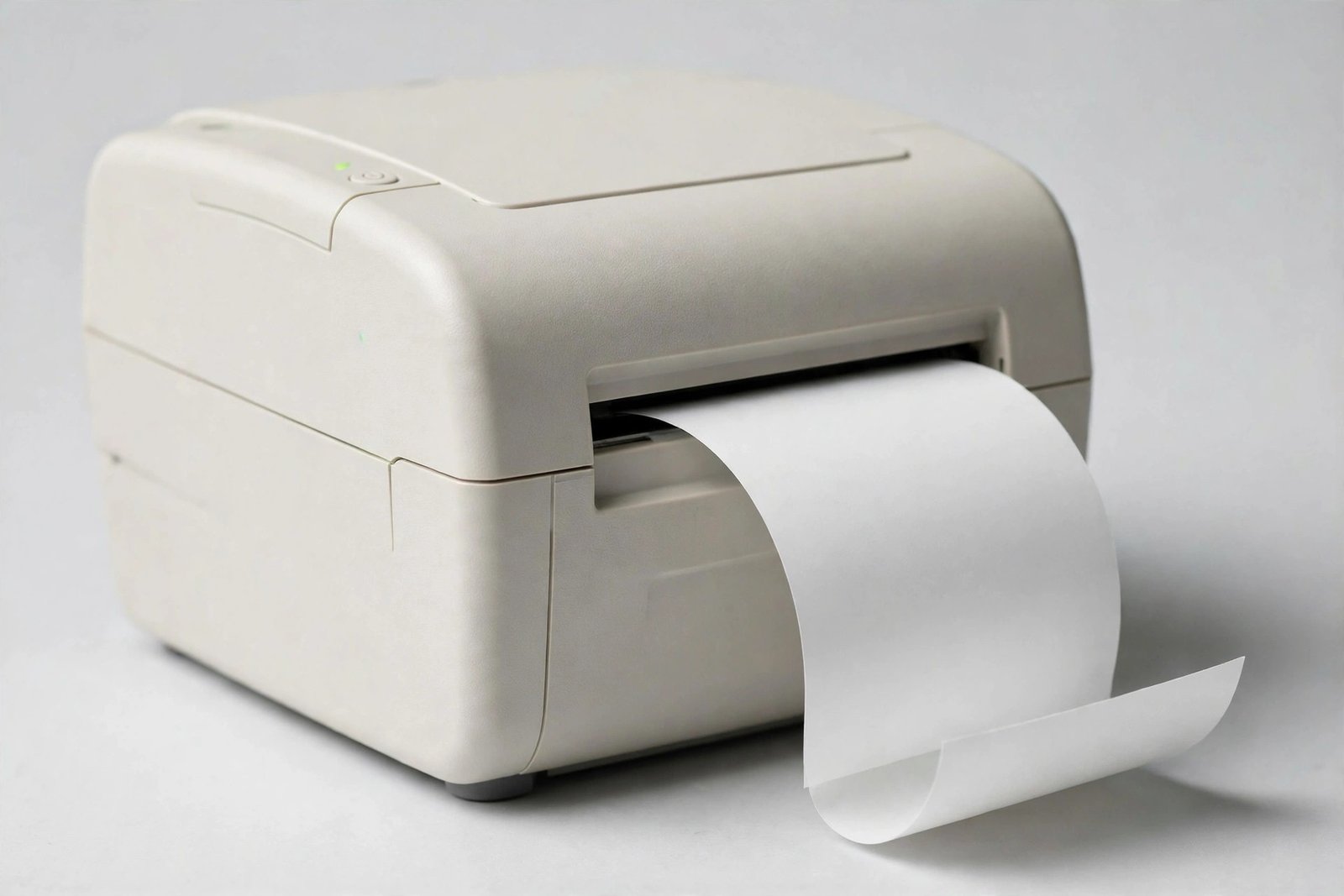
Ask any accountant in April where last year’s file is, and the honest answer depends on labelling. A Thermal Label Printer for Desktop prints crisp, professional labels for client files, archive boxes and binders in seconds, with no ink or toner to run dry at the worst possible moment. Clear labels turn a wall of identical brown boxes into a system you can search at a glance.
Choose a model that handles several label widths, from small file-spine labels to large archive-box labels, and check the software is simple enough to use in the middle of a task. Barcode and QR options help if you track files or assets. Labels are the only running cost, and a single roll lasts a long time at desk volumes.
Pros
- 👍 No ink or toner to replace, ever
- 👍 Crisp labels for files and archive boxes
- 👍 One label prints in a few seconds
- 👍 Keeps client files organised by year
Cons
- 👎 Labels are a recurring running cost
- 👎 Output is monochrome only
- 👎 Unusual sizes need specific label rolls
Best for: anyone archiving client files, boxes and binders by year and by client.
Check Price And User Reviews on Amazon
4. Desk Lamp with Adjustable Color Temperature

Light is the desk gadget you notice only when it is wrong — glare across a statement at noon, a dim corner at nine in the evening. A Desk Lamp with Adjustable Color Temperature lets you shift from cool, focused light for checking figures to warmer light as the day winds down. Among desk accessories for working from home, few are used as many hours a day as this one, and few change how the desk feels as much.
Look for a long, steady arm that holds its position, a dimmer with a wide range, and a base or clamp that suits your desk layout. A memory function that restores yesterday’s setting is a small daily delight. Flicker-free light at low brightness matters more than maximum brightness — you will spend most of your hours in the middle settings, reading paper inches from the page.
Position matters as much as brightness. Put the lamp on the opposite side to your writing hand so your hand never shadows the page, and angle it to light the document rather than your eyes. If your desk faces a wall, a lamp set behind the monitor line can wash the whole surface evenly and make the room feel larger on late nights.
Pros
- 👍 Light colour matches the hour and task
- 👍 Reduces glare on paper and screens
- 👍 Adjustable arm puts light where you work
- 👍 Memory settings restore your last choice
Cons
- 👎 Cheap models flicker at low brightness
- 👎 Large bases can eat into desk space
- 👎 Touch controls can be fiddly mid-task
Best for: desks used from early morning to late evening, with both paper and screen work.
Check Price And User Reviews on Amazon
5. Monitor Light Bar with Auto Dimming
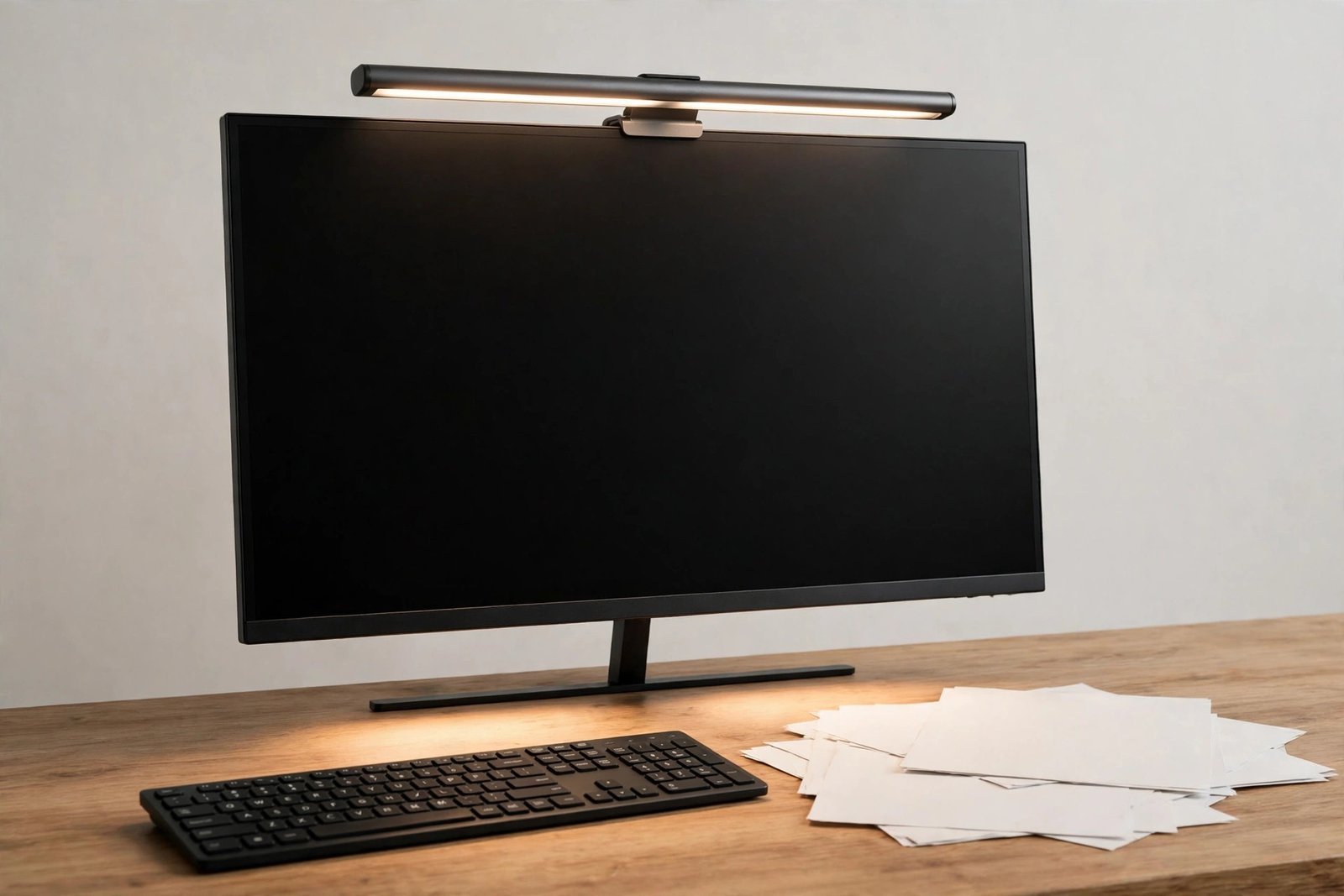
When the screen is where most of the work happens, light it properly. A Monitor Light Bar with Auto Dimming clips to the top of your monitor and throws light down onto the desk — not onto the screen — so spreadsheets stay glare-free while your keyboard and paperwork are lit. The auto-dimming sensor reads the room and adjusts, so the light feels right at dawn and at midnight without you touching a thing.
It also returns the desk space a lamp base would take, which matters on a home desk shared with files, a calculator and a mug. Check it fits your monitor’s thickness, especially curved screens, and that it is USB powered so it can run from the monitor or a dock. Paperwork off to the side still needs the room light, but for screen-first work a light bar is hard to beat.
Pros
- 👍 Lights the desk without screen glare
- 👍 Frees the space a lamp base would take
- 👍 Auto dimming follows the room light
- 👍 USB powered — no extra socket needed
Cons
- 👎 Needs a monitor with a suitable top edge
- 👎 Less suited to curved or very thin screens
- 👎 Does not light paperwork off to the side
Best for: spreadsheet-heavy evenings where the screen is the main workplace.
Check Price And User Reviews on Amazon
6. Ergonomic Split Keyboard
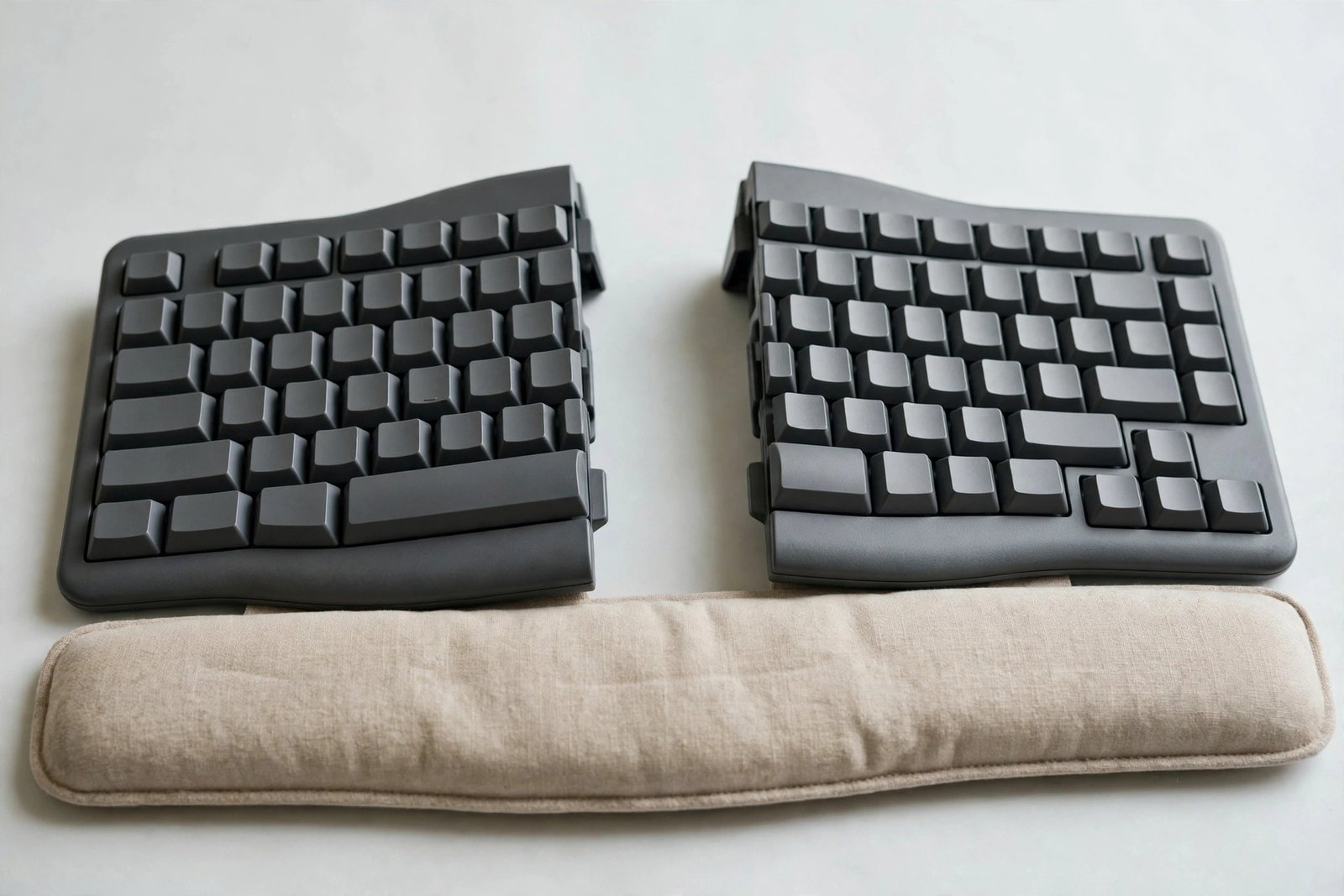
Data entry is a contact sport played with two hands, thousands of times a day. An Ergonomic Split Keyboard divides the keys into two angled halves, so your hands rest in a straighter, more natural line instead of bending inwards toward a standard board. Of all the ergonomic desk gadgets in this guide, it is the one your hands will notice first — the position simply feels less forced across a long day of typing.
Accountants should check one detail before anything else: the numeric pad. Many split boards omit it or move it, so a model with a built-in pad, or a matching separate pad, may be the sensible buy. Cushioned wrist rests, adjustable tenting and quiet keys all suit long sessions. Expect a few days of slower typing while your hands learn the layout — accuracy returns quickly, and most people never go back.
Pros
- 👍 Split layout keeps hands in a natural line
- 👍 Tenting avoids the flat-wrist angle
- 👍 Cushioned rests suit long typing sessions
- 👍 Wireless models clear desk clutter
Cons
- 👎 Layout takes a few days to learn
- 👎 Many models need a separate numeric pad
- 👎 Larger footprint than a standard keyboard
Best for: touch-typists entering data for hours who want a more comfortable hand position.
Check Price And User Reviews on Amazon
7. Vertical Wireless Mouse

A standard mouse asks your forearm to lie flat and twisted for hours at a time. A Vertical Wireless Mouse turns the hand upright into a handshake position instead, which many people find noticeably more comfortable across a long day of spreadsheet work. It is a comfort choice, not a cure — but when the job is eight hours of cells, clicks and scrolling, comfort is exactly the point.
Size matters more than specifications: a vertical mouse that is too small forces a tight grip, and one that is too large strains your reach, so check the sizing guide against your hand. Adjustable sensitivity helps — slow and precise for careful cell work, faster for sweeping across two monitors. Rechargeable models that still work while plugged in keep you going through deadline week without a battery hunt.
Pros
- 👍 Upright grip feels natural for many users
- 👍 Wireless keeps the desk tidy
- 👍 Adjustable sensitivity for fine cell work
- 👍 Long battery life between charges
Cons
- 👎 The grip change takes adjustment time
- 👎 Less ideal for very fast pointer work
- 👎 Left-handed models are rare
Best for: anyone whose hand feels tired after long mouse sessions at the spreadsheet.
Check Price And User Reviews on Amazon
8. Adjustable Aluminum Laptop Stand

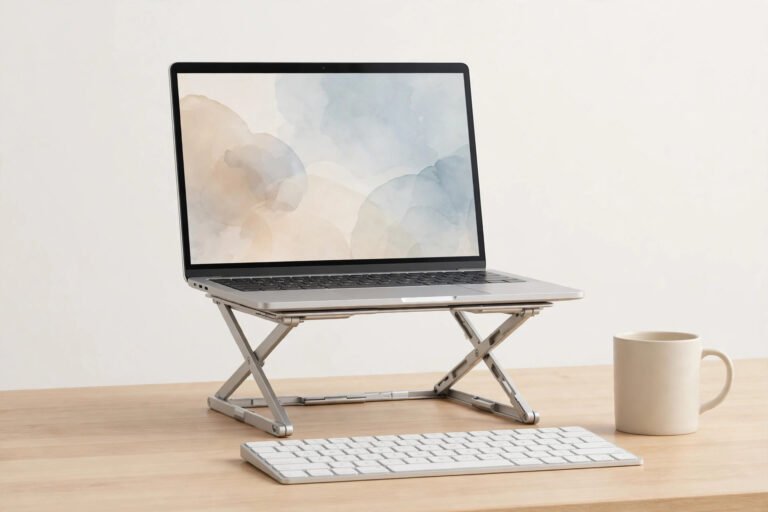
A laptop screen sits far too low for a full day’s work, and the hunch that follows is the tax every laptop accountant pays by evening. An Adjustable Aluminum Laptop Stand raises the screen to eye level, where it belongs, and turns the laptop into the heart of a proper desk. Pair it with an external keyboard and mouse and the laptop becomes a screen — nothing more, nothing less, and far more comfortable to face all day.
Metal stands beat plastic for stability; a stand that wobbles as you type will annoy you hourly. Look for several height settings, rubber pads that grip without scratching, and an open frame that lets air move under the machine during heavy work. Many fold flat, which suits desks that must double as a dining table once the working day is done.
Pros
- 👍 Raises the screen to a comfortable height
- 👍 Sturdy metal build does not wobble
- 👍 Open design helps the laptop stay cool
- 👍 Folds flat for storage or travel
Cons
- 👎 Needs an external keyboard and mouse
- 👎 Fixed-angle models adjust less
- 👎 Highest settings can feel less stable
Best for: laptop-based accountants who want the screen at eye level all day.
Check Price And User Reviews on Amazon
9. Electric Desktop Stapler

Reports, returns and client packs all end the same way — stapled, neatly, dozens of times a day. An Electric Desktop Stapler does it with one touch, driving a clean, consistent staple through thick sets that would defeat a tired hand and a budget manual stapler. It sounds like a small thing until deadline week, when it quietly saves your hand hundreds of presses and every document leaves the desk looking uniform.
Check the sheet capacity honestly against your thickest regular document, and look for a flat-clinch finish if you stack finished packs — the folded legs sit flatter and the piles stay tidier. Battery models can live anywhere on the desk; mains models never run flat in the middle of a job. A clear staple window and easy front loading keep refills painless.
Pros
- 👍 One-touch stapling for thick document sets
- 👍 Consistent, neat staples every time
- 👍 Flat-clinch models stack papers neatly
- 👍 Easier on the hand than manual staplers
Cons
- 👎 Needs batteries or a mains socket
- 👎 Staple capacity varies by model
- 👎 Can jam if overfilled with paper
Best for: anyone binding reports, returns and client packs every day.
Check Price And User Reviews on Amazon
10. Compact Desktop Paper Shredder

An accountant’s waste paper is not ordinary waste paper. Draft returns, statements and client letters carry confidential details, and a Compact Desktop Paper Shredder is how they should leave the house — in cross-cut pieces, not in readable sheets. A small shredder beside the desk means confidential paper is destroyed the moment it is finished with, not collected in a risky pile for later.
Cross-cut is the level to choose for client work; a simple strip-cut is not enough for sensitive figures. Check the sheet capacity and the bin size together — a small bin fills fast during an archive clear-out, and a viewing window helps you time the emptying. Compact models run happily in short bursts, which suits a steady desk routine of a few sheets at a time far better than monthly marathon sessions.
Keep it where the paper lands, not where you wish it landed — a shredder shut in a cupboard is a shredder used monthly, while one beside the desk gets used daily. Feed it a few sheets at a time rather than forcing thick stacks, let it rest between bursts, and a drop of shredder oil across the blades every month or so keeps the cut clean and the motor happy.
Pros
- 👍 Cross-cut pieces protect client confidentiality
- 👍 Compact size fits beside or under a desk
- 👍 Handles statements, drafts and old returns
- 👍 Auto start and stop make it effortless
Cons
- 👎 Small bins fill quickly on big clear-outs
- 👎 Continuous running time is limited
- 👎 Needs occasional oiling to run best
Best for: home-based accountants who must destroy confidential paper safely.
Check Price And User Reviews on Amazon
11. USB C Docking Station with Card Reader
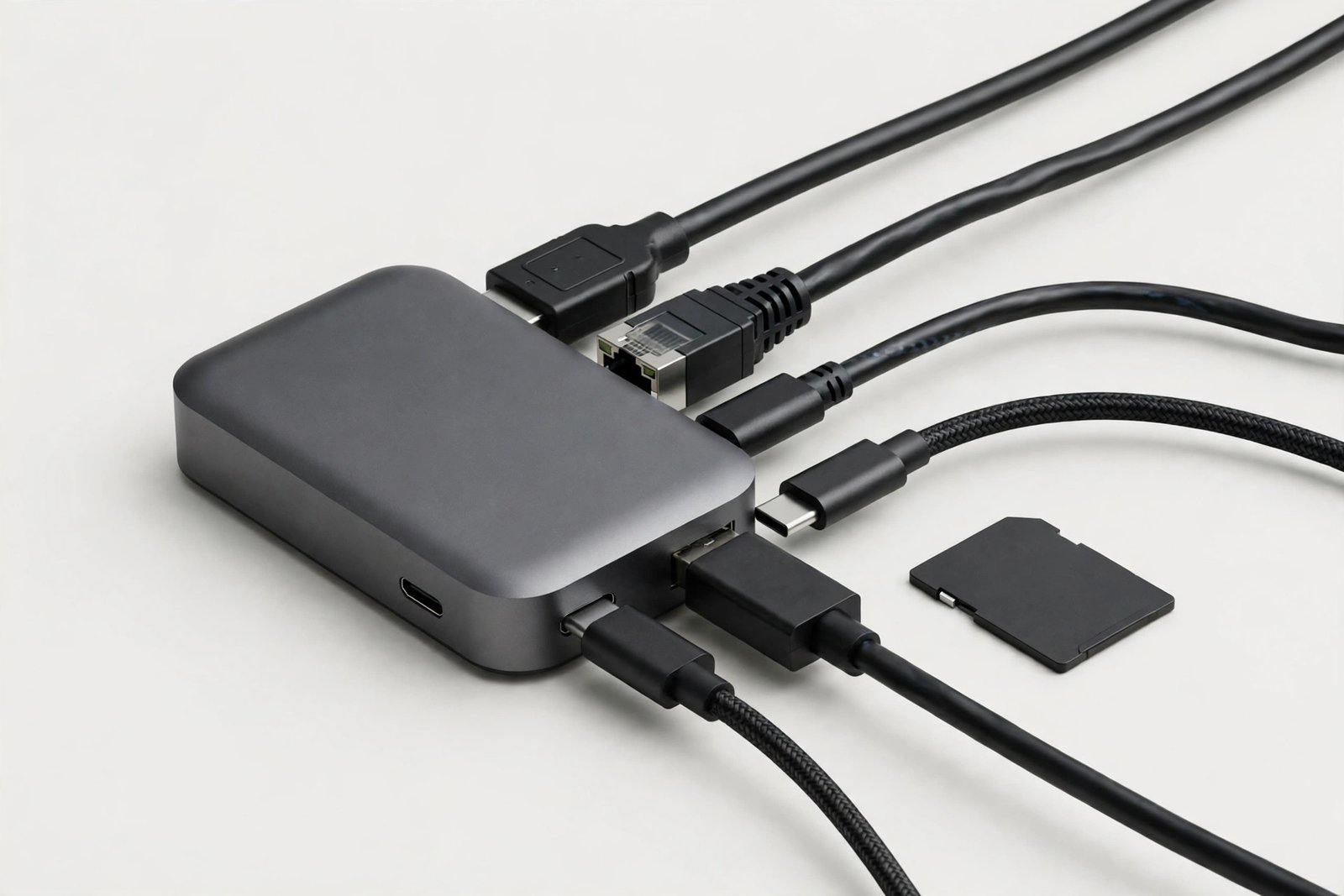
One cable in, one cable out — that is the promise of a good dock. A USB C Docking Station with Card Reader connects your monitor, keyboard, scanner, backup drive and charger to the laptop through a single plug, so the desk is fully ready the moment you sit down. It is the backbone of a tidy home office desk setup, and the built-in card reader earns its place every time receipts or client photos need to come off a memory card.
Compatibility is the detail that decides everything: check the dock supports your laptop’s charging wattage and the number and resolution of monitors you actually run. Ports at the front for everyday items and at the back for permanent cables keep the surface calm. A dock that gets the basics right disappears from your attention entirely, which is the highest praise any desk kit can earn.
It also makes the start and end of the day beautifully simple: one plug in the morning, one plug out at night, with no crawling under the desk to swap cables. If your household shares the desk, a dock means the next person faces a clear surface rather than your cable nest — a small mercy that keeps the peace in a busy home.
Pros
- 👍 One cable connects the whole desk
- 👍 Adds the ports a slim laptop lacks
- 👍 Card reader speeds up receipt transfers
- 👍 Power delivery charges while you work
Cons
- 👎 Monitor support varies — check your laptop
- 👎 Can run warm under a full load
- 👎 Cable lengths may limit placement
Best for: laptop users with a monitor, scanner, backup drive and card-based receipts.
Check Price And User Reviews on Amazon
12. Electric Mug Warmer with Auto Shut Off
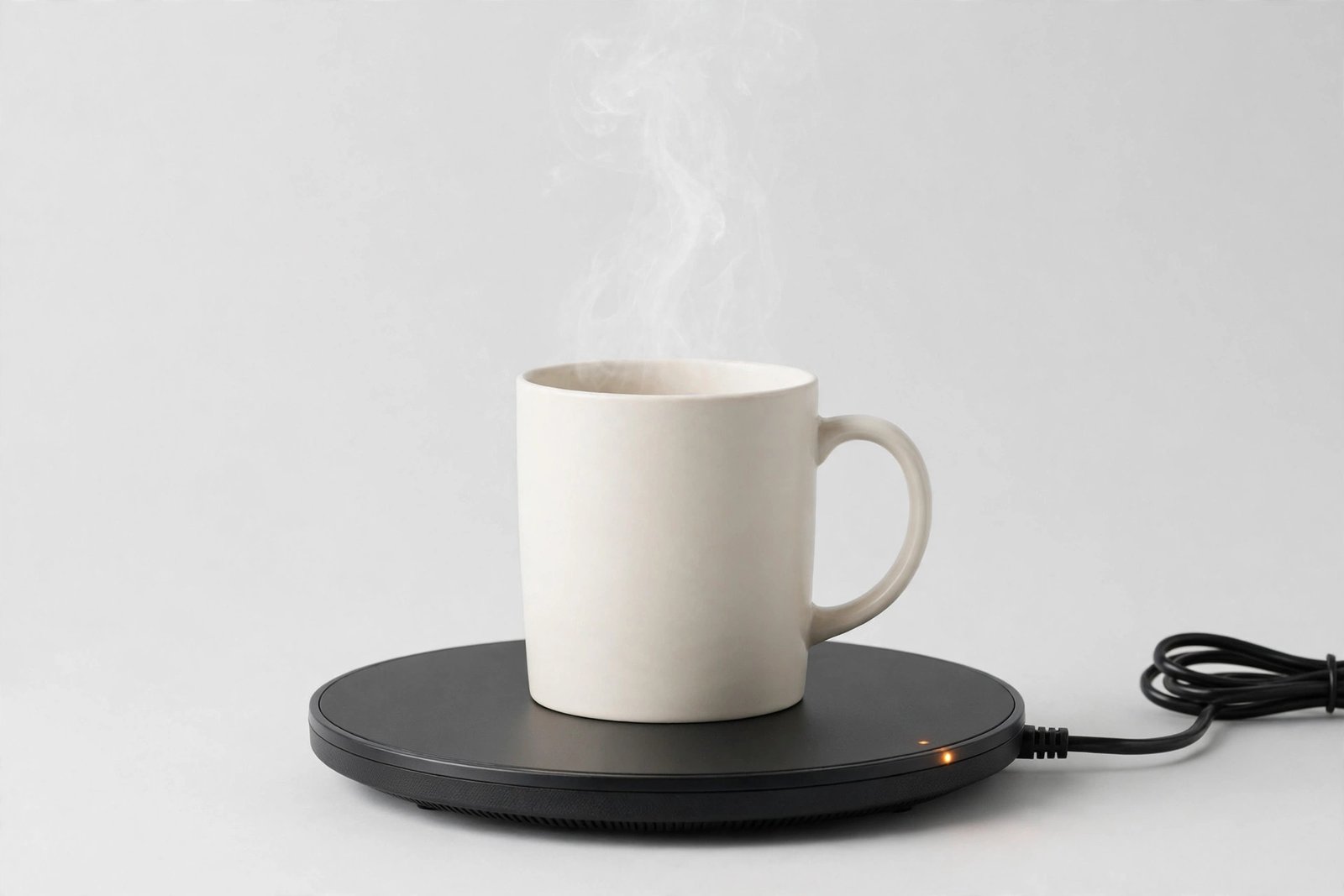
Every accountant knows the pattern: make tea, open a reconciliation, resurface an hour later to a cold mug. An Electric Mug Warmer with Auto Shut Off keeps the drink at a pleasant, drinkable warmth for as long as the task takes, so the break you planned at ten o’clock still tastes like a break at eleven. It is the least technical gadget in this guide and, on deadline days, possibly the most loved.
Be clear about what it does: it maintains warmth; it does not boil water or properly reheat a stone-cold drink. Flat-bottomed mugs work best, and a gravity switch that turns the plate on when the mug lands — plus the auto shut-off timer — makes it safe to forget about entirely. Small, silent and always there, it asks nothing and gives back a warm drink.
It makes a genuinely good gift for another home worker, too, precisely because nobody buys one for themselves. Choose a model with a plate wide enough for your biggest mug, wipe it clean during the weekly desk tidy, and it will simply be there — warm, ready and asking nothing — every working day of the year.
Pros
- 👍 Keeps drinks warm through long tasks
- 👍 Auto shut-off for peace of mind
- 👍 Simple — no settings to learn
- 👍 Small and silent on the desk
Cons
- 👎 Maintains warmth rather than heating from cold
- 👎 Works best with flat-bottomed mugs
- 👎 One more cable on the desk
Best for: tea and coffee drinkers whose drinks always go cold mid-task.
Check Price And User Reviews on Amazon
What to Look for Before You Buy
Start from the work, not the catalogue. Watch your own desk for a week and note where the day actually snags: the paper pile, the typing, the light, or the tangle of cables. The gadgets that make up a good home office desk setup are the ones aimed at your own snag, in the order it slows you down. For most accountants the paper chain — scanner in, labels on, shredder out — returns its cost in saved time first.
Space and sockets decide the rest. Measure the desk before buying anything with a footprint, and count your power points before buying anything with a plug. When choosing desk accessories for working from home, remember the desk may also be a dining table or a shared family surface — kit that folds, docks or switches off cleanly survives in a real home far better than kit that sprawls across it.
Weigh running costs alongside the asking price. Calculators need tape and ribbons, label printers need labels, shredders need occasional oil — all cheap per week, but none of them free, and a gadget abandoned because its consumables annoyed you is the most expensive kind. Accuracy tools deserve the same honesty: a scanner is only as good as the files you can find again, so plan the folder system it feeds before it arrives.
Finally, buy in stages, and buy before the rush. One or two upgrades a month lets each earn its place, and setting the desk up in a quiet month means it is ready when deadline season arrives. A desk built gradually around your own habits will still be serving you long after a single big shopping spree would have been rearranged twice.
It also helps to think in pairs rather than single gadgets. A stand only works with an external keyboard and mouse; a light bar covers the screen zone while a lamp covers the paperwork zone; a scanner creates the digital files that a label printer then helps you organise in the physical world. Buying pairs that complete each other gives you a finished system instead of a drawer of half-answers.
Final Thoughts
An accountant’s desk is a workshop, and like any workshop it works best when the tools fit the hands that use them. The ergonomic desk gadgets keep long days comfortable, the paper tools keep information moving in one direction — scanned, labelled, filed or shredded — and the small comforts keep the whole day human. None of it shortens the working day. All of it makes the day easier to do well, and accuracy easier to sustain at hour nine than at hour one.
Start with the snag that costs you the most time or comfort, fix that one thing, and live with it through a full week of real work. The next upgrade will suggest itself soon enough. A desk assembled that way, one honest improvement at a time, quietly becomes the best office you have ever worked in — even if it happens to be the corner of a spare room.
More Guides You’ll Like
If your desk is part of a bigger workspace, our guide to the Best Gadgets for Office Daily Use covers the wider office essentials, and Best Gadgets for Desk Workers with Back Pain goes deeper on sitting comfort for long desk days. And because accountants run on coffee and whatever lunch fits between tasks, see the Best Kitchen Gadgets for Office Pantry Lunches at Work Daily for the break-time side of the working day.
Frequently Asked Questions
What should an accountant buy first for a home desk?
Start with the tool aimed at your biggest daily snag. For most accountants that is the printing calculator, because checking figures is the heart of the job; next comes the light, because every working hour is spent under it; then the scanner, to stop paper arriving faster than it leaves. One well-chosen gadget used all day beats four novelties used once a week.
Are printing calculators still worth it when spreadsheets do the maths?
Yes — because the value is not the arithmetic, it is the checking. The printed tape lets you tick every figure against the source document, spot the transposed digits, and keep a paper record with the file. That habit is exactly why they remain accountant desk essentials long after the spreadsheet took over the calculations themselves.
How do I fit a full accounting setup on a small desk?
Think vertically, and think docks. Raise the laptop on a stand, let a single dock cable run everything, choose compact versions of the scanner and shredder, and keep only the current file on the surface. Everything else lives in a labelled box or a drawer. A small desk with a system beats a large desk with a pile, every single week of the year.
How should I handle confidential client paper at home?
Treat it like money: it arrives, it is processed, and then it is either filed securely or destroyed. Scan what your records require you to keep, store paper files out of sight, and cross-cut shred anything that has served its purpose rather than binning it whole. A compact shredder at the desk makes the safe habit the easy habit.


3 Comments