
Best Desk Accessories for Productivity: 12 Gadgets That Make Work Easier
Affiliate Disclosure: As an Amazon Associate, we earn from qualifying purchases made through links on this page, at no extra cost to you. This helps us keep testing and reviewing desk gadgets and publishing free guides for readers.
A quick note on prices: prices change often, so we never quote a fixed price here. Please check the latest price on Amazon before you buy, using the yellow buttons in this guide. Product images on this page are original images created for this guide to show each gadget’s design and key features, not photos taken from a retailer listing.
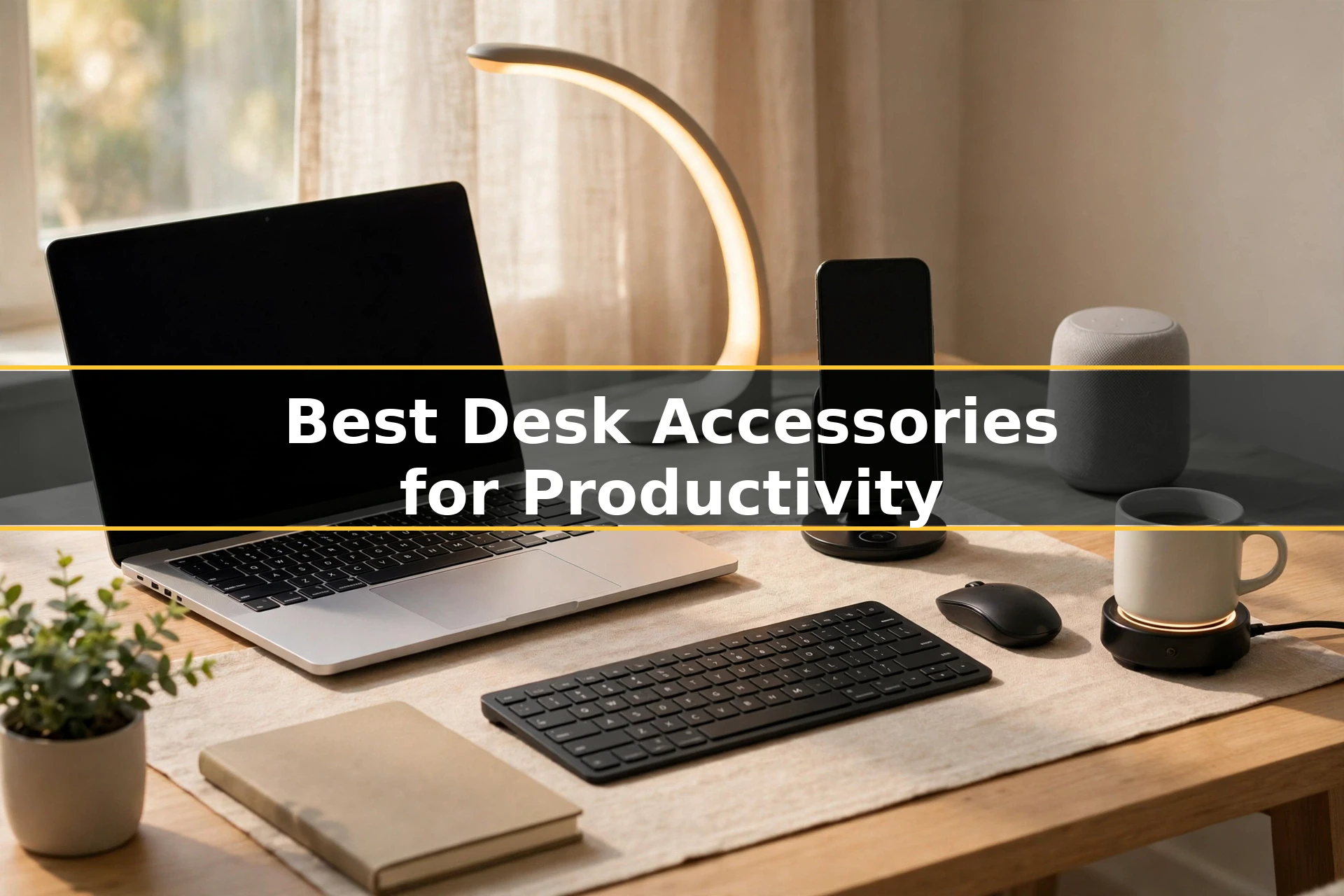
A messy desk quietly taxes every workday: you squint under bad light, hunt for a free socket, watch your phone die mid-call and sip coffee that went cold an hour ago. The best desk accessories for productivity fix those small frictions one by one, and the twelve powered gadgets below are the ones that genuinely earn their space. These are not trays, stands or organizers — every pick here plugs in, charges up or switches on, from a smart lamp that dims itself as the room brightens to a power strip you can schedule from your phone.
Think of this list as a desk upgrade in layers. Start with light and power, the two things every setup depends on, then add the comfort picks — a fan that keeps air moving, a mug that keeps coffee hot, a converter that lets you stand — and finish with the small automations that save seconds all day long. Whether you work from a spare-room desk or a corner of the kitchen table, these desk gadgets for productivity turn a cluttered surface into a calm, efficient workspace that helps you focus.
How We Chose
Every product below had to pass one strict test first: it must be a powered or electronic device. That ruled out the cable trays, monitor shelves and plain organizers that fill most desk lists — useful, perhaps, but they are not gadgets. We then favoured established brands with strong reliability records, gear that solves a problem you feel every single day, and designs compact enough for a real home desk rather than a showroom. Each pick also had to play nicely with the rest of a modern setup: USB-C where it matters, app or voice control where it helps, and no proprietary clutter. The result is twelve home office desk gadgets that cover light, power, comfort and focus.
Quick List
- BenQ WiT e-Reading LED Desk Lamp
- Plugable USB-C Docking Station (UD-768PDH)
- Belkin BoostCharge Pro 2-in-1 Wireless Charging Dock
- Ember Temperature Control Smart Mug 2
- Dreo Smart Air Circulator Fan
- Kasa Smart Power Strip KP303
- MECO Mini Desktop Vacuum Cleaner
- Logitech MX Keys S Combo
- Govee RGBIC LED Strip Lights
- FlexiSpot Electric Standing Desk Converter
- UGREEN Nexode 200W USB-C Charging Station
- Amazon Echo Dot with Clock
1. BenQ WiT e-Reading LED Desk Lamp

Light is the foundation of every good setup, and the BenQ WiT e-Reading LED Desk Lamp gets it right in a way ordinary lamps cannot. Its curved head throws a noticeably wider pool of light across the whole desk, so your keyboard, notebook and phone are all evenly lit instead of sitting half in shadow. A built-in ambient sensor measures the room and sets the brightness for you — walk in on a grey morning and it simply glows at the right level — while the colour temperature slides from warm evening tones to crisp daylight for detailed work.
Touch controls on the head make quick adjustments effortless, and the light is flicker-free, which matters more than most people realise over an eight-hour day. If you only upgrade one thing on your desk this year, make it the lamp: of all the desk accessories for work in this guide, this is the one your eyes will thank you for daily.
Best for: Anyone who reads, writes or works long hours under one lamp and wants the light handled automatically.
Check Price And User Reviews on Amazon
2. Plugable USB-C Docking Station (UD-768PDH)

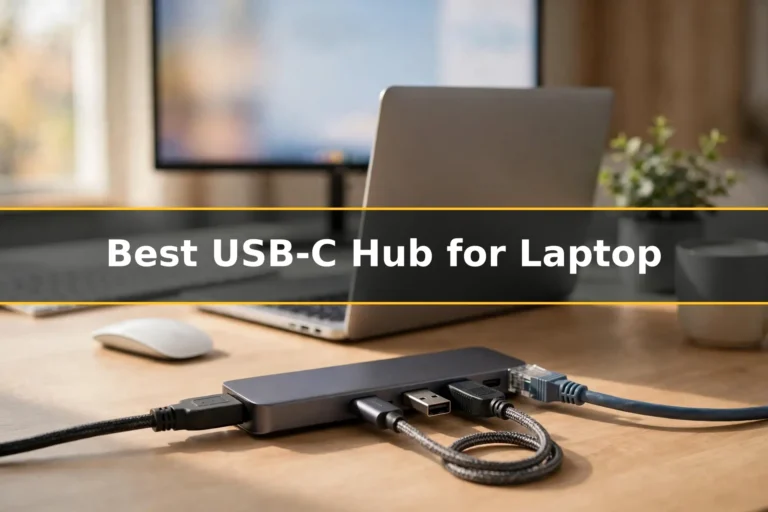
The daily plug-and-unplug dance — charger, monitor, keyboard dongle, ethernet — is pure lost time, and the Plugable USB-C Docking Station ends it with a single cable. Drop your laptop on the desk, connect one USB-C lead, and your external monitor lights up, your peripherals wake, your network connects and the laptop charges at the same time. This model drives an external display alongside the laptop screen, adds the USB ports modern thin laptops have lost, and includes wired ethernet for video calls that never stutter.
Plugable’s support and documentation are a quiet strength here: compatibility guidance is clear, and the dock works across Windows and Mac USB-C laptops. As desk setup accessories go, a good dock is the single biggest quality-of-life upgrade for anyone who carries their laptop between rooms or between home and office.
Best for: Laptop workers who dock and undock daily and want the whole desk live in five seconds.
Check Price And User Reviews on Amazon
3. Belkin BoostCharge Pro 2-in-1 Wireless Charging Dock

Your phone and earbuds both need daily charging, and the Belkin BoostCharge Pro 2-in-1 Wireless Charging Dock gives them one shared home instead of two trailing cables. The magnetic pad holds an iPhone upright at full MagSafe speed — perfect for glancing at notifications and using StandBy mode as a desk clock — while the base quietly charges AirPods or any Qi earbuds case. One power supply feeds both, which instantly removes a plug and a cable from your desk.
The dock’s pad adjusts between flat and upright angles, the build feels properly weighted, and the phone snaps into alignment every single time. Among desk gadgets for productivity, chargers are easy to overlook, but a phone that is always full and always visible simply removes a dozen tiny interruptions from the day.
Best for: iPhone and AirPods users who want one tidy charging spot instead of two cables.
Check Price And User Reviews on Amazon
4. Ember Temperature Control Smart Mug 2

Cold coffee is the unofficial mascot of the distracted workday. The Ember Temperature Control Smart Mug 2 is a mug with a built-in heater and battery: set your exact drinking temperature in the app, and it holds every sip there — on its own for over an hour away from the desk, or all day when it sits on its charging coaster. No microwaved coffee, no sad trips to the kitchen breaking your flow mid-task.
It sounds like a luxury until you count how many times a day you reheat a drink. The mug washes up like a normal (hand-wash) mug, the app remembers your presets for coffee, tea or hot chocolate, and the coaster doubles as a tidy permanent home for it on the desk. It is the most indulgent of these home office desk gadgets — and the one owners tend to rave about most.
Best for: Slow sippers and deep-focus workers whose coffee always goes cold mid-task.
Check Price And User Reviews on Amazon
5. Dreo Smart Air Circulator Fan
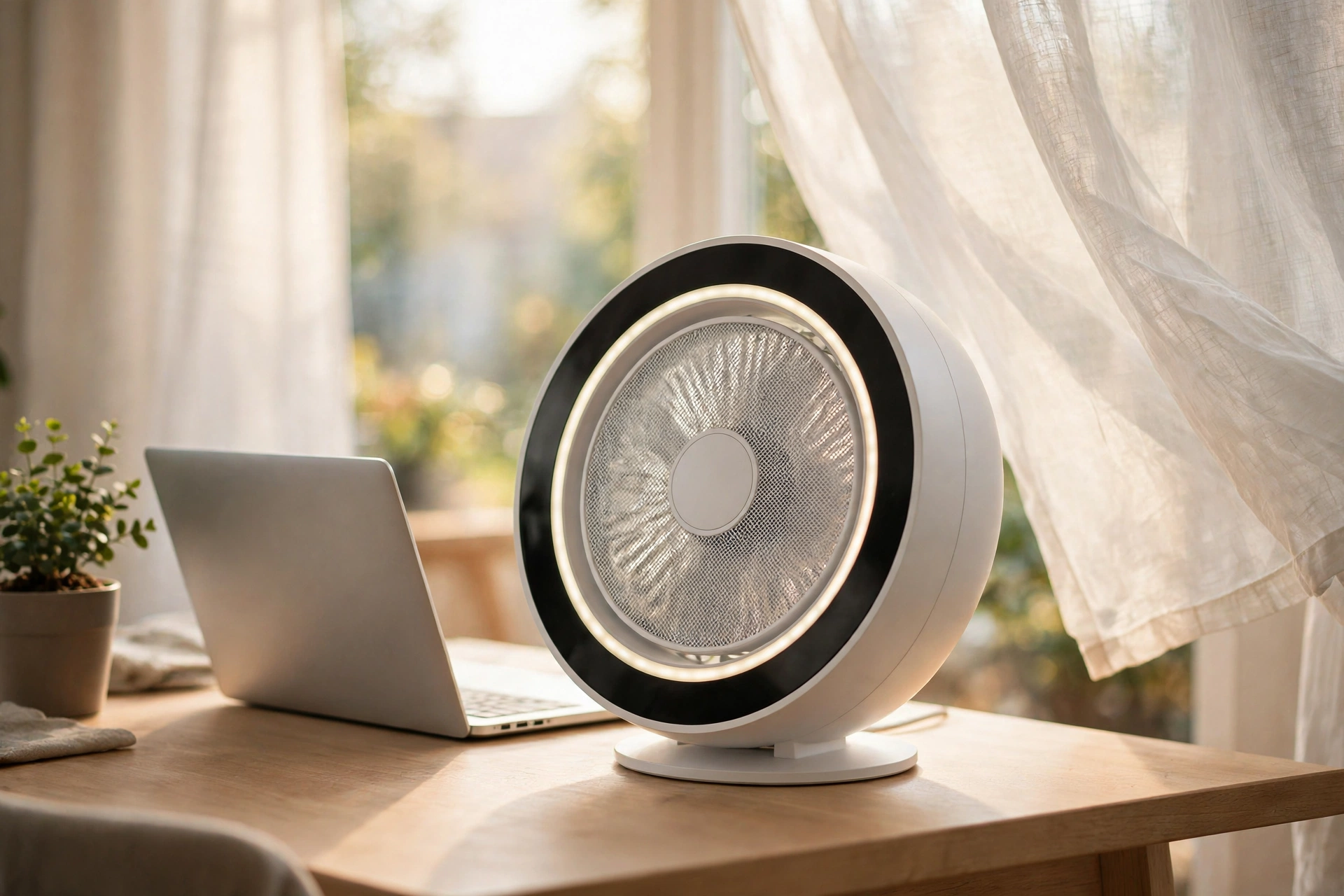
A stuffy room makes for a foggy brain, and the Dreo Smart Air Circulator Fan keeps the air at your desk moving without the roar of a cheap fan. It oscillates, tilts, and pushes a focused stream of air across the room rather than just stirring the corner it sits in. Because it is a smart fan, you can change speed, set a timer or schedule it from the app or by voice — handy when you are mid-call and the afternoon sun hits your window.
The design is compact and modern enough for a desk corner, and the quieter speeds are genuinely quiet enough for microphone work. Temperature is one of those invisible productivity factors: stay comfortable and you simply concentrate longer, which is why a good fan earns its place among the best desk setup accessories for warm rooms and sun-facing desks.
Best for: Warm, sun-facing desks and anyone whose focus fades in a stuffy room.
Check Price And User Reviews on Amazon
6. Kasa Smart Power Strip KP303

Everything in this guide needs power, and the Kasa Smart Power Strip KP303 turns that necessity into an automation. Its three outlets are individually smart: switch each one from the app or by voice, put them on schedules, or set the whole desk to wake with your alarm and sleep when you do. Two always-on USB ports handle phone charging, and built-in surge protection guards the expensive gear plugged into it.
The everyday win is subtle but real: one voice command or one tap turns the lamp, monitor and chargers fully off at night — no standby drain, no glowing LEDs — and brings the whole desk back to life in the morning. Of all the desk gadgets for productivity here, this is the one that quietly automates the rest.
Best for: Anyone who wants the whole desk to switch on and off together, on schedule or by voice.
Check Price And User Reviews on Amazon
7. MECO Mini Desktop Vacuum Cleaner
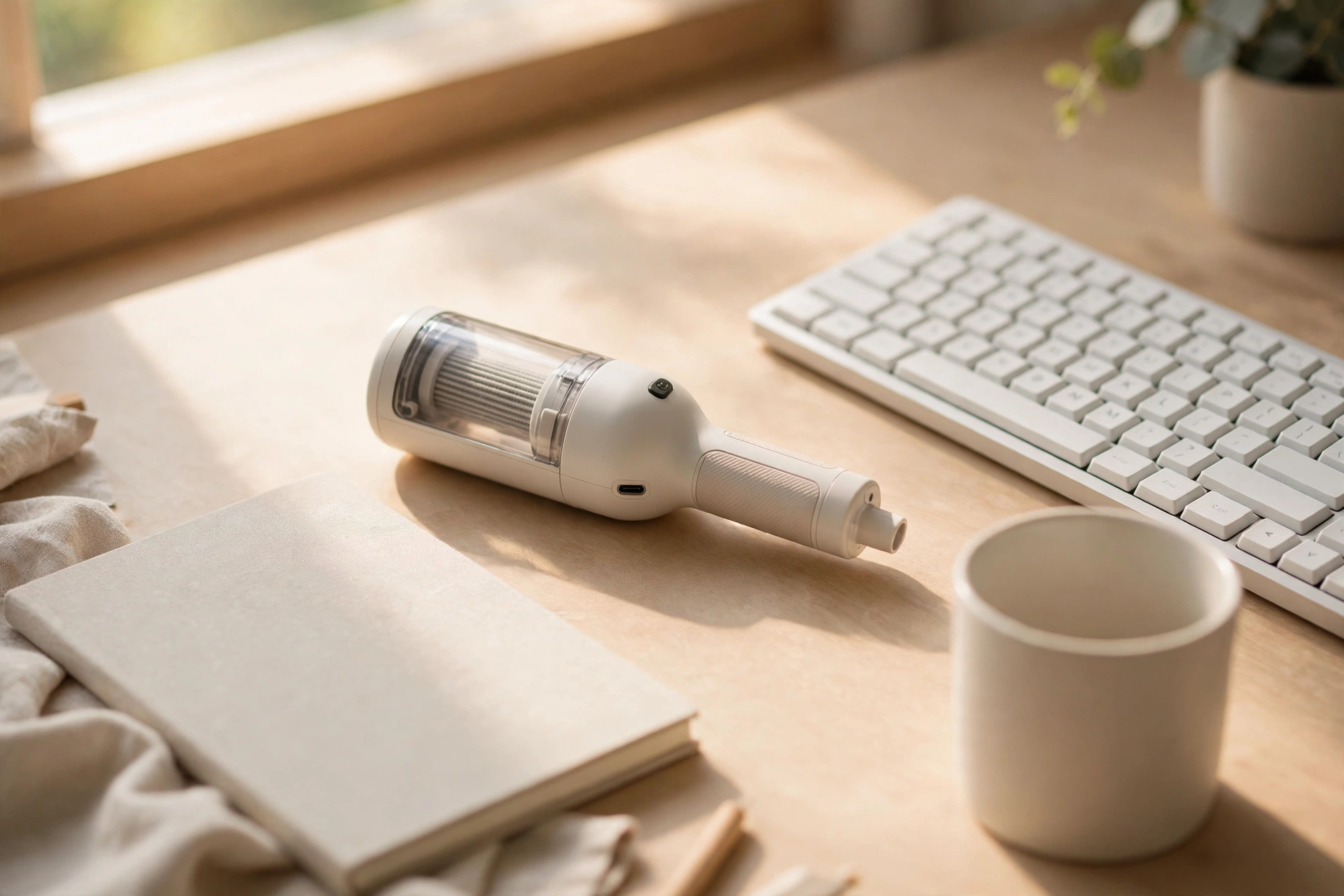
Crumbs in the keyboard, dust along the monitor base, eraser shavings on the notebook — a desk gets grubby in ways you stop noticing. The MECO Mini Desktop Vacuum Cleaner is a palm-sized rechargeable vacuum made exactly for this: pick it up, run it over the desk and keyboard for twenty seconds, and the surface is clean again. It charges by USB, lives happily in a drawer, and its little nozzle gets between keys and along edges where a cloth just pushes dirt around.
It will never replace a real vacuum, and it is not meant to. Its job is the two-minute tidy that keeps a workspace feeling fresh — and a clean desk genuinely is easier to sit down to. As desk accessories for work go, it is the cheapest mood upgrade on this list.
Best for: Snack-at-the-desk workers and anyone bothered by keyboard crumbs.
Check Price And User Reviews on Amazon
8. Logitech MX Keys S Combo

You touch your keyboard and mouse more than everything else on the desk combined, and the Logitech MX Keys S Combo is the upgrade your hands notice within a day. The keyboard’s spherically-dished keys are backlit — the light wakes as your hands approach — and the typing feel is quiet, precise and low-effort. The matching mouse tracks on almost any surface, scrolls a thousand lines a second when you flick the wheel, and both devices pair with up to three computers, hopping between your laptop and desktop with one key.
Battery life runs to weeks or months per USB-C charge, and Logitech’s software lets you remap keys and automate repetitive strings. If your current keyboard came free with a computer, this combo is the most tangible of all the home office desk gadgets here: it makes the basic act of working feel better.
Best for: Writers, coders and anyone who types for hours and hops between two computers.
Check Price And User Reviews on Amazon
9. Govee RGBIC LED Strip Lights

A strip of light behind your monitor sounds like decoration, but it works like eye care: the soft glow balances the screen’s brightness against the room, and long evening sessions feel noticeably less harsh. The Govee RGBIC LED Strip Lights stick along the back of your monitor or under a shelf, run from USB or a plug, and can show multiple colours at once — or settle into a plain warm white when it is time to be sensible. The app handles scenes, timers and music-sync effects, and voice control works through the usual assistants.
Installation is ten minutes with the adhesive backing, and the effect transforms a plain desk into a space you actually enjoy sitting at after dark. Mood matters for motivation: of all the desk accessories for productivity in this guide, this is the one that changes how the desk feels, not just how it works.
Best for: Evening workers and anyone who wants their desk to feel calmer after dark.
Check Price And User Reviews on Amazon
10. FlexiSpot Electric Standing Desk Converter

Sitting all day is the desk worker’s slow problem, and the FlexiSpot Electric Standing Desk Converter fixes it without replacing your desk. It sits on top of your existing desk, and at the touch of a button an electric motor lifts your monitor, keyboard and laptop smoothly to standing height — then lowers them again when you want to sit. No cranking, no wrestling a heavy spring-loaded riser, and the platform is wide enough for a monitor plus laptop or a generous keyboard-and-notebook spread.
The health maths is simple: even a few standing sessions a day break up the stiffness and afternoon slump. Because it is a converter rather than a full desk, it suits renters and small home offices perfectly, and it moves with you if you change rooms. Among desk setup accessories, it is the biggest physical change you can make in ten minutes.
Best for: Desk workers with back stiffness who cannot replace their whole desk.
Check Price And User Reviews on Amazon
11. UGREEN Nexode 200W USB-C Charging Station
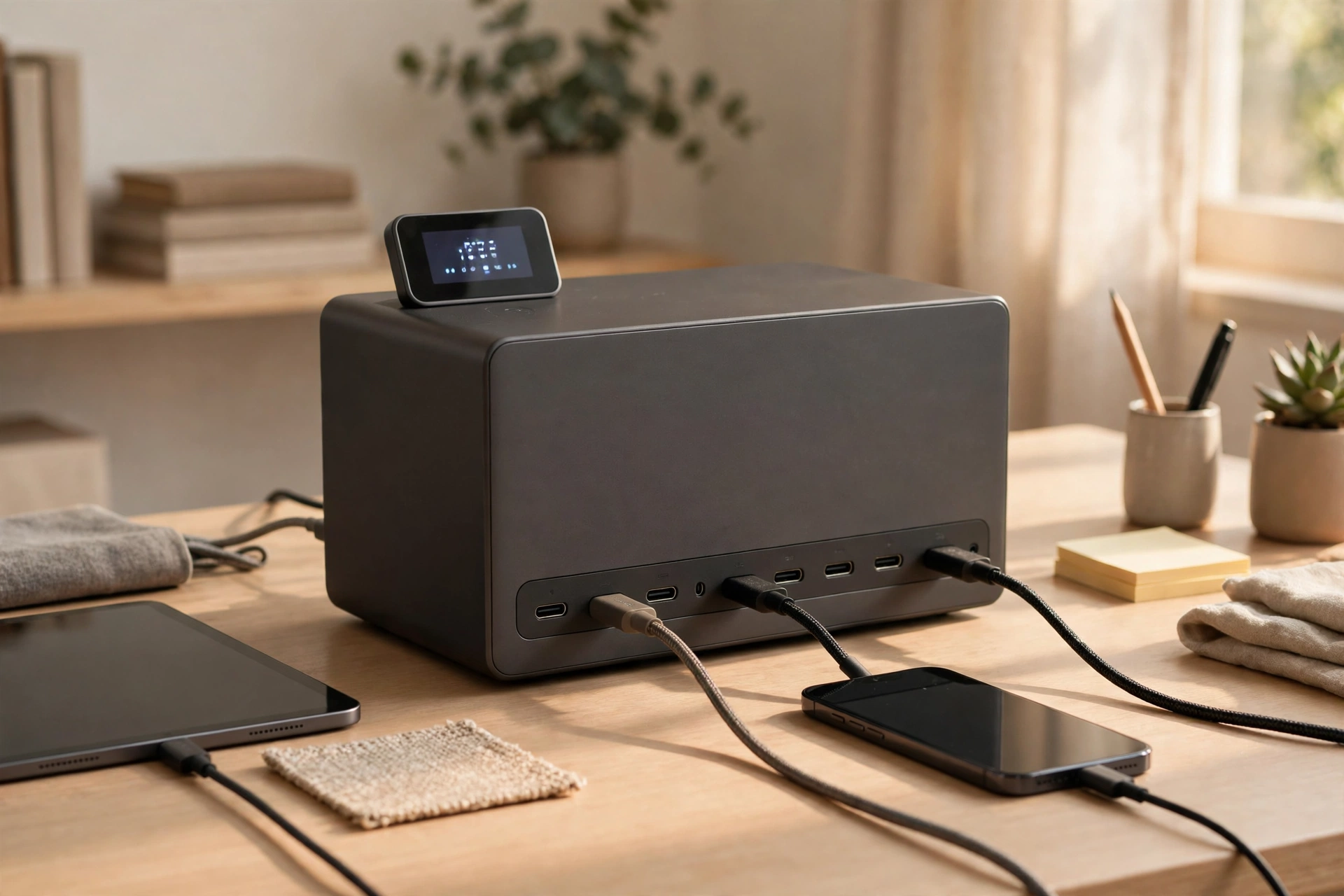
If your desk has a charger for the laptop, another for the phone, another for the tablet and a fourth hiding somewhere, the UGREEN Nexode 200W USB-C Charging Station replaces the lot. This desktop GaN block delivers up to 200W shared across its USB-C and USB-A ports — enough to fast-charge a demanding laptop while a phone, tablet and earbuds fill up beside it — and a small display shows how the power is being split. One brick, one wall socket, every device fed.
GaN technology keeps it far smaller than the combined chargers it replaces, and UGREEN’s power management shares the watts intelligently as devices fill up. It pairs beautifully with the smart strip above: serious charging, tidily switched. For multi-device desks, this is one of the best desk accessories for productivity simply because it removes the low-battery shuffle entirely.
Best for: Multi-device desks juggling a laptop, phone, tablet and earbuds.
Check Price And User Reviews on Amazon
12. Amazon Echo Dot with Clock

The smallest gadget here might save you the most glances at your phone. The Amazon Echo Dot with Clock puts a soft LED time display on your desk and a voice assistant within earshot: set a focus timer, add a reminder, start a playlist or ask how long is left until your next meeting — all without touching a screen or breaking your train of thought. It also doubles as the voice remote for the smart gear above: the lamp, the fan and the power strip can all answer to it.
As a speaker it is perfectly decent for background music and podcasts at desk volume, and the clock display dims automatically at night. Time management is the quiet core of desk accessories for productivity, and having the time and a timer always visible — without a phone in reach — is a genuinely useful discipline tool.
Best for: Anyone who uses timers and reminders to stay on task and wants them off their phone.
Check Price And User Reviews on Amazon
What to Look for Before You Buy
Fix light and power first. The biggest daily gains come from the unglamorous layers: a lamp that lights the whole desk without glare, a dock that connects everything with one cable, and a smart strip that switches it all safely. Add comfort and automation picks after those foundations are in place.
Count your ports and sockets honestly. List everything that needs power or a USB port before you shop. A charging station and a dock overlap on purpose — one feeds devices, the other connects them — but two of the same thing just adds clutter. The best desk setup accessories are the ones where every port has a job.
Match smart features to your ecosystem. App-controlled gear is only convenient if it joins the assistant you already use. Check that lamps, strips and fans support your platform — Alexa, Google or Siri — so one voice or one app runs the desk instead of four separate apps.
Measure the desk before the gadgets. Converters, lamps with wide heads and full-size keyboards all need real space. Measure your surface, leave room for a notebook and a mug, and choose compact versions where the desk is small. Home office desk gadgets should shrink friction, not elbow room.
Final Thoughts
A productive desk is not about owning more things — it is about removing the small annoyances that interrupt you all day. The best desk accessories for productivity do exactly that: the lamp handles the light, the dock handles the cables, the smart strip handles the power, and the mug, fan and converter handle you. Start with the two or three picks that fix your own worst friction points, and build from there. A calmer desk will not do the work for you, but it makes starting — and staying — noticeably easier.
More Guides You’ll Like
- Best Monitor Light Bars for Eye Strain: 12 Picks for Comfortable Screen Time
- Best Wireless Charging Stands for Your Desk: 12 Chargers That Keep Cables Away
- Best Gadgets for Office Daily Use: 20 Picks That Make Work Easier Every Day
- Best 100W GaN Fast Chargers for Laptops, Phones and Tablets
Frequently Asked Questions
Which desk accessory makes the biggest difference first?
For most people it is the lamp. Good, even, glare-free light reduces eye strain on every task, all day. After that, a docking station or charging station removes the daily cable shuffle — the two upgrades that define the best desk accessories for productivity in practice.
Are smart desk gadgets worth it over basic ones?
Where the smart feature removes a repeated action, yes. A strip that switches the whole desk off on schedule, a fan you can adjust mid-call by voice, and a lamp that sets its own brightness all save small efforts that add up. If a gadget’s app is something you would open once and forget, the basic version is the better buy.
How do I keep a gadget-heavy desk tidy?
Give every device a fixed home, route cables once and leave them, and consolidate power into one strip and one charging station instead of many plugs. A mini desk vacuum handles the crumbs and dust in seconds. Most desk gadgets for productivity are designed to sit in one spot permanently — tidiness comes from the setup, not from tidying.
Can these accessories work in a small home office?
Yes — most picks here were chosen with home desks in mind. Choose the compact versions first: the charging dock instead of separate chargers, the strip instead of multiple plugs, and bias lighting instead of a second lamp. Measure before you buy, and even a small desk can hold the home office desk gadgets that matter most.


One Comment