Best Desk Gadgets for a Home Office: 12 Powered Upgrades for Your Desk
Affiliate Disclosure: As an Amazon Associate, we earn from qualifying purchases made through links on this page, at no extra cost to you. This helps us keep testing and reviewing desk gadgets and publishing free guides for readers.
A quick note on prices: prices change often, so we never quote a fixed price here. Please check the latest price on Amazon before you buy, using the yellow buttons in this guide. Product images on this page are original images created for this guide to show each gadget’s design and key features, not photos taken from a retailer listing.
A home office earns its keep when the desk works as hard as you do. The best desk gadgets for home office setups are not decorations — they are the powered upgrades that raise your screen to eye level, charge everything from one pad, light your work properly and keep the air around you comfortable through long days. A good set of home office desk gadgets quietly removes the small frictions that make working from home feel harder than it should.
Every pick below is a genuinely powered or electronic device from an established brand: no passive stands, no plain organisers, nothing that just sits there. Whether you are building a full desk setup from scratch or adding one smart upgrade at a time, these desk gadgets for work from home cover the jobs that matter most — posture, power, light, comfort and control — and each one earns its place on a real desk.

How We Chose
Four tests decided this list. First, every product had to be a powered or electronic device with a real job to do — that single rule removed the cable boxes, trays and novelty items that fill most desk roundups. Second, it had to come from an established brand with a strong record of owner reviews, because desk gear gets used eight hours a day and cheap electronics show it quickly. Third, it had to solve a problem home workers actually have: sitting too long, too few ports, flat phone batteries, poor light, stuffy air or a desk that never feels finished. Fourth, it had to fit an ordinary home office — normal desk sizes, standard sockets and setup measured in minutes. The twelve below passed all four, and together they form a desk setup that works as one system rather than twelve separate purchases.
Quick List
- FlexiSpot E7 Pro Electric Standing Desk — the sit-stand foundation the whole setup is built on.
- CalDigit TS4 Thunderbolt 4 Dock — one cable connects your laptop to everything.
- BenQ WiT e-Reading LED Desk Lamp — wide, gentle light made for screens and reading.
- Belkin BoostCharge Pro 3-in-1 Wireless Charging Pad — phone, earbuds and watch charged on one flat pad.
- Dreo Smart Tower Fan — quiet, app-controlled cooling for warm rooms.
- Kasa Smart Power Strip HS300 — six smart outlets with energy monitoring.
- Levoit Core 300S Smart Air Purifier — cleaner air for small rooms and allergy days.
- Amazon Echo Show 5 (3rd Gen) — a smart clock, speaker and call screen for your desk.
- Ember Temperature Control Smart Mug 2 — coffee held at your exact drinking temperature.
- WalkingPad A1 Pro Under Desk Treadmill — slow steps while you read, type and take calls.
- GoveeLife Smart Space Heater — app-controlled warmth for cold mornings.
- Elgato Stream Deck MK.2 — fifteen customisable keys for apps, calls and smart gear.
1. FlexiSpot E7 Pro Electric Standing Desk

If you upgrade one thing, upgrade the desk itself. The FlexiSpot E7 Pro raises and lowers at the touch of a button, with memory presets that return you to your exact sitting and standing heights every time. The dual-motor frame is stable even at full height with two monitors on top, and the lift is quick and quiet enough to use mid-call without anyone noticing. Alternating between sitting and standing through the day is the single change most home workers say made the biggest difference to their back and energy levels.
The frame is built from thick steel with a generous weight capacity, so it happily carries a monitor arm, a desktop PC and the usual desk clutter without wobble. Cable management under the top keeps the moving desk from dragging cords, and the anti-collision sensor stops the lift if it meets your chair. Among smart desk gadgets, this is the one everything else stands on — literally.
Best for: Home workers ready to fix their posture at the source and build the rest of the setup on top.
Check Price And User Reviews on Amazon
2. CalDigit TS4 Thunderbolt 4 Dock

One cable in the morning, one cable when you finish — that is the promise of a proper dock, and the CalDigit TS4 delivers it better than most. This aluminium dock offers a huge spread of ports — Thunderbolt, USB-A and USB-C, Ethernet, card readers and audio — so your monitors, drives, microphone and wired internet all stay permanently connected to the dock while your laptop comes and goes on a single lead. It also charges the laptop at up to 98W, so the original power brick can stay in your travel bag.
For anyone whose desk setup gadgets include two external displays, the TS4 is the tidy heart of the whole arrangement: no more reaching behind the desk, no more dongle drawer. It runs warm under heavy use, which is normal for a dock pushing this much power, and the front-facing ports make quick plug-ins painless.
Best for: Laptop users with two monitors and a desk full of peripherals who want one-cable mornings.
Check Price And User Reviews on Amazon
3. BenQ WiT e-Reading LED Desk Lamp

Most desk lamps light a small circle and leave the rest of the desk in shadow. The BenQ WiT e-Reading Lamp uses a wide curved head to spread light evenly across the whole work surface, which is exactly what you want when a notebook sits beside a keyboard beside a screen. Brightness and colour temperature adjust from a simple control, shifting from crisp daylight for morning focus to a warmer tone for evening reading, and an ambient sensor mode can set the brightness for you based on the room.
The build quality is a step above typical desk lamps — weighted base, smooth arm movement, no flicker — and the wide beam means fewer harsh reflections on glossy screens. If your home office desk gadgets list starts with comfort for your eyes, start here.
Best for: Readers, writers and anyone who works into the evening under proper light.
Check Price And User Reviews on Amazon
4. Belkin BoostCharge Pro 3-in-1 Wireless Charging Pad

Three devices, three charging cables, one messy corner — the Belkin BoostCharge Pro 3-in-1 replaces all of that with a single flat pad. Your phone lies on the magnetic charging spot, the earbuds case sits in its own recessed area and the watch rests on its dedicated puck, and everything refills together overnight or during a long call. The flat design suits a desk better than upright stands when space is tight, and the pad stays cool and silent while it works.
Belkin’s charging gear is consistently well made, and this pad’s magnetic alignment makes the nightly drop-and-charge routine foolproof. It is one of those best home office gadgets you stop noticing within a week — your phone is simply always charged. Check your phone supports magnetic wireless charging before ordering, as older models charge more slowly on the standard spot.
Best for: Anyone carrying a phone, earbuds and a smartwatch who wants one tidy charging spot.
Check Price And User Reviews on Amazon
5. Dreo Smart Tower Fan

A hot room quietly ruins concentration, and a good fan fixes it without the cost of air conditioning. The Dreo Smart Tower Fan stands in the corner beside your desk, oscillating a smooth column of air across the room, and it is quiet enough at low speeds to run through video calls without your microphone picking it up. Smart control is the real upgrade here: adjust speed, set timers and schedule it from the app or with your voice, so the room is already comfortable when you sit down.
The bladeless-style body is easy to wipe clean and safe around curious pets, and the slim footprint suits the spare corner most home offices have. Paired with the heater further down this list, it covers the room’s comfort all year round.
Best for: Warm rooms and upper floors where the afternoon sun turns work into a slog.
Check Price And User Reviews on Amazon
6. Kasa Smart Power Strip HS300

Every gadget in this guide needs power, and the Kasa Smart Power Strip HS300 is how you feed them intelligently. Its six outlets are individually controlled smart sockets: turn the monitor, lamp and charger on together with one voice command in the morning, schedule them off at night, and check in the app how much energy each one is using. Three USB ports handle small charging jobs, and proper surge protection guards the expensive gear plugged into it.
It is the least glamorous of these smart desk gadgets and possibly the most useful — the invisible manager behind the whole setup. Energy monitoring also settles arguments about what the home office actually costs to run, device by device.
Best for: Anyone who wants the whole desk to wake up and shut down with one command.
Check Price And User Reviews on Amazon
7. Levoit Core 300S Smart Air Purifier

Home offices are often the spare room with the door closed all day, and the air gets stale faster than you notice. The Levoit Core 300S quietly cycles the room’s air through a HEPA filter that traps dust, pollen and pet dander, and its smart sensor adjusts the fan speed on its own when air quality dips. Sleep mode drops the noise to a whisper for calls and focused work, and the app shows the room’s air quality so you can see it doing its job.
It is sized for bedrooms and small offices rather than open-plan spaces, which suits most home workers perfectly. For allergy season, this is one of the best home office gadgets you can add — fewer sneezes, less dust settling on your screens, and a room that smells fresher at the end of the day.
Best for: Allergy sufferers and pet owners working in a small closed room.
Check Price And User Reviews on Amazon
8. Amazon Echo Show 5 (3rd Gen)
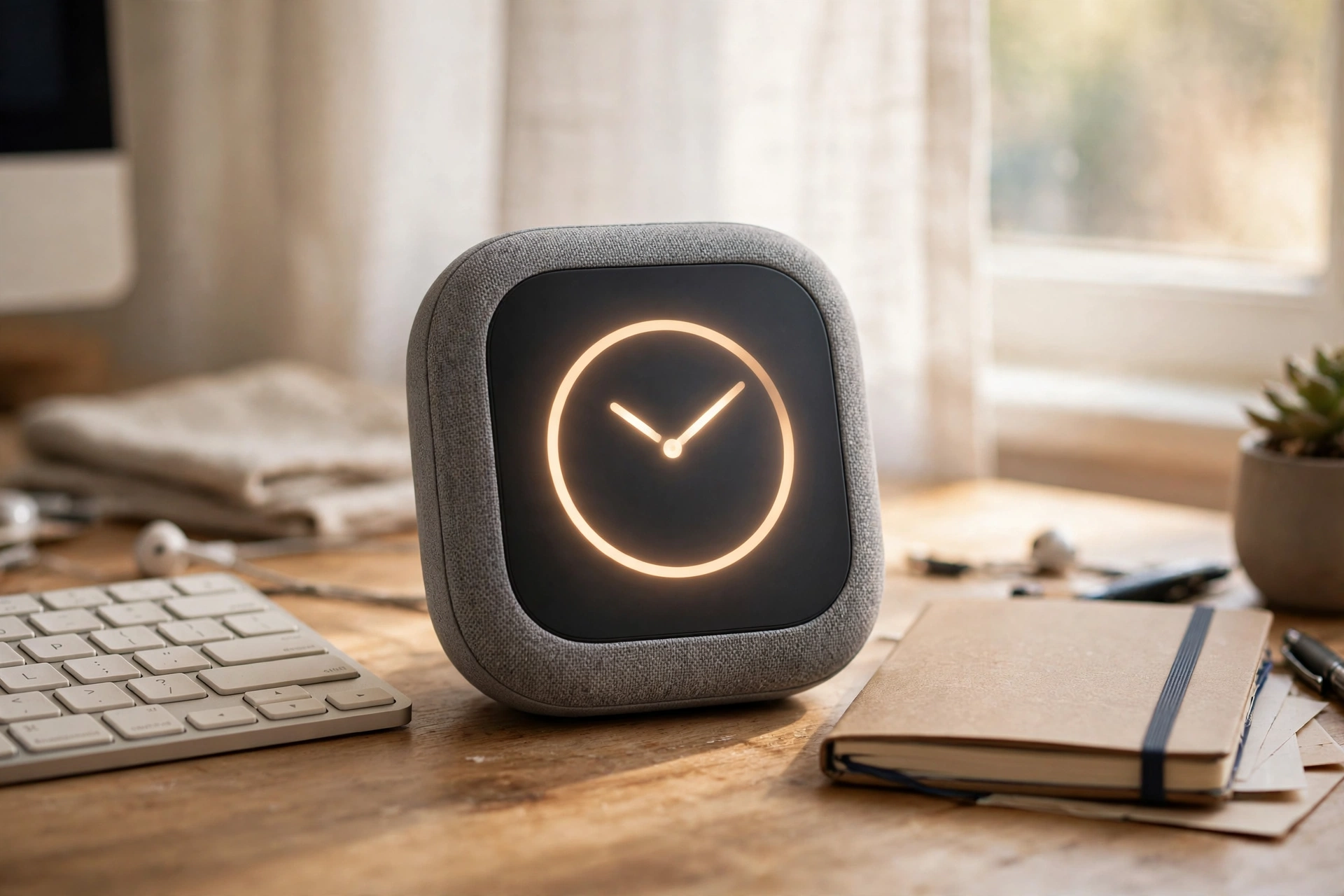
A desk benefits from a small screen that is not your work screen. The Amazon Echo Show 5 sits beside your keyboard as a smart clock, timer keeper, music and podcast player, and quick video-call screen for family check-ins. Voice control means you can set a focus timer, start a playlist or switch off the smart strip above without lifting your hands from the keyboard, and the camera shutter gives you privacy when you want it.
It also acts as the friendly front end for the other smart desk gadgets in this guide — lights, plugs and the fan all answer to it. Keep expectations right: the small screen is for glances and calls, not films, and that is exactly why it works so well on a desk.
Best for: Anyone building a voice-controlled desk who wants timers and music without touching a phone.
Check Price And User Reviews on Amazon
9. Ember Temperature Control Smart Mug 2

Every home worker knows the pattern: make coffee, get absorbed in work, remember the coffee an hour later when it is cold. The Ember Smart Mug 2 holds your drink at the exact temperature you choose — set it in the app once — for around ninety minutes off its coaster, and all day when it sits on the charging coaster at your desk. The last sip tastes like the first, which sounds like a luxury until a week of back-to-back calls makes it feel essential.
The mug itself feels like a proper ceramic-style mug rather than a gadget, with a battery indicator hidden in a small LED. Hand washing is recommended and it is not the cheapest way to drink coffee, but as desk gadgets for work from home go, it is the one owners rave about most.
Best for: Slow sippers and call-heavy workers whose coffee always goes cold.
Check Price And User Reviews on Amazon
10. WalkingPad A1 Pro Under Desk Treadmill
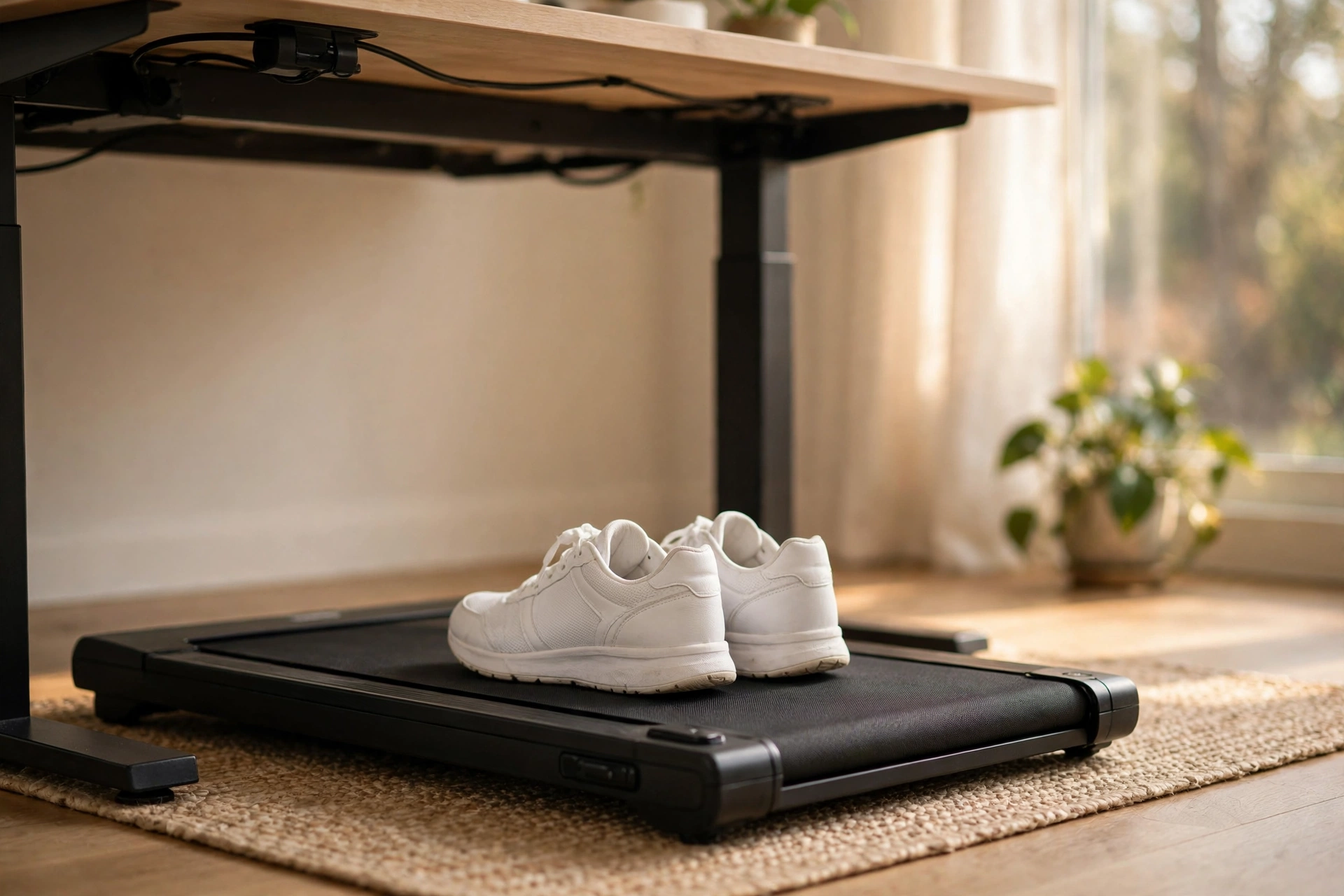
Pair it with the standing desk at the top of this list and your workday changes completely. The WalkingPad A1 Pro is a slim treadmill that slides under a raised desk and runs at slow walking speeds designed for working, not workouts — around reading-and-typing pace. Steps that would never happen on a busy day quietly add up to several thousand by evening, and the pad folds in half for storage against a wall when you want your floor back.
A small remote and the companion app control speed and track your distance, and the motor is hushed enough for calls at gentle speeds. It is the most ambitious of these home office desk gadgets, and the one that most changes how a sedentary day feels — legs less stiff, afternoon slump much weaker.
Best for: Standing-desk owners who want movement built into the day instead of saved for the gym.
Check Price And User Reviews on Amazon
11. GoveeLife Smart Space Heater
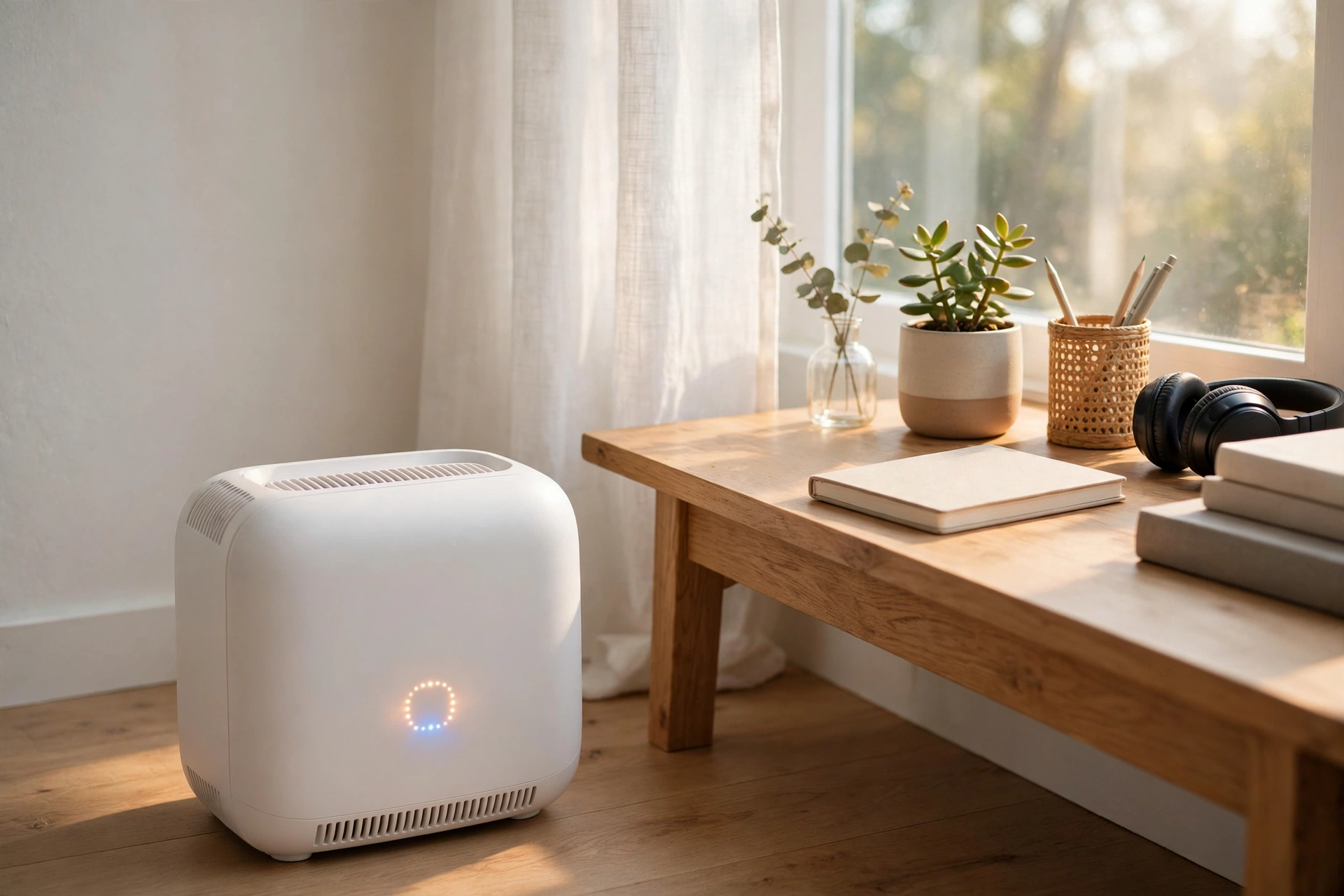
Heating a whole house for one person in one room is wasteful, and cold feet under a desk are miserable. The GoveeLife Smart Space Heater warms just your office, with a built-in thermostat that holds the temperature you set instead of blasting on and off. Schedule it from the app to pre-warm the room before your first call, control it by voice through your desk display, and rely on tip-over and overheat protection running quietly in the background.
It oscillates to spread warmth evenly and remembers your settings between uses. Together with the tower fan above, it completes the comfort side of your desk setup gadgets — one for summer afternoons, one for winter mornings, both answering to the same voice commands.
Best for: Cold rooms, early starts and anyone heating a whole house for one desk.
Check Price And User Reviews on Amazon
12. Elgato Stream Deck MK.2

Despite the name, this is not just for streamers. The Elgato Stream Deck MK.2 gives you fifteen small LCD keys that you can assign to almost anything: mute and camera toggles for calls, one-tap app and website launches, text snippets you type all day, and scenes that control your smart lights and plugs. Each key shows its own icon, folders hold whole groups of actions, and the tidy software makes setting it up a one-evening job.
On a working desk it becomes a physical control panel for your digital day — the button that starts your morning routine, joins the standup call and switches the desk to evening mode. Of all the desk setup gadgets here, it is the one that feels most personal, because you build every key yourself.
Best for: Call-heavy workers, creators and smart-home owners who love one-tap control.
Check Price And User Reviews on Amazon
What to Look for Before You Buy
Start with the foundation, not the accessories. The order matters. A standing desk and a proper lamp change how your body feels every hour of the day; a smart mug is a delight, but it will not fix a bad chair-height setup. If your budget arrives in stages, buy in this order: desk, light, dock, then comfort and control extras.
Check your ports and power first. Count what your laptop offers before choosing a dock — Thunderbolt machines get the most from the TS4, while older USB-C laptops may suit a simpler hub. Likewise, tot up the sockets your setup needs; a smart power strip planned from the start saves the daisy-chained extension leads that make desks look messy and trip you up.
Keep one smart ecosystem. The fan, heater, strip and display in this guide are happiest when they answer to the same app or voice assistant. Mixing ecosystems is the fastest way to end up with five apps and no routines. Pick your platform first, then choose the best desk gadgets for home office use that speak its language.
Match comfort gear to your room. A purifier sized for a small office will not rescue a large open room, and a tower fan cannot help a desk in a draughty hallway as much as a heater can. Measure the room, note whether the door stays open or closed, and buy for the space you actually work in.
Plan the cable picture. Even wireless homes end up with cables for the dock, the strip and the chargers. Decide where each one runs before the gear arrives — behind the desk, under the top, into one strip — and your finished setup will look as calm as the photos promise.
Final Thoughts
The best desk gadgets for home office work share one trait: they disappear into the day. The desk rises without a thought, the laptop connects with one cable, the coffee is still warm at the end of the call and the room simply feels right. Build the foundation first — the FlexiSpot desk, the CalDigit dock and the BenQ lamp — then layer in comfort with the fan, heater and purifier, and finish with the control pieces, the Echo Show and Stream Deck, that tie it together. Do that, and your collection of home office desk gadgets stops being a pile of purchases and becomes what it should be: a desk that quietly helps you do your best work.
More Guides You’ll Like
- Best Desk Accessories for Productivity: 12 Gadgets That Make Work Easier
- Best USB Gadgets for Your Desk: 12 Clever Powered Accessories for Work
- Best Ergonomic Desk Gadgets: 12 Comfort Upgrades for Long Work Days
- Best Wireless Charging Stands for Your Desk: 12 Chargers That Keep Cables Away
Frequently Asked Questions
What are the best desk gadgets for home office beginners?
Start with the three that change every hour of the day: an electric standing desk, a wide-beam desk lamp and a docking station if you use a laptop. Those three fix posture, light and connectivity — the foundations. Add home office desk gadgets like a wireless charging pad and a smart power strip next, because they tidy the desk and simplify your mornings from day one.
Is a standing desk really worth it for working from home?
For most people, yes. Alternating between sitting and standing reduces the stiffness and afternoon fatigue that come from eight static hours, and an electric frame makes switching effortless enough that you actually do it. Pair it with an under-desk walking pad and desk gadgets for work from home start improving your health, not just your setup.
How many smart desk gadgets can one power strip handle?
A strip like the Kasa HS300 has six smart outlets plus USB ports, which covers a typical desk: monitor, lamp, charger, fan or heater, and speakers. Check the total power draw if you add a heater — heaters are the hungriest devices on any desk — and give one its own wall socket if your strip is already busy.
Which desk setup gadgets help most on video calls?
Good light first — the BenQ lamp makes you look awake and clear on camera. After that, a smart display for timers and quick muting routines, and a Stream Deck key that toggles your microphone and camera in one tap. Quiet comfort gear matters too: the Dreo fan and Levoit purifier both have low-noise modes that microphones barely notice.