
Best High Capacity Power Bank for Laptop
Affiliate Disclosure: As an Amazon Associate, we earn from qualifying purchases made through links on this page, at no extra cost to you. This helps support our work and keeps our guides free to read.
A quick note on prices: prices change often, so we never quote a fixed price here. Please check the latest price on Amazon before you buy, using the yellow buttons in this guide. Product images on this page are original images created for this guide to show each gadget’s design and key features, not photos taken from a retailer listing.
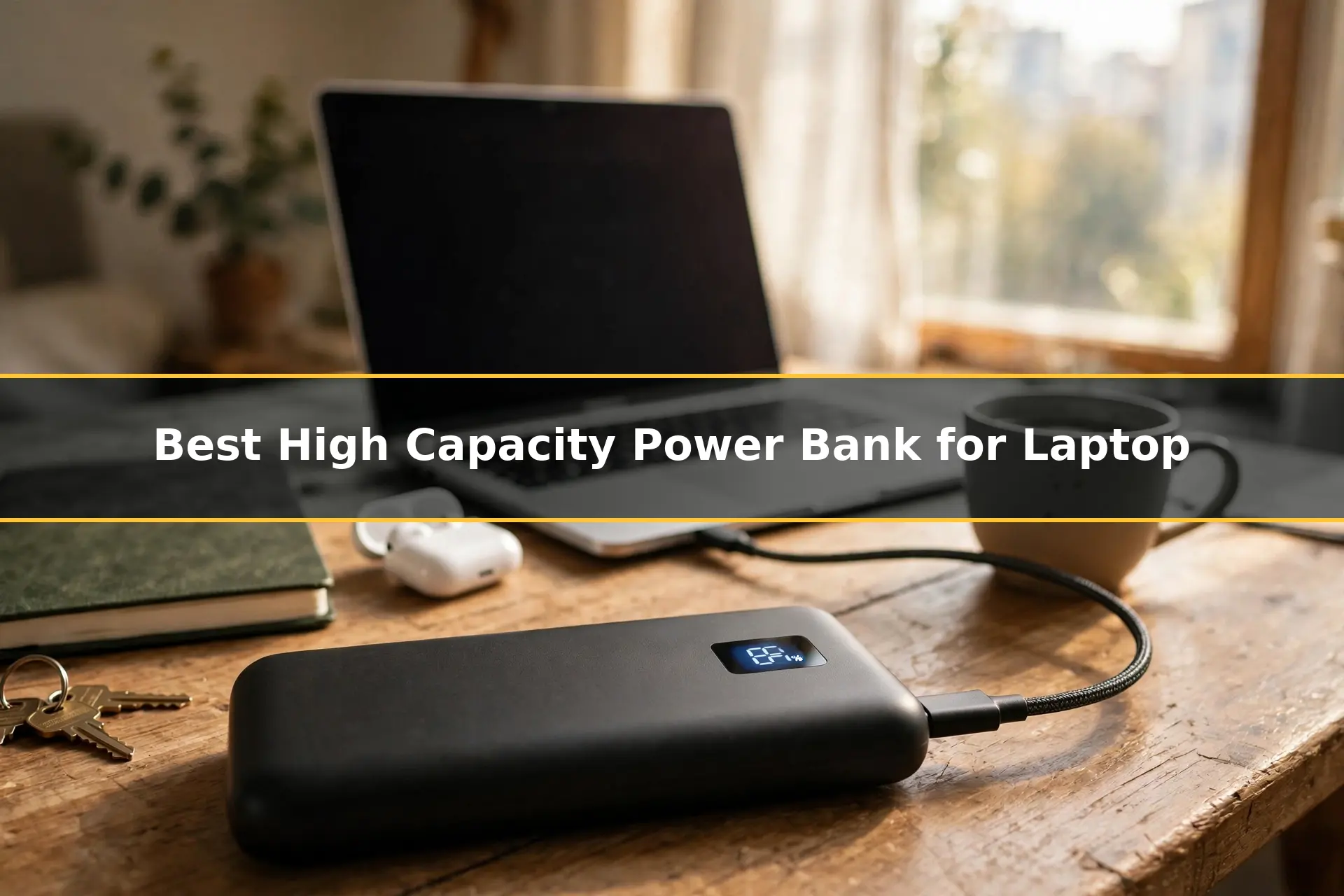
The best high capacity power bank for laptop charging solves a problem you already know: a phone-sized power bank barely moves a laptop battery, and the charger that came in the box is chained to a wall socket. A proper laptop power bank carries enough capacity and enough watts to refill a MacBook or a Windows laptop properly, anywhere.
The difference comes down to two numbers. Capacity decides how much charge you get — a 27000mah laptop power bank holds roughly enough for one full laptop charge plus a phone top-up — while wattage decides whether the laptop charges at full speed or slowly drains while you work. A 100w usb c power bank for laptop use is the sweet spot for most ultrabooks, and a 140w power bank for laptop charging covers bigger 14 and 16 inch machines too.
Every pick below is a genuine laptop charger, not a phone bank with a hopeful label: real USB-C Power Delivery, honest wattage, and capacity that earns its weight in your bag. Whether you need a portable charger for macbook pro work on long flights, or a desk-side bank that tops up while it charges, there is a pick here for you.
How We Chose
We compared dozens of high-capacity laptop power banks on what matters in daily use, not just the numbers on the box:
- Real laptop wattage: the main USB-C port must deliver at least 65W, and the best picks reach 100W or more, so a laptop charges while it is being used.
- Usable capacity: enough milliamp-hours for a meaningful laptop charge, with the 27000mAh size marking the practical ceiling for carry-on flights.
- Honest power sharing: with a second device plugged in, the split should stay useful, not collapse to a trickle.
- Recharge speed: a big bank is only useful if it refills overnight, or faster — slow self-charging kills the habit.
- Travel and safety details: airline-friendly capacity, over-voltage and temperature protection, and a size you will actually carry.
Quick List
- 1. 140W 27000mAh USB-C PD 3.1 Power Bank with Smart Display — our top all-rounder
- 2. Slim 100W 20000mAh Power Bank for Ultrabooks and MacBook Air — the slimmest laptop bank here
- 3. 27000mAh Power Bank with Built-In Retractable USB-C Cable — the cable is always with it
- 4. 140W Power Bank with Digital Display and 3 Fast Ports — see your charging watts live
- 5. 100W Power Bank with Pass-Through Charging for Desk Setups — charges your laptop while it recharges
- 6. 240W 27000mAh Power Bank for Gaming Laptops — the most powerful pick here
- 7. Rugged 20000mAh 100W Power Bank with Shockproof Case — survives life in a work bag
- 8. 27000mAh Power Bank with Wireless Charging Pad on Top — drop your phone on top to charge
- 9. Lightweight 20000mAh 65W Power Bank for Slim Laptops and Tablets — the lightest laptop bank here
- 10. 140W Power Bank with 2 USB-C Ports for Charging Two Laptops — two laptops, one bank
- 11. 100W Power Bank That Recharges Itself in About an Hour — the fastest refill here
- 12. 27000mAh 140W Power Bank with LED Torch for Travel and Camping — a torch built in for the dark
1. 140W 27000mAh USB-C PD 3.1 Power Bank with Smart Display

The 140W 27000mAh USB-C PD 3.1 Power Bank with Smart Display is the one we would hand to almost anyone. As a 140w power bank for laptop charging it delivers the full 140 watts down a single USB-C cable, enough for a 16 inch laptop under load, and the small display shows the remaining charge and the watts flowing in real time. With 27000mAh inside it refills most laptops once and still has room for a phone.
Pros
- 👍 Full 140W output charges big laptops at speed
- 👍 Smart display shows charge level and live watts
- 👍 27000mAh refills most laptops once over
Cons
- 👎 Heavy enough to notice in a slim bag
- 👎 Needs a 140W charger to refill quickly
Best for: anyone who wants one powerful bank for a big laptop, at home, in the office and on long trips.
Check Price And User Reviews on Amazon
2. Slim 100W 20000mAh Power Bank for Ultrabooks and MacBook Air

The Slim 100W 20000mAh Power Bank for Ultrabooks and MacBook Air is the pick for thin laptops that sip power. As a portable charger for macbook pro and MacBook Air use it delivers a genuine 100 watts from a body barely thicker than a phone, so it slides into a laptop sleeve without changing how the bag feels. The 20000mAh capacity covers a full ultrabook top-up with charge to spare for a phone.
Pros
- 👍 Genuine 100W from a very slim body
- 👍 Slides into a laptop sleeve easily
- 👍 Perfect match for ultrabooks and MacBook Air
Cons
- 👎 20000mAh is less than the 27000mAh picks
- 👎 Big 16 inch laptops will want more watts
Best for: ultrabook and MacBook Air owners who want laptop power without the bulk.
Check Price And User Reviews on Amazon
3. 27000mAh Power Bank with Built-In Retractable USB-C Cable
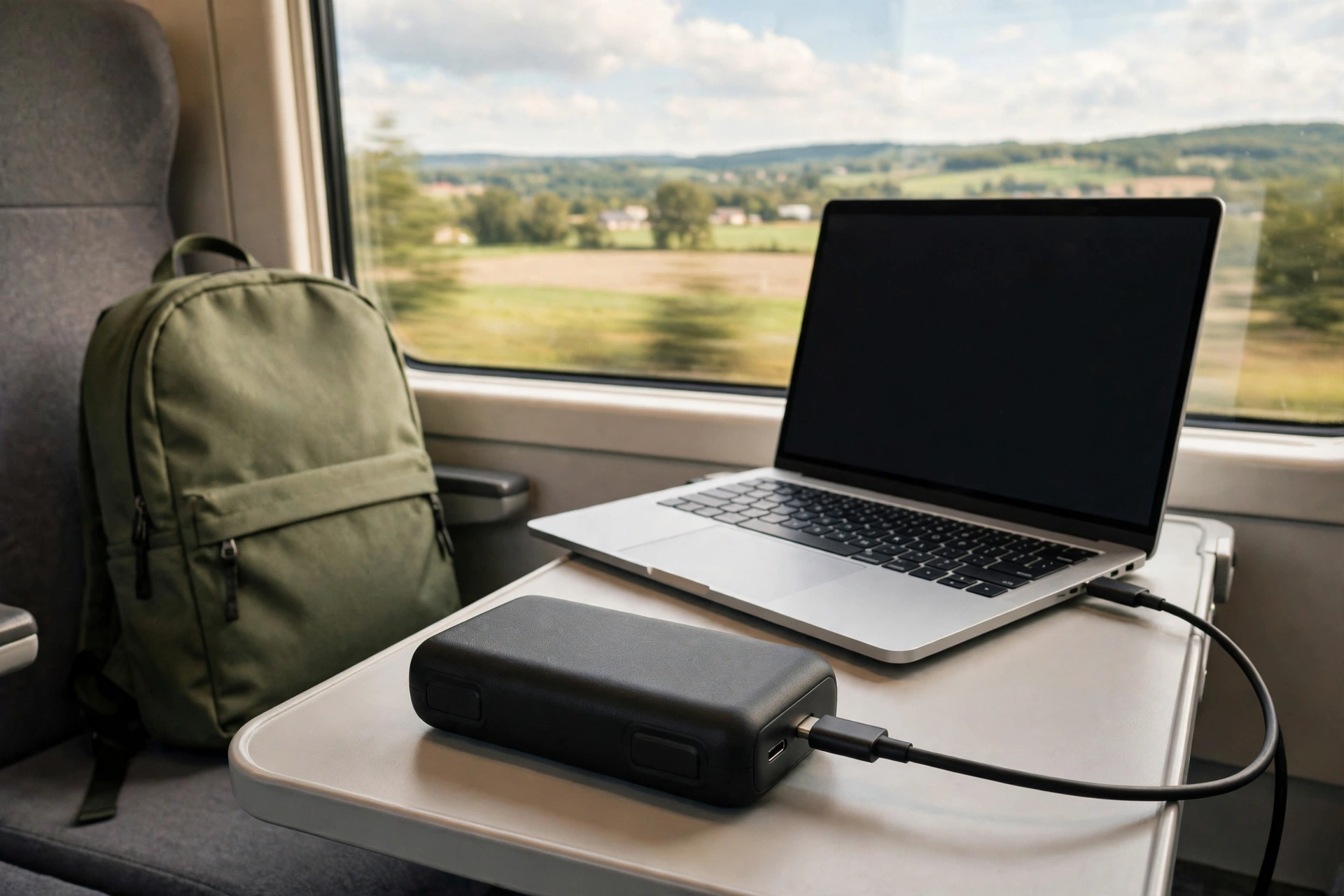
The 27000mAh Power Bank with Built-In Retractable USB-C Cable solves the most common charging failure of all: arriving somewhere with a bank and no cable. Its built-in cable pulls out, charges your laptop at up to 100W, and clicks back in afterwards, so there is nothing extra to pack or lose. This 27000mah laptop power bank still finds room for two extra ports for a phone and earbuds.
Pros
- 👍 Built-in cable can never be forgotten
- 👍 Retractable design keeps bags tangle-free
- 👍 Two extra ports for phone and earbuds
Cons
- 👎 Built-in cable cannot be replaced if it wears out
- 👎 Fixed cable length limits where the bank can sit
Best for: commuters and travellers tired of forgetting cables, who want one self-contained bank.
Check Price And User Reviews on Amazon
4. 140W Power Bank with Digital Display and 3 Fast Ports

The 140W Power Bank with Digital Display and 3 Fast Ports is for people who like proof. A clear display shows the watts each port is delivering in real time, so you can see whether your laptop is really pulling 100W or a tired old cable has throttled it. One device gets the full 140W, while two more ports keep a phone and tablet charging alongside it.
Pros
- 👍 Live wattage display exposes slow cables
- 👍 Three ports charge laptop, phone and tablet together
- 👍 Full 140W single-port output
Cons
- 👎 Display stays lit and uses a little power
- 👎 Three devices share the total, so all slow a little
Best for: gadget lovers who want to see exactly how fast every device is charging.
Check Price And User Reviews on Amazon
5. 100W Power Bank with Pass-Through Charging for Desk Setups
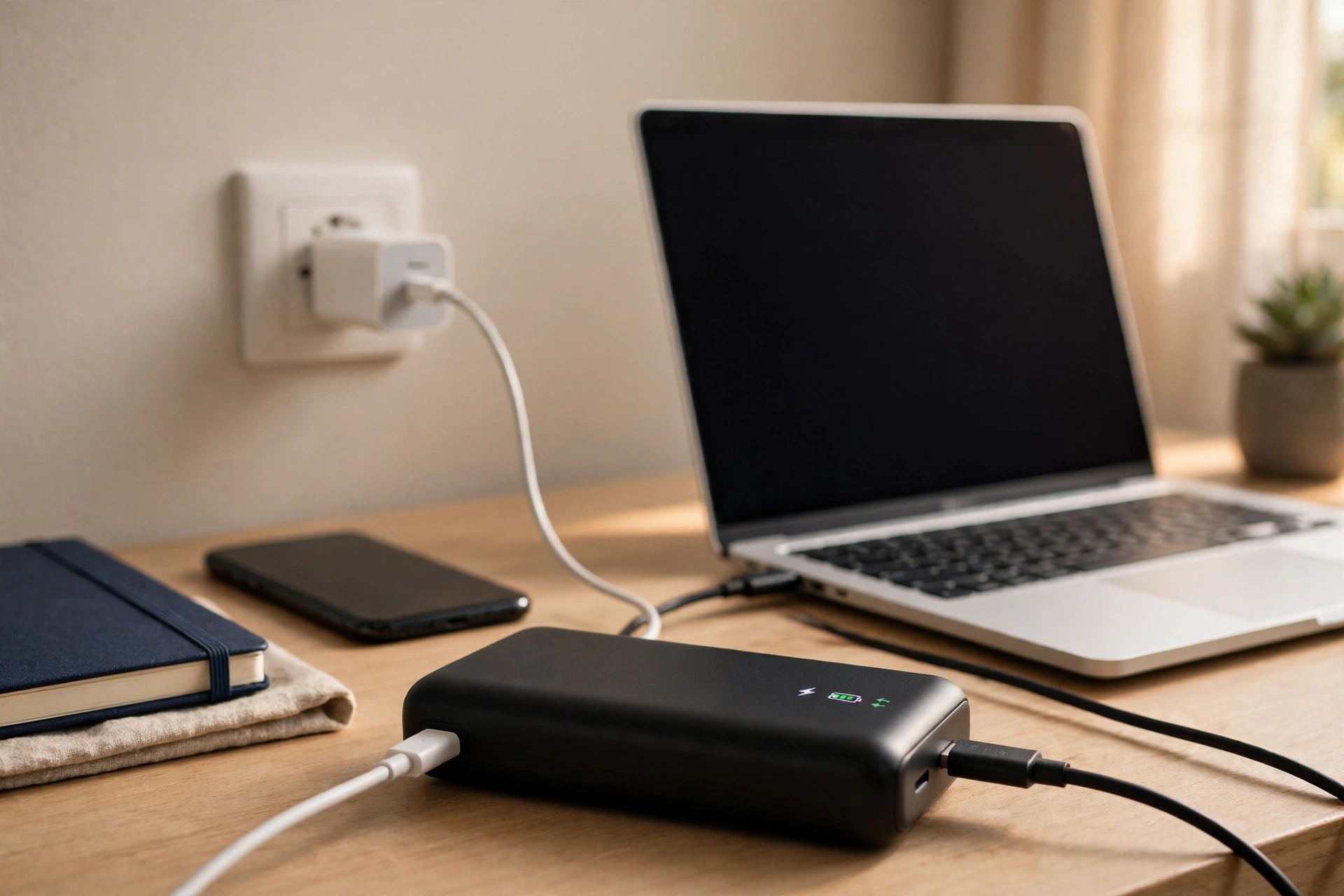
The 100W Power Bank with Pass-Through Charging for Desk Setups is the bank that lives on your desk. This power bank with pass-through charging takes power from the wall and passes it straight to your laptop, while quietly refilling itself at the same time — so it is always full when you grab it for a meeting or a trip. A 100w usb c power bank for laptop use like this one replaces a desk charger and a travel bank in one box.
Pros
- 👍 Always full and ready to grab
- 👍 Replaces a separate desk charger
- 👍 Full 100W to the laptop while plugged in
Cons
- 👎 Slightly larger than travel-only banks
- 👎 Pass-through mode adds a little heat
Best for: desk workers who want a bank that is always charged and doubles as their daily charger.
Check Price And User Reviews on Amazon
6. 240W 27000mAh Power Bank for Gaming Laptops

The 240W 27000mAh Power Bank for Gaming Laptops is the most powerful pick in this guide, built for machines that laugh at ordinary banks. Its top port pushes 240 watts, enough to keep a gaming laptop running a demanding game instead of slowly draining, and the 27000mAh capacity gives you a real session away from the wall. Two extra ports handle a phone and a headset.
Pros
- 👍 240W output keeps gaming laptops running
- 👍 27000mAh gives a proper gaming session
- 👍 Extra ports for phone and headset
Cons
- 👎 The heaviest and bulkiest pick here
- 👎 Needs a very powerful charger to refill fast
Best for: gamers and creators whose laptops draw serious power and still need to work away from a socket.
Check Price And User Reviews on Amazon
7. Rugged 20000mAh 100W Power Bank with Shockproof Case
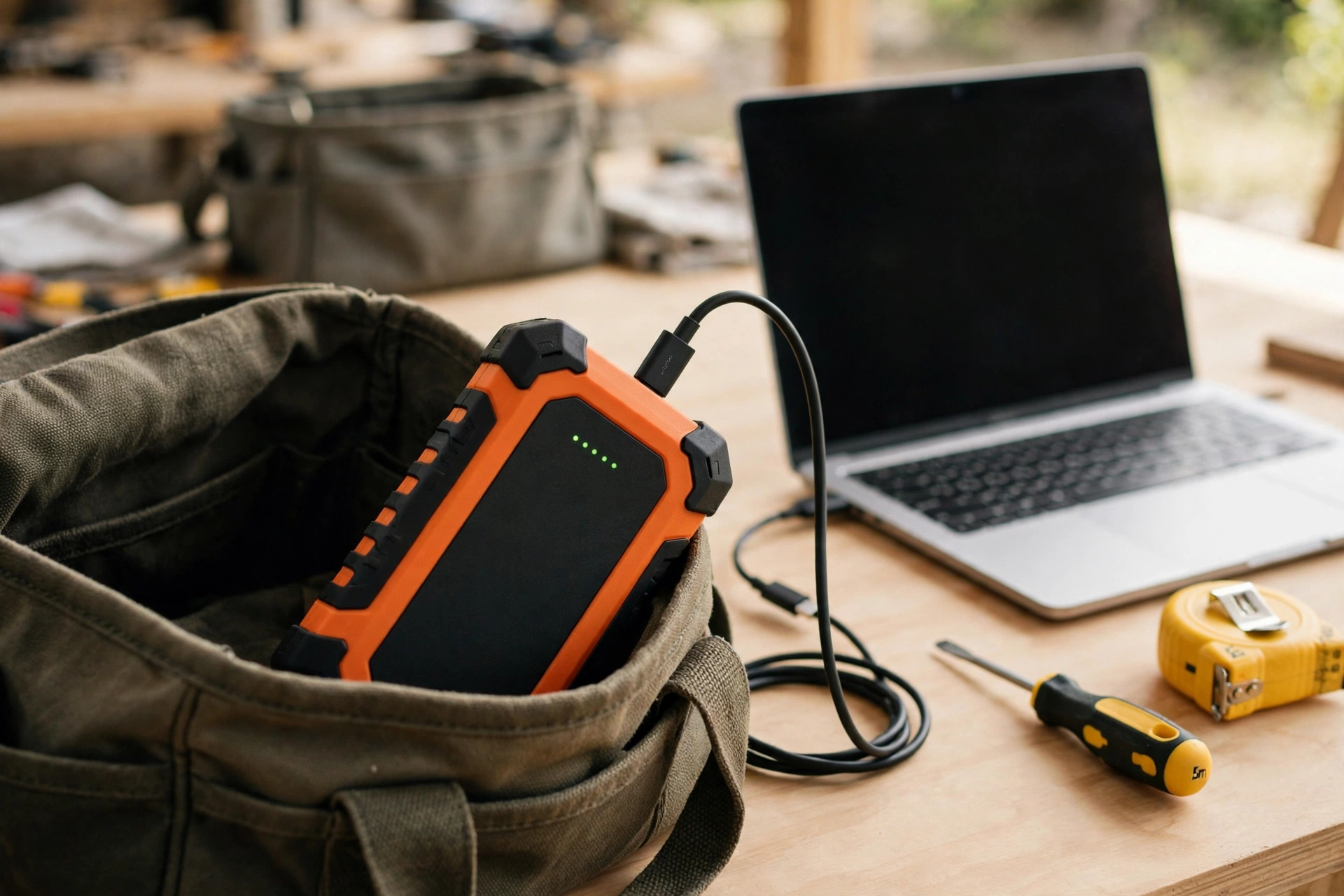
The Rugged 20000mAh 100W Power Bank with Shockproof Case accepts a simple truth: banks that live in work bags get dropped, crushed and rained on. Its thick rubber shell absorbs knocks and shrugs off dust and splashes, while the bank inside keeps the full spec: a 100W main port, a second port for a phone, and 20000mAh of capacity for a solid laptop top-up.
Pros
- 👍 Shockproof shell survives drops and crush
- 👍 Full 100W output despite the tough build
- 👍 Dust and splash resistant for site work
Cons
- 👎 Bulkiest 20000mAh pick here
- 👎 Rubber case picks up dust and lint
Best for: field workers, students and commuters whose banks live rough lives in backpacks.
Check Price And User Reviews on Amazon
8. 27000mAh Power Bank with Wireless Charging Pad on Top

The 27000mAh Power Bank with Wireless Charging Pad on Top hides a neat trick in plain sight: the flat top of the bank is a wireless charging pad. Drop your phone on it when you get home, plug your laptop into the USB-C port for full wired speed, and both charge together without a third cable. Wireless is slower, but for an overnight top-up the convenience wins.
Pros
- 👍 Phone charges wirelessly while laptop uses the port
- 👍 One less cable across the desk
- 👍 Works with wireless earbuds cases
Cons
- 👎 Wireless pad is slower than a cable
- 👎 Thick phone cases can misalign it
Best for: desk and nightstand users who love drop-and-charge convenience for their phone.
Check Price And User Reviews on Amazon
9. Lightweight 20000mAh 65W Power Bank for Slim Laptops and Tablets
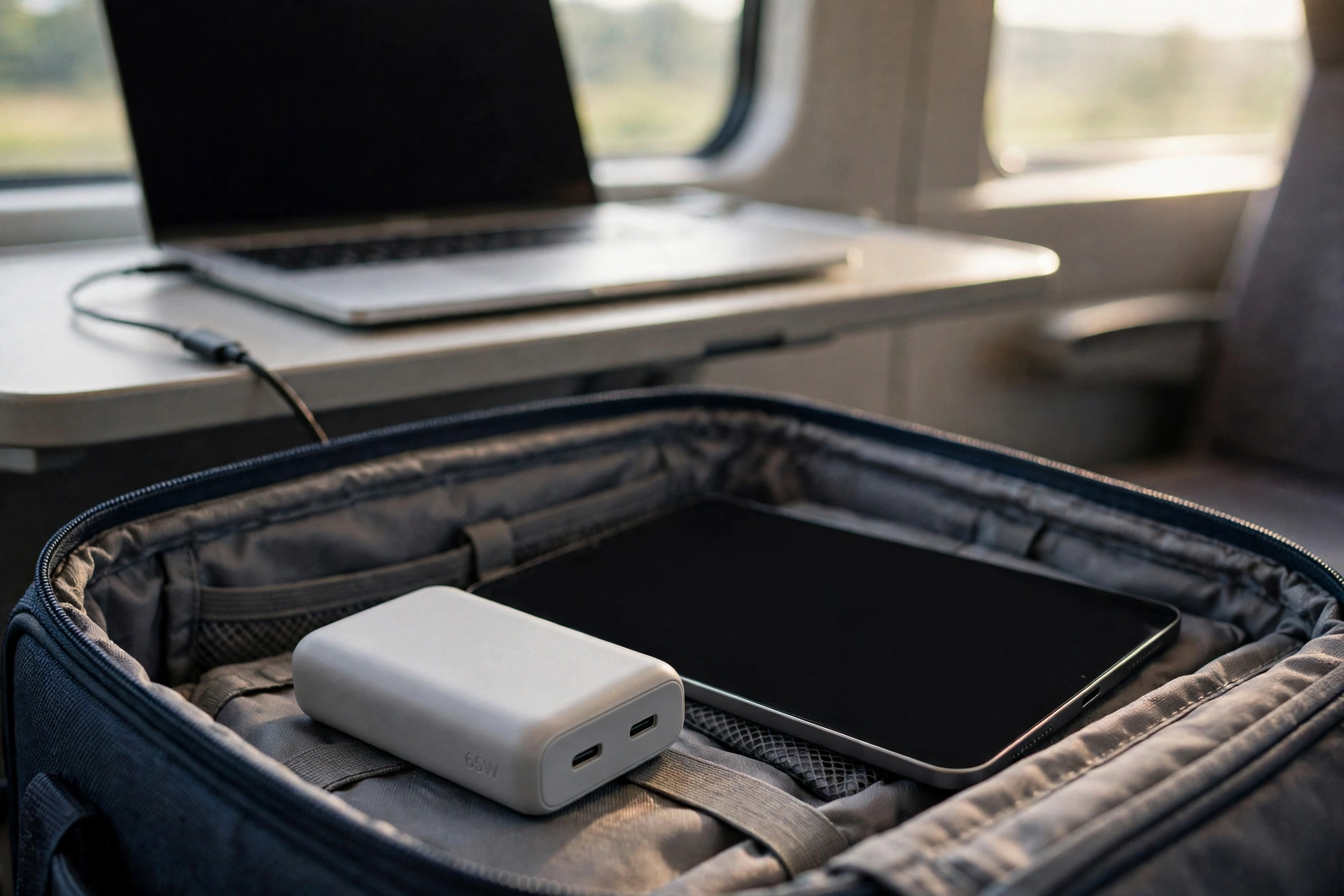
The Lightweight 20000mAh 65W Power Bank for Slim Laptops and Tablets is the lightest laptop bank in this guide. At 65 watts it is made for slim laptops and tablets that charge happily on modest power, and it weighs noticeably less than the 100W bricks — the one you forget is in your bag until you need it. A second port tops up a phone or earbuds at the same time.
Pros
- 👍 Lightest laptop bank in this guide
- 👍 65W suits slim laptops and tablets perfectly
- 👍 Small enough for a jacket pocket
Cons
- 👎 65W is too little for big 16 inch laptops
- 👎 Slower refill for a drained laptop battery
Best for: light packers with slim laptops or tablets who count every gram in their bag.
Check Price And User Reviews on Amazon
10. 140W Power Bank with 2 USB-C Ports for Charging Two Laptops

The 140W Power Bank with 2 USB-C Ports for Charging Two Laptops is built for the two-laptop household. It holds a steady split across both ports, so two laptops genuinely charge while being used rather than one slowly draining, and either port alone delivers the full 140W. For shared tables and long study sessions, it ends the nightly socket negotiation.
Pros
- 👍 Steady split charges two laptops properly
- 👍 Full 140W from either port alone
- 👍 Replaces two separate banks on a shared table
Cons
- 👎 Two big laptops will drain it fast
- 👎 No third port for a phone
Best for: couples, flatmates and two-laptop workers sharing one table and one bank.
Check Price And User Reviews on Amazon
11. 100W Power Bank That Recharges Itself in About an Hour
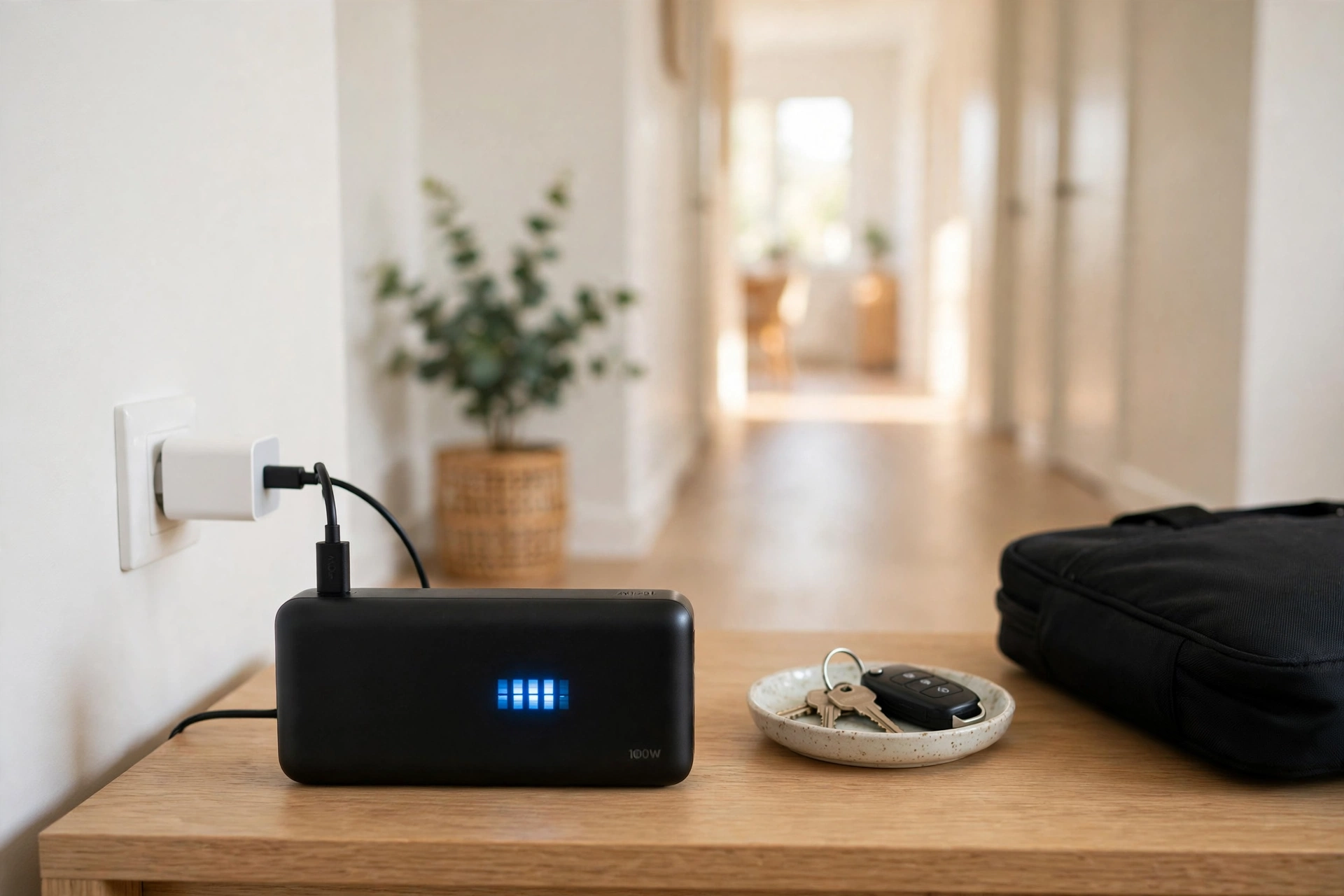
The 100W Power Bank That Recharges Itself in About an Hour fixes the most annoying thing about big banks: the overnight wait. Fed by a strong enough charger, it takes in power at 100 watts and refills from empty in roughly an hour, so a top-up between meetings is enough for the rest of the day. Out of the bank it still delivers a full 100W to your laptop.
Pros
- 👍 Refills in about an hour with a strong charger
- 👍 Full 100W output to the laptop
- 👍 Perfect for back-to-back travel days
Cons
- 👎 Needs a 100W wall charger to refill that fast
- 👎 Fast refilling adds warmth while charging
Best for: travellers and busy workers who need a full bank again by the next meeting, not tomorrow.
Check Price And User Reviews on Amazon
12. 27000mAh 140W Power Bank with LED Torch for Travel and Camping
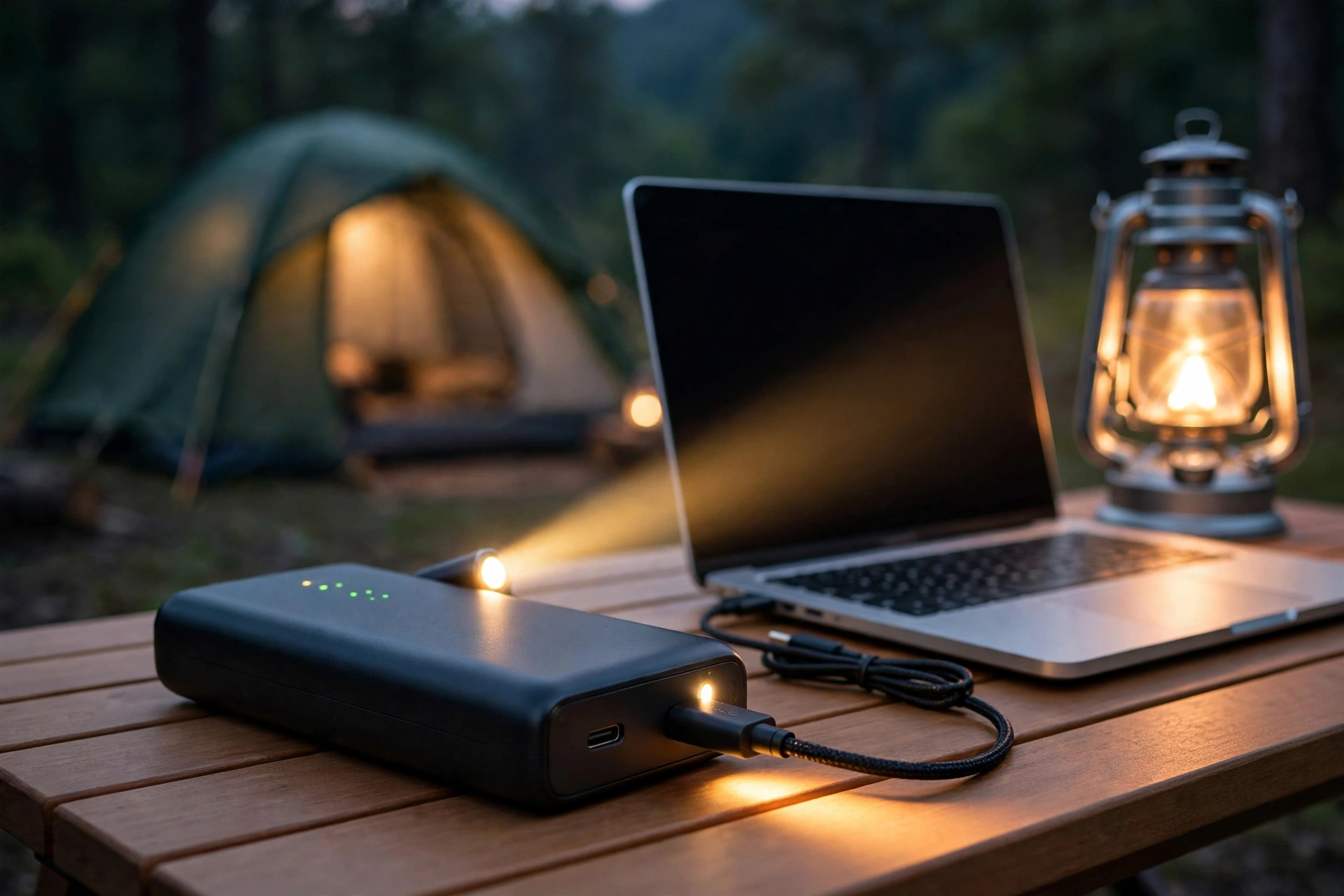
The 27000mAh 140W Power Bank with LED Torch for Travel and Camping is the bank for trips that end away from street lights. Its built-in LED torch lights a tent, a car boot or a dark hotel corridor, while the 140W port charges a laptop at full speed and the 27000mAh capacity covers days away from a socket. A second port keeps a phone and a headlamp charged too.
Pros
- 👍 Built-in torch is genuinely useful outdoors
- 👍 140W charges laptops at full speed
- 👍 27000mAh covers days away from a socket
Cons
- 👎 Torch adds bulk to an already big bank
- 👎 Heavier than the slim travel picks
Best for: campers, road trippers and night-shift workers who need laptop power and light in one box.
Check Price And User Reviews on Amazon
What to Look for Before You Buy
Match the watts to your laptop
Wattage is the first filter. A slim ultrabook charges happily on 65W, most 13 and 14 inch laptops want 100W, and big 16 inch machines and gaming laptops need a 140w power bank for laptop charging or more. A bank that delivers fewer watts than your laptop draws will still slow the drain, but it will not refill the battery while you work. Check the single-port figure, not just the headline total.
Capacity and the flight limit
Capacity decides how much charge you actually get, and 27000mAh is the practical sweet spot: big enough for a full laptop charge, small enough to stay under the 100Wh carry-on limit most airlines use. Bigger banks exist, but they may need airline approval and they weigh noticeably more. For daily commuting, a 20000mAh bank is often the better balance of weight and range.
Your cable can be the bottleneck
A 100w usb c power bank for laptop use can only deliver its full speed through a cable rated for it. Ordinary USB-C cables often top out at 60W, so full speed needs a 100W or 140W rated cable, normally with an e-marker chip. If your laptop charges slowly, swap the cable before blaming the bank.
Recharge speed and pass-through
A big bank is only useful if it refills in reasonable time. Look for input wattage as high as the output — a bank that takes in 100W refills in about an hour, while one limited to 18W input needs all night. A bank with pass-through charging is worth seeking out too: it charges your laptop while it refills itself, so it can live on your desk as your daily charger.
Size, weight and safety
Laptop banks are heavy by phone-bank standards, so check the weight before you commit — the difference between the lightest and heaviest picks here is real in a shoulder bag. Look for over-voltage, over-current, short-circuit and temperature protection, plus a solid shell and a firm fit in the port. A display that shows remaining charge is a small feature that saves real guesswork on the road.
Final Thoughts
The best high capacity power bank for laptop charging is the one that matches your machine and your bag: pick 1 is the easiest recommendation for most people, with full 140W output and a useful display. Travellers who hate cables should look at pick 3, desk workers at pick 5, gamers at pick 6, and light packers at pick 9. Pair yours with a properly rated cable, keep it charged, and the dead-laptop panic on long days is over.
More Guides You’ll Like
- Best 100W GaN Fast Chargers for Laptops, Phones and Tablets
- How to Choose a Power Bank
- Best GaN Chargers Under $50
- What Is GaN Charging?
FAQs
Can a power bank really charge a laptop?
Yes, if it is a proper laptop bank. A phone bank tops out around 18W, which barely slows a laptop’s drain. A bank with 65W or more of USB-C Power Delivery — like every pick in this guide — charges a laptop properly, and the best high capacity power bank for laptop use delivers 100W or 140W for full-speed charging.
How many times will a 27000mAh power bank charge a laptop?
Usually about once, with some charge left for a phone. A laptop battery holds far more energy than a phone battery, and conversion losses take a share too. Expect a full charge for a 13 or 14 inch ultrabook, or roughly two-thirds of a charge for a big 16 inch machine.
Can I take a 27000mAh power bank on a plane?
Yes, in almost all cases. A 27000mAh bank sits just under the 100Wh limit most airlines set for carry-on batteries, so it flies without special approval. Always carry it in hand luggage, never in checked bags, and check your airline’s rules if you fly with a larger bank.
Why does my laptop charge slowly from a power bank?
Usually the cable or the wattage. A cable rated for 60W caps a 100W bank at 60W, and a laptop drawing more than the bank delivers will charge very slowly while in use. Use a 100W or 140W rated cable, close heavy apps while charging, and check the bank’s display to see the watts actually flowing.
One Comment