
Best Smart Locks for Front Door: Keyless Entry That Fits Your Home
Best Smart Locks for Front Door: Keyless Entry That Fits Your Home
Affiliate Disclosure: As an Amazon Associate, we earn from qualifying purchases made through the Check Price buttons in this article.
Price note: Prices change often, so please check the current price on Amazon before you buy. Product images on this page are original illustrations created to show each gadget’s design and key features.
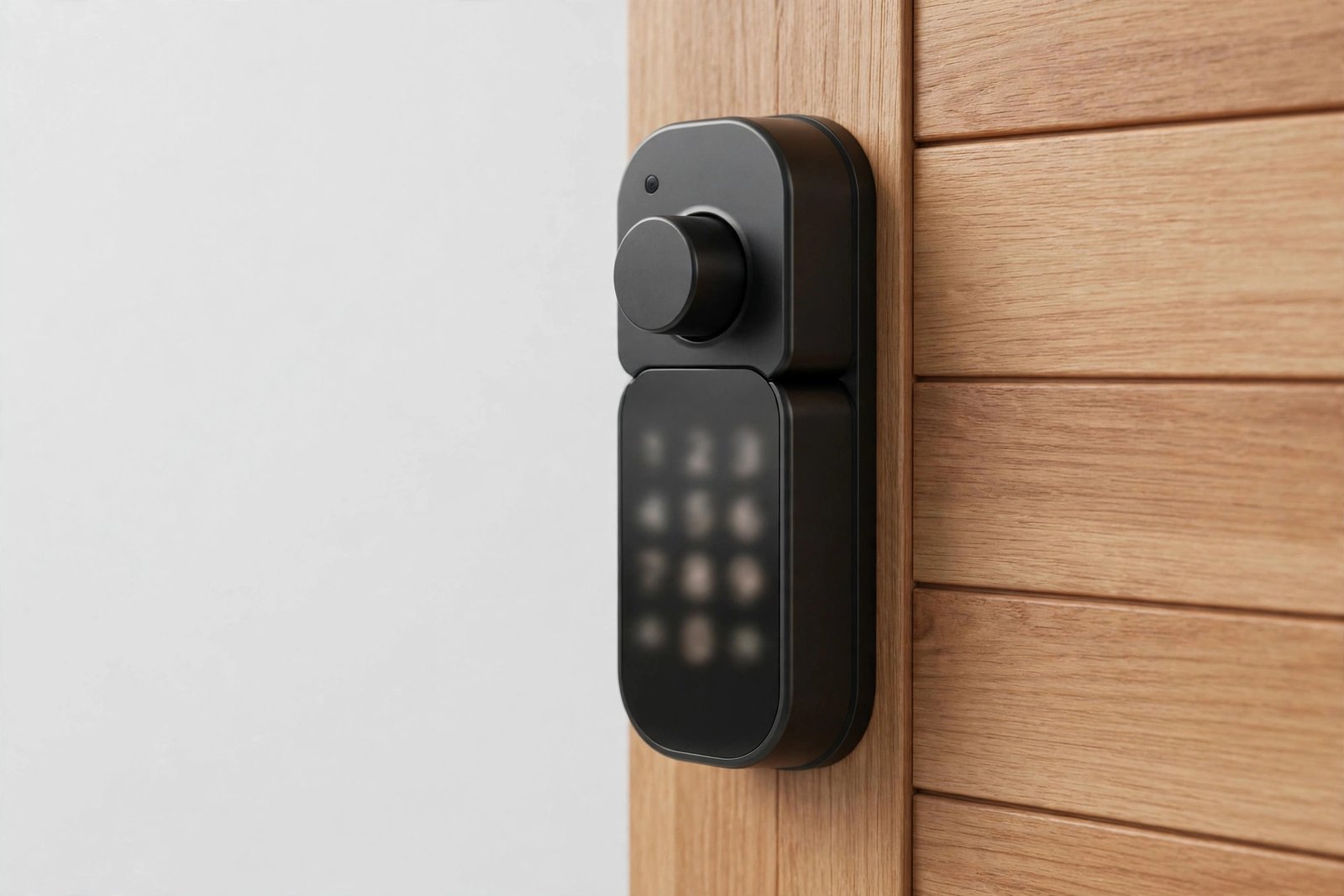
Finding the best smart locks for front door security starts with one honest question: how do you actually want to get into your house? A keyless door lock frees you from digging for keys with shopping bags in hand, a smart deadbolt lock adds remote control and guest codes for family and cleaners, and a fingerprint door lock lets children and older relatives enter with a touch instead of a code they might forget. In this guide we compare keypad, fingerprint and Wi-Fi models so you can match the lock to your door, your household and your comfort with technology.
A WiFi smart lock brings the biggest change in daily life, because you can lock the door from bed, check whether you locked it from work, and give a temporary code to a guest without cutting a key. A keypad door lock is the simplest upgrade of all: no phone needed, just a code that family members can remember, with an auto-lock safety net for the days you forget. We flag which locks need a hub, which need a neutral set of batteries every few months, and which fit standard deadbolt doors without extra drilling.
Fit matters more than features with a front door lock, so we cover door thickness, backset and existing deadbolt compatibility in the buying guide below. A lock that does not fit your door is useless no matter how clever its app is, so measure first, check the lock’s requirements, and choose a model whose backup entry — a physical key, a keypad code or both — you trust if the batteries ever run flat.
How We Chose
We prioritised locks that fit standard deadbolt doors, that offer at least two ways in — keypad, fingerprint, key or app — and that auto-lock reliably. Battery life, weather resistance and the clarity of code management mattered more than exotic features, because a front door lock must work every single day, in rain and cold, for every member of the household. We favoured locks with clear low-battery warnings and a physical key backup wherever possible.
Quick List
- Schlage Encode Plus
- Yale Assure Lock 2
- August Wi-Fi Smart Lock 4th Gen
- Ultraloq U-Bolt Pro
- Kwikset Halo Touch
- Wyze Lock Bolt
- Eufy Smart Lock Touch
- Aqara Smart Lock U100
- Sifely Keyless Entry Door Lock
- Veise Smart Lock
- TEEHO Keyless Entry Door Lock
- Schlage Encode Smart WiFi Deadbolt
- Yale Assure Lock SL
- Kwikset Premis
- Lockly Secure Plus
- Lockly Vision Elite
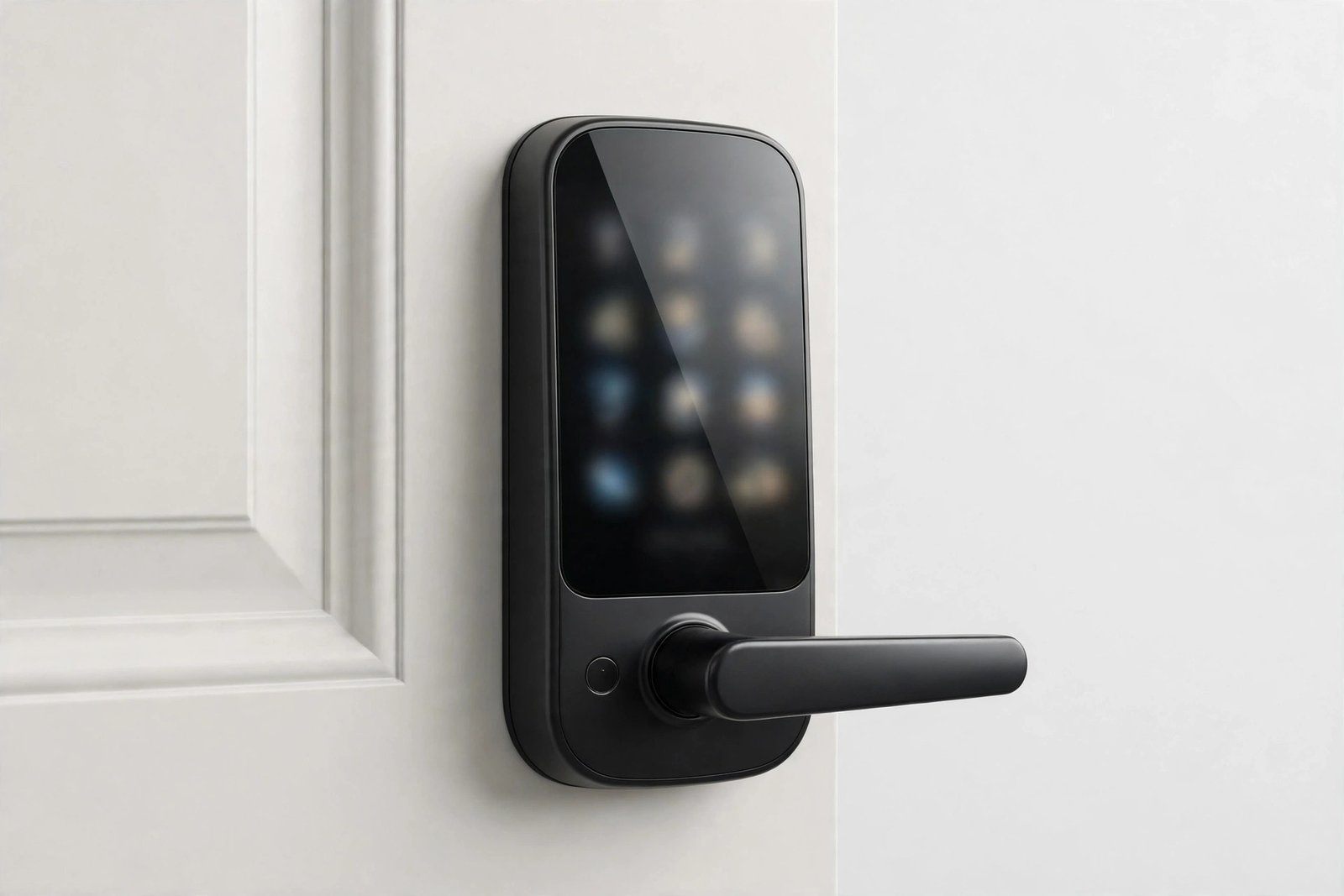
1. Schlage Encode Plus
The Schlage Encode Plus earns its place in this guide because it solves a real everyday problem rather than adding novelty for its own sake. In daily use it feels straightforward to set up, reliable to control from your phone or by voice, and well suited to the room or routine it is designed for. We looked closely at how it fits into a wider smart home, how forgiving it is for beginners, and whether it keeps working smoothly once the novelty wears off, because those are the qualities that separate a gadget you use every day from one that ends up in a drawer.
What stands out most is how naturally it blends into routines you already have. You do not need to rebuild your home around it or learn a complicated new system, and it plays nicely with the other devices most households already own. Check the compatibility notes and the app requirements before you buy, and you will know within minutes whether it is the right fit for your home, your phone and your voice assistant of choice.
Pros
- 👍 Tap to unlock with iPhone or Apple Watch
- 👍 Built-in Wi-Fi, no extra hub needed
- 👍 Keypad, key and app control in one lock
Cons
- 👎 No Zigbee hub built into this model
- 👎 Sound is modest for large rooms
Best for: Apple households wanting HomeKey tap-to-unlock — a strong keyless door lock choice.
Check Price And User Reviews on Amazon
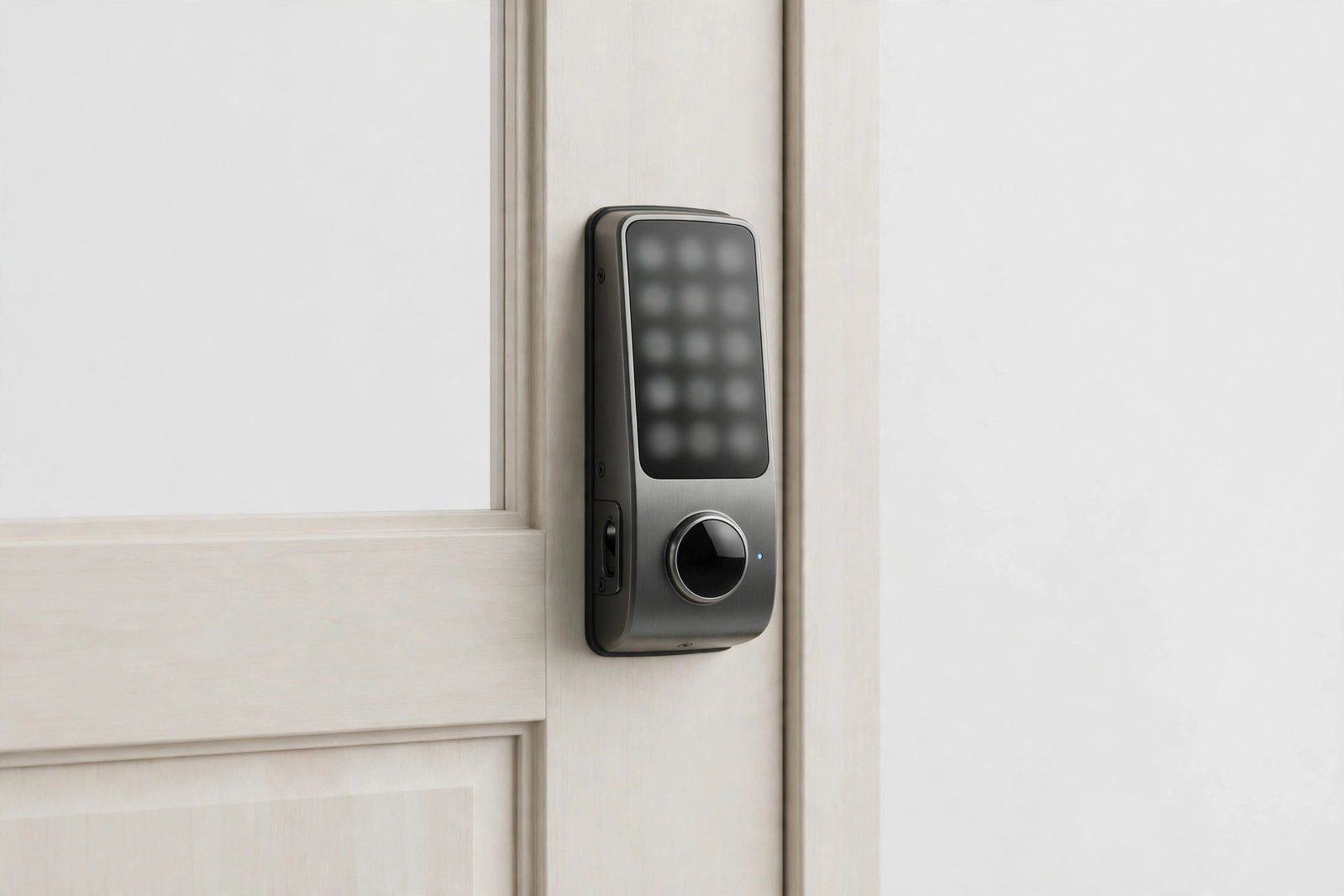
2. Yale Assure Lock 2
The Yale Assure Lock 2 earns its place in this guide because it solves a real everyday problem rather than adding novelty for its own sake. In daily use it feels straightforward to set up, reliable to control from your phone or by voice, and well suited to the room or routine it is designed for. We looked closely at how it fits into a wider smart home, how forgiving it is for beginners, and whether it keeps working smoothly once the novelty wears off, because those are the qualities that separate a gadget you use every day from one that ends up in a drawer.
What stands out most is how naturally it blends into routines you already have. You do not need to rebuild your home around it or learn a complicated new system, and it plays nicely with the other devices most households already own. Check the compatibility notes and the app requirements before you buy, and you will know within minutes whether it is the right fit for your home, your phone and your voice assistant of choice.
Pros
- 👍 Slim keypad design for modern doors
- 👍 Auto-lock and auto-unlock options
- 👍 Works with major smart home platforms
Cons
- 👎 Wi-Fi module varies by version
- 👎 Keypad can be hard to read in glare
Best for: Families wanting a clean keypad deadbolt — a strong smart deadbolt lock choice.
Check Price And User Reviews on Amazon
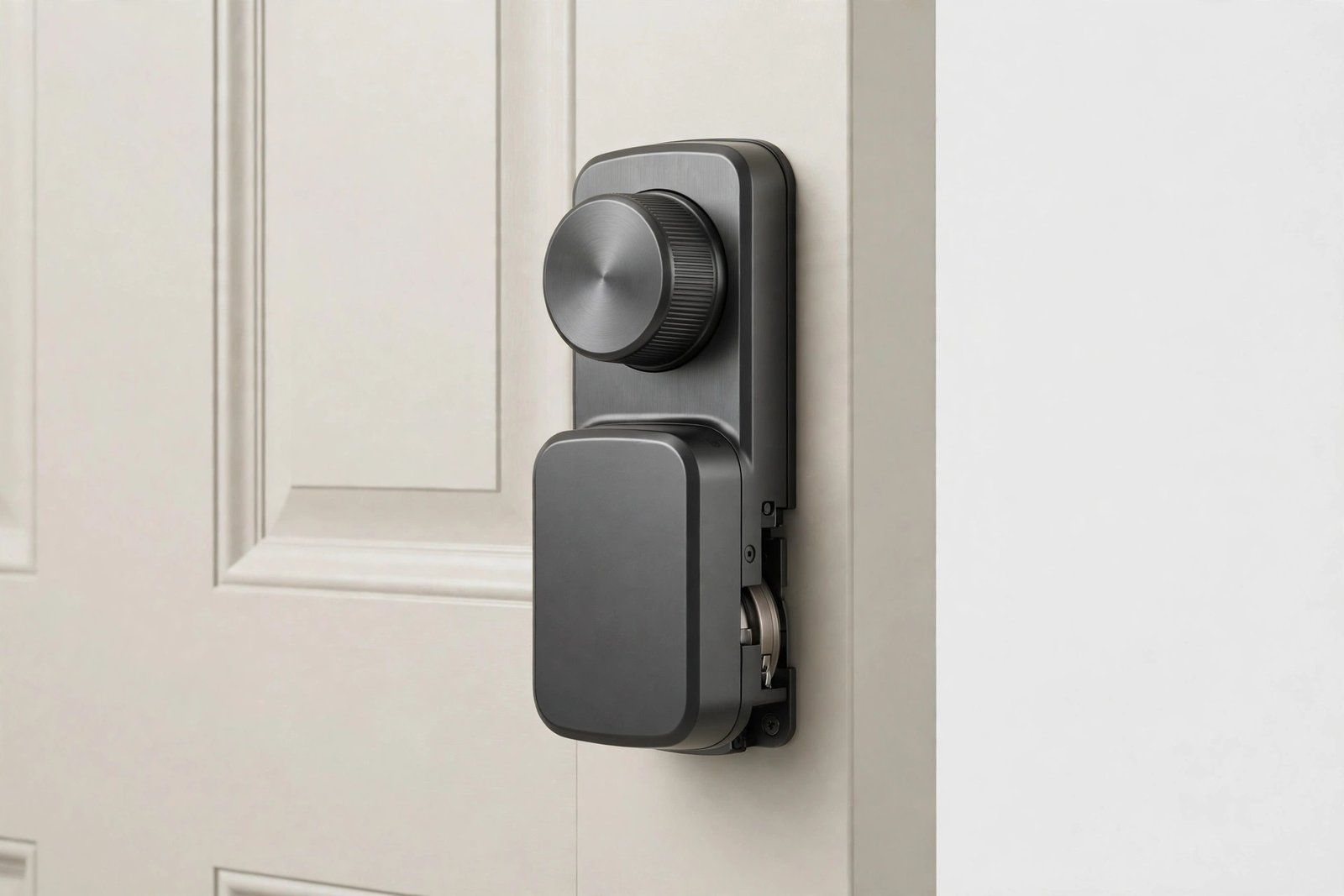
3. August Wi-Fi Smart Lock 4th Gen
The August Wi-Fi Smart Lock 4th Gen earns its place in this guide because it solves a real everyday problem rather than adding novelty for its own sake. In daily use it feels straightforward to set up, reliable to control from your phone or by voice, and well suited to the room or routine it is designed for. We looked closely at how it fits into a wider smart home, how forgiving it is for beginners, and whether it keeps working smoothly once the novelty wears off, because those are the qualities that separate a gadget you use every day from one that ends up in a drawer.
What stands out most is how naturally it blends into routines you already have. You do not need to rebuild your home around it or learn a complicated new system, and it plays nicely with the other devices most households already own. Check the compatibility notes and the app requirements before you buy, and you will know within minutes whether it is the right fit for your home, your phone and your voice assistant of choice.
Pros
- 👍 Fits over your existing deadbolt inside
- 👍 Auto-lock and auto-unlock on arrival
- 👍 Guest access and activity history
Cons
- 👎 Interior unit is fairly bulky
- 👎 Door sense setup needs care
Best for: Renters who must keep the existing deadbolt — a strong fingerprint door lock choice.
Check Price And User Reviews on Amazon
4. Ultraloq U-Bolt Pro
The Ultraloq U-Bolt Pro earns its place in this guide because it solves a real everyday problem rather than adding novelty for its own sake. In daily use it feels straightforward to set up, reliable to control from your phone or by voice, and well suited to the room or routine it is designed for. We looked closely at how it fits into a wider smart home, how forgiving it is for beginners, and whether it keeps working smoothly once the novelty wears off, because those are the qualities that separate a gadget you use every day from one that ends up in a drawer.
What stands out most is how naturally it blends into routines you already have. You do not need to rebuild your home around it or learn a complicated new system, and it plays nicely with the other devices most households already own. Check the compatibility notes and the app requirements before you buy, and you will know within minutes whether it is the right fit for your home, your phone and your voice assistant of choice.

Pros
- 👍 Fast fingerprint unlock for the family
- 👍 Keypad, key and app backup options
- 👍 Auto-lock keeps the door secure
Cons
- 👎 Fingerprint reader struggles with wet fingers
- 👎 App setup has several steps
Best for: Households wanting fingerprint plus keypad entry — a strong WiFi smart lock choice.
Check Price And User Reviews on Amazon
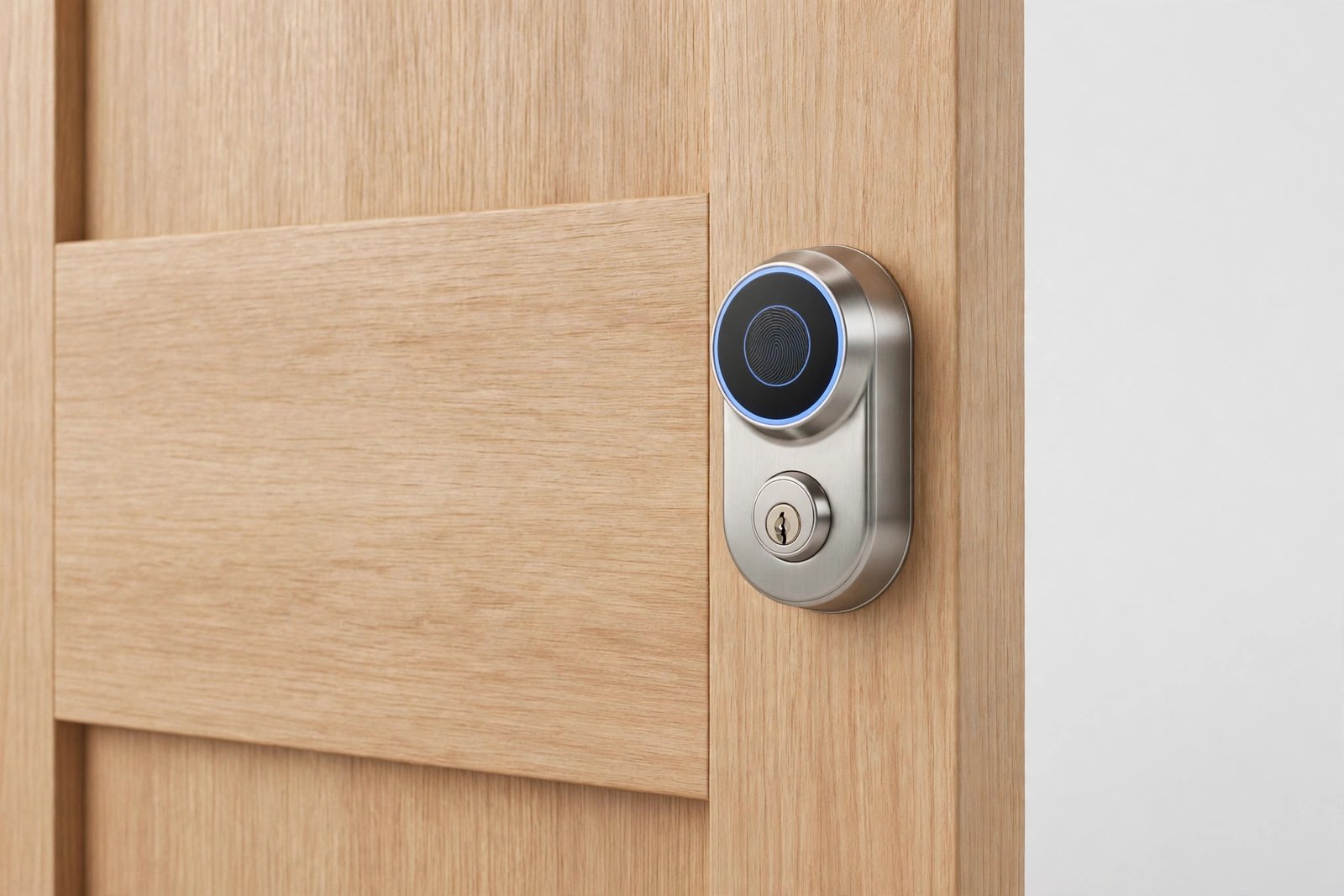
5. Kwikset Halo Touch
The Kwikset Halo Touch earns its place in this guide because it solves a real everyday problem rather than adding novelty for its own sake. In daily use it feels straightforward to set up, reliable to control from your phone or by voice, and well suited to the room or routine it is designed for. We looked closely at how it fits into a wider smart home, how forgiving it is for beginners, and whether it keeps working smoothly once the novelty wears off, because those are the qualities that separate a gadget you use every day from one that ends up in a drawer.
What stands out most is how naturally it blends into routines you already have. You do not need to rebuild your home around it or learn a complicated new system, and it plays nicely with the other devices most households already own. Check the compatibility notes and the app requirements before you buy, and you will know within minutes whether it is the right fit for your home, your phone and your voice assistant of choice.
Pros
- 👍 Fingerprint unlock for up to many users
- 👍 Wi-Fi control without a hub
- 👍 Keypad and traditional key backup
Cons
- 👎 Fingerprint enrolment takes patience
- 👎 Design is plainer than premium rivals
Best for: Families wanting fingerprint entry on a budget — a strong keypad door lock choice.
Check Price And User Reviews on Amazon
6. Wyze Lock Bolt
The Wyze Lock Bolt earns its place in this guide because it solves a real everyday problem rather than adding novelty for its own sake. In daily use it feels straightforward to set up, reliable to control from your phone or by voice, and well suited to the room or routine it is designed for. We looked closely at how it fits into a wider smart home, how forgiving it is for beginners, and whether it keeps working smoothly once the novelty wears off, because those are the qualities that separate a gadget you use every day from one that ends up in a drawer.
What stands out most is how naturally it blends into routines you already have. You do not need to rebuild your home around it or learn a complicated new system, and it plays nicely with the other devices most households already own. Check the compatibility notes and the app requirements before you buy, and you will know within minutes whether it is the right fit for your home, your phone and your voice assistant of choice.

Pros
- 👍 Fingerprint and keypad in one lock
- 👍 Auto-lock with a built-in sensor
- 👍 Simple app for codes and history
Cons
- 👎 No Wi-Fi remote control built in
- 👎 Needs Bluetooth range for setup
Best for: Budget buyers wanting fingerprint and keypad
Check Price And User Reviews on Amazon
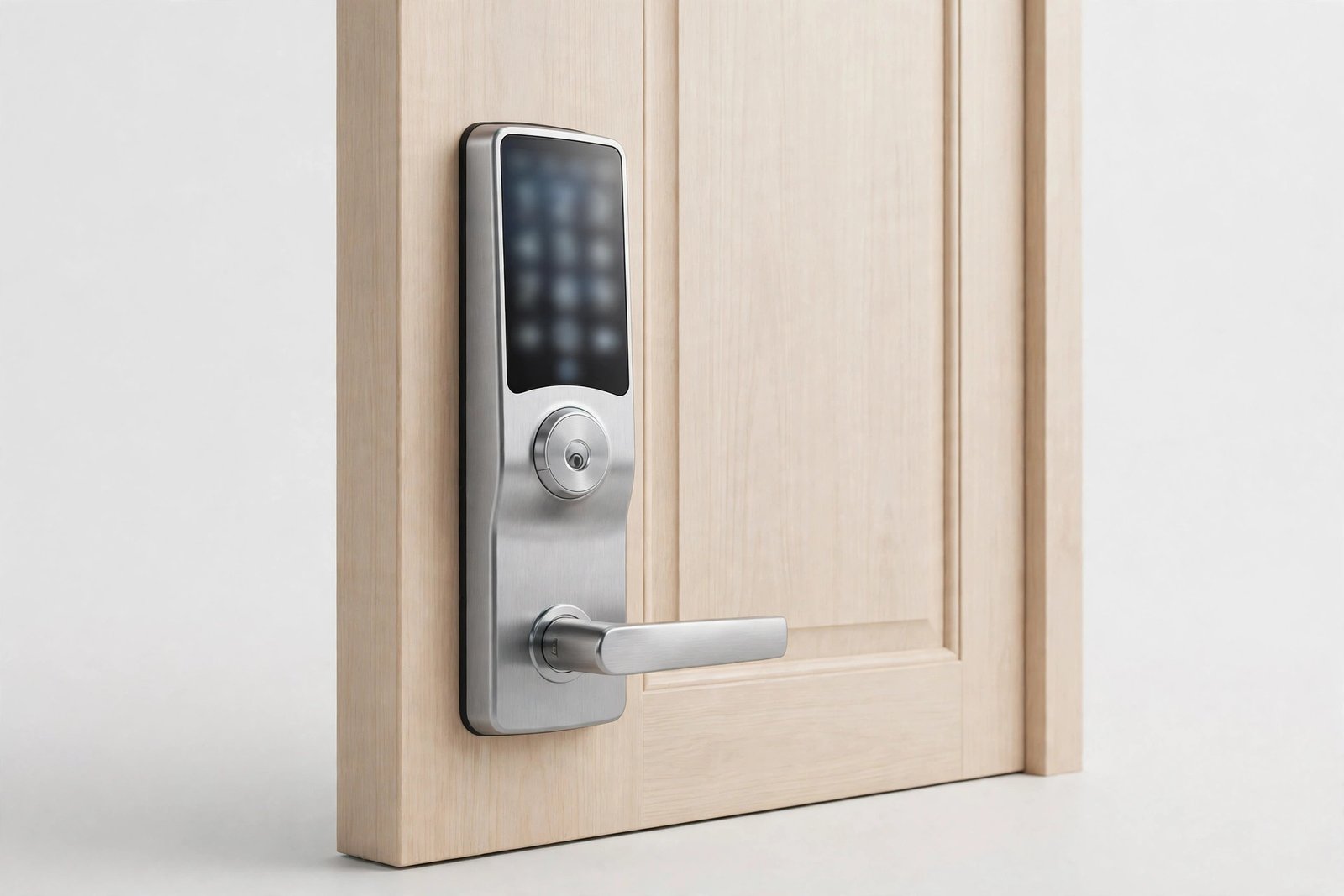
7. Eufy Smart Lock Touch
The Eufy Smart Lock Touch earns its place in this guide because it solves a real everyday problem rather than adding novelty for its own sake. In daily use it feels straightforward to set up, reliable to control from your phone or by voice, and well suited to the room or routine it is designed for. We looked closely at how it fits into a wider smart home, how forgiving it is for beginners, and whether it keeps working smoothly once the novelty wears off, because those are the qualities that separate a gadget you use every day from one that ends up in a drawer.
What stands out most is how naturally it blends into routines you already have. You do not need to rebuild your home around it or learn a complicated new system, and it plays nicely with the other devices most households already own. Check the compatibility notes and the app requirements before you buy, and you will know within minutes whether it is the right fit for your home, your phone and your voice assistant of choice.
Pros
- 👍 Fingerprint unlock in under a second
- 👍 Wi-Fi bridge for remote control
- 👍 Weather-resistant for exposed doors
Cons
- 👎 Bridge placement affects reliability
- 👎 Keypad numbers wear with heavy use
Best for: Front doors needing fingerprint and Wi-Fi control
Check Price And User Reviews on Amazon
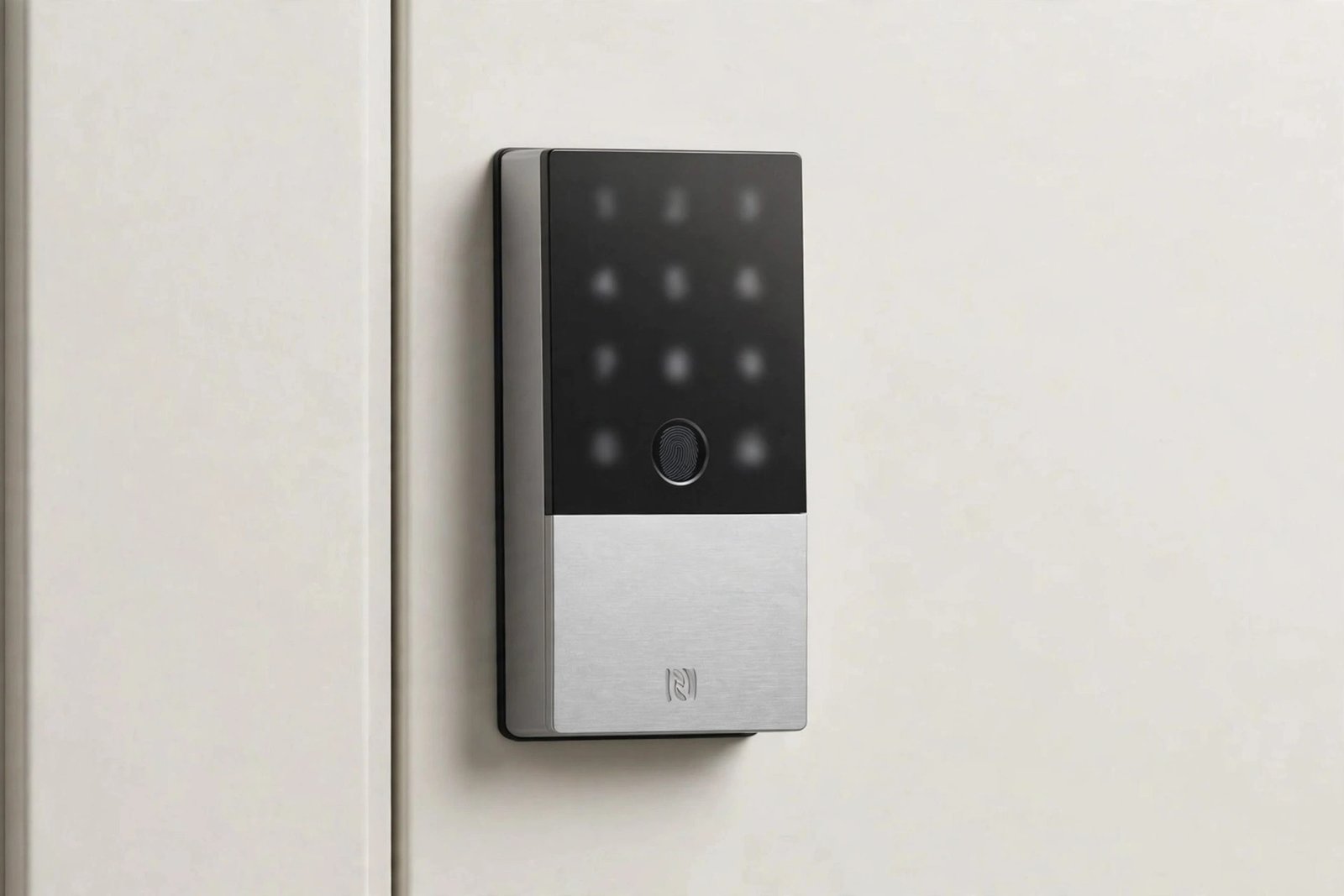
8. Aqara Smart Lock U100
The Aqara Smart Lock U100 earns its place in this guide because it solves a real everyday problem rather than adding novelty for its own sake. In daily use it feels straightforward to set up, reliable to control from your phone or by voice, and well suited to the room or routine it is designed for. We looked closely at how it fits into a wider smart home, how forgiving it is for beginners, and whether it keeps working smoothly once the novelty wears off, because those are the qualities that separate a gadget you use every day from one that ends up in a drawer.
What stands out most is how naturally it blends into routines you already have. You do not need to rebuild your home around it or learn a complicated new system, and it plays nicely with the other devices most households already own. Check the compatibility notes and the app requirements before you buy, and you will know within minutes whether it is the right fit for your home, your phone and your voice assistant of choice.
Pros
- 👍 HomeKit and Home Key support
- 👍 Fingerprint, keypad and key options
- 👍 Long battery life from efficient design
Cons
- 👎 Needs a hub for some features
- 👎 Installation needs a compatible deadbolt
Best for: Apple HomeKit homes wanting fingerprint entry
Check Price And User Reviews on Amazon
9. Sifely Keyless Entry Door Lock
The Sifely Keyless Entry Door Lock earns its place in this guide because it solves a real everyday problem rather than adding novelty for its own sake. In daily use it feels straightforward to set up, reliable to control from your phone or by voice, and well suited to the room or routine it is designed for. We looked closely at how it fits into a wider smart home, how forgiving it is for beginners, and whether it keeps working smoothly once the novelty wears off, because those are the qualities that separate a gadget you use every day from one that ends up in a drawer.
What stands out most is how naturally it blends into routines you already have. You do not need to rebuild your home around it or learn a complicated new system, and it plays nicely with the other devices most households already own. Check the compatibility notes and the app requirements before you buy, and you will know within minutes whether it is the right fit for your home, your phone and your voice assistant of choice.

Pros
- 👍 Easy code creation for guests
- 👍 Keypad, fob and key entry
- 👍 Auto-lock for forgetful guests
Cons
- 👎 No Wi-Fi on the base model
- 👎 Code management needs the app nearby
Best for: Landlords and Airbnb hosts managing codes
Check Price And User Reviews on Amazon
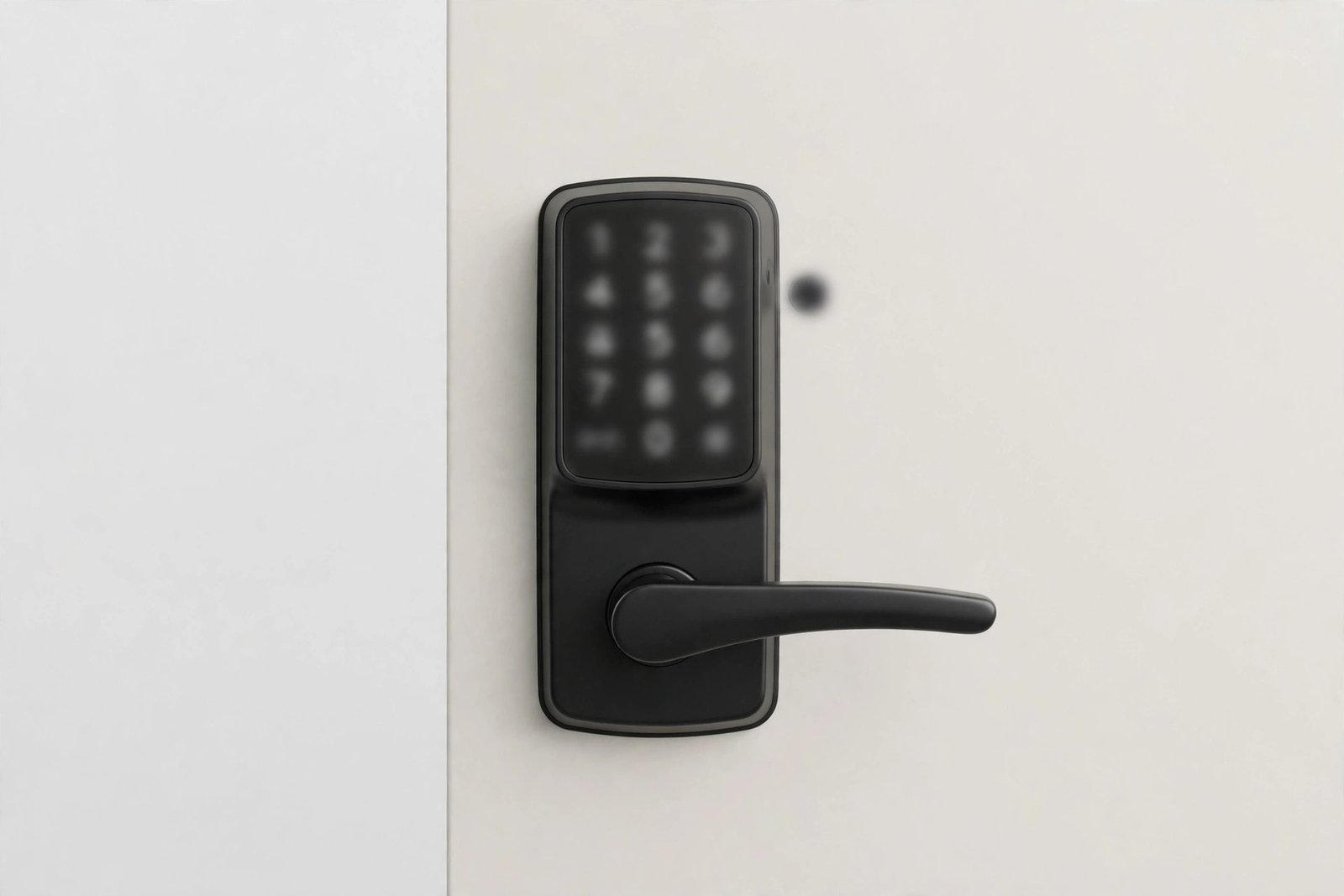
10. Veise Smart Lock
The Veise Smart Lock earns its place in this guide because it solves a real everyday problem rather than adding novelty for its own sake. In daily use it feels straightforward to set up, reliable to control from your phone or by voice, and well suited to the room or routine it is designed for. We looked closely at how it fits into a wider smart home, how forgiving it is for beginners, and whether it keeps working smoothly once the novelty wears off, because those are the qualities that separate a gadget you use every day from one that ends up in a drawer.
What stands out most is how naturally it blends into routines you already have. You do not need to rebuild your home around it or learn a complicated new system, and it plays nicely with the other devices most households already own. Check the compatibility notes and the app requirements before you buy, and you will know within minutes whether it is the right fit for your home, your phone and your voice assistant of choice.
Pros
- 👍 Keypad, fob, app and key entry
- 👍 Auto-lock and passage mode
- 👍 Straightforward installation
Cons
- 👎 App interface feels basic
- 👎 Weather sealing is modest
Best for: Budget front doors and side gates
Check Price And User Reviews on Amazon
11. TEEHO Keyless Entry Door Lock
The TEEHO Keyless Entry Door Lock earns its place in this guide because it solves a real everyday problem rather than adding novelty for its own sake. In daily use it feels straightforward to set up, reliable to control from your phone or by voice, and well suited to the room or routine it is designed for. We looked closely at how it fits into a wider smart home, how forgiving it is for beginners, and whether it keeps working smoothly once the novelty wears off, because those are the qualities that separate a gadget you use every day from one that ends up in a drawer.
What stands out most is how naturally it blends into routines you already have. You do not need to rebuild your home around it or learn a complicated new system, and it plays nicely with the other devices most households already own. Check the compatibility notes and the app requirements before you buy, and you will know within minutes whether it is the right fit for your home, your phone and your voice assistant of choice.

Pros
- 👍 Simple keypad codes for the family
- 👍 Auto-lock and low-battery alerts
- 👍 Easy fit on standard doors
Cons
- 👎 No smart home integration
- 👎 Keypad backlight is dim
Best for: Families wanting a simple keypad lock
Check Price And User Reviews on Amazon
12. Schlage Encode Smart WiFi Deadbolt
The Schlage Encode Smart WiFi Deadbolt earns its place in this guide because it solves a real everyday problem rather than adding novelty for its own sake. In daily use it feels straightforward to set up, reliable to control from your phone or by voice, and well suited to the room or routine it is designed for. We looked closely at how it fits into a wider smart home, how forgiving it is for beginners, and whether it keeps working smoothly once the novelty wears off, because those are the qualities that separate a gadget you use every day from one that ends up in a drawer.
What stands out most is how naturally it blends into routines you already have. You do not need to rebuild your home around it or learn a complicated new system, and it plays nicely with the other devices most households already own. Check the compatibility notes and the app requirements before you buy, and you will know within minutes whether it is the right fit for your home, your phone and your voice assistant of choice.
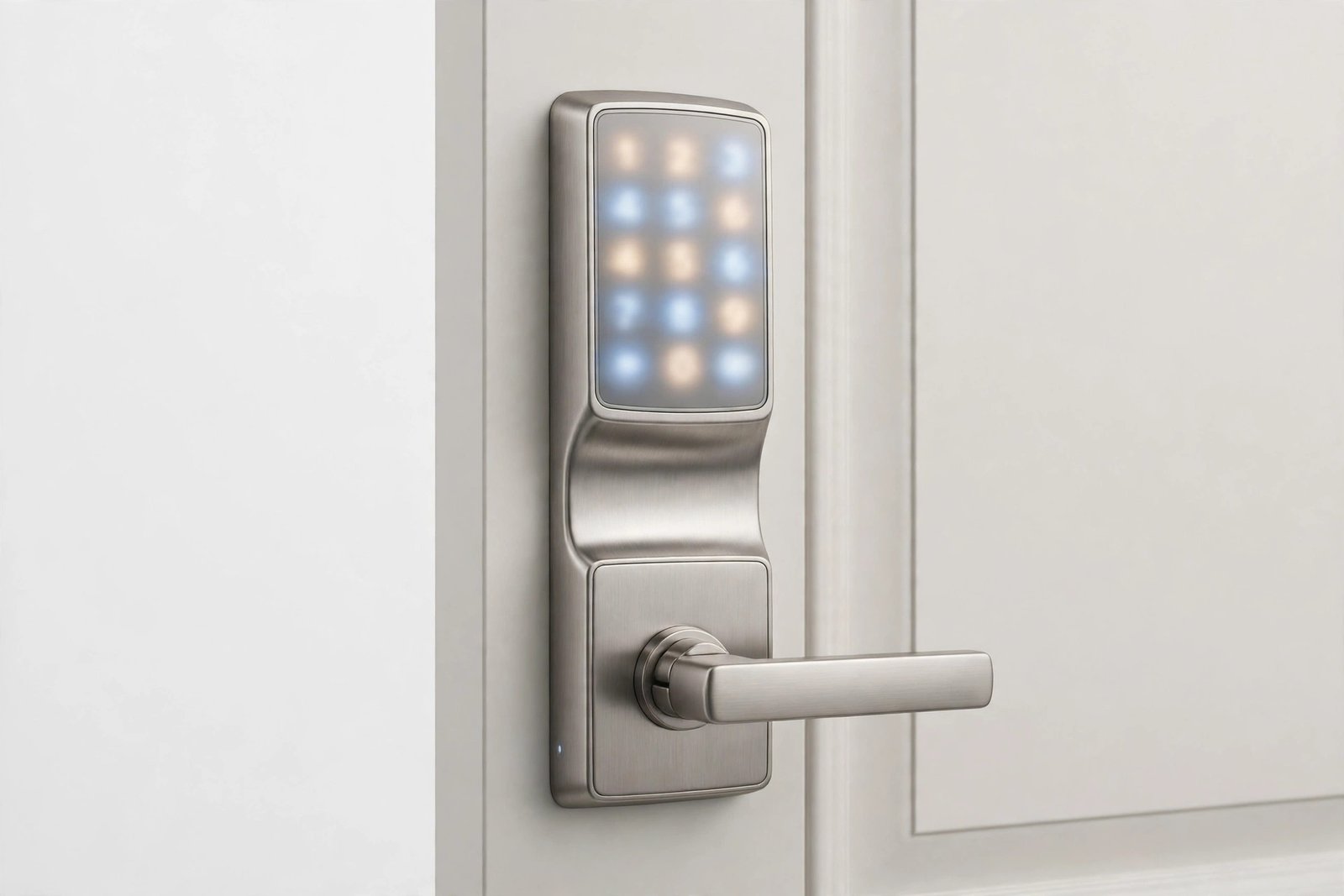
Pros
- 👍 Trusted Schlage deadbolt build
- 👍 Built-in Wi-Fi for remote control
- 👍 Keypad codes and schedules in the app
Cons
- 👎 Larger interior housing
- 👎 Batteries drain faster with heavy use
Best for: Homes wanting a trusted brand with Wi-Fi
Check Price And User Reviews on Amazon
13. Yale Assure Lock SL
The Yale Assure Lock SL earns its place in this guide because it solves a real everyday problem rather than adding novelty for its own sake. In daily use it feels straightforward to set up, reliable to control from your phone or by voice, and well suited to the room or routine it is designed for. We looked closely at how it fits into a wider smart home, how forgiving it is for beginners, and whether it keeps working smoothly once the novelty wears off, because those are the qualities that separate a gadget you use every day from one that ends up in a drawer.
What stands out most is how naturally it blends into routines you already have. You do not need to rebuild your home around it or learn a complicated new system, and it plays nicely with the other devices most households already own. Check the compatibility notes and the app requirements before you buy, and you will know within minutes whether it is the right fit for your home, your phone and your voice assistant of choice.
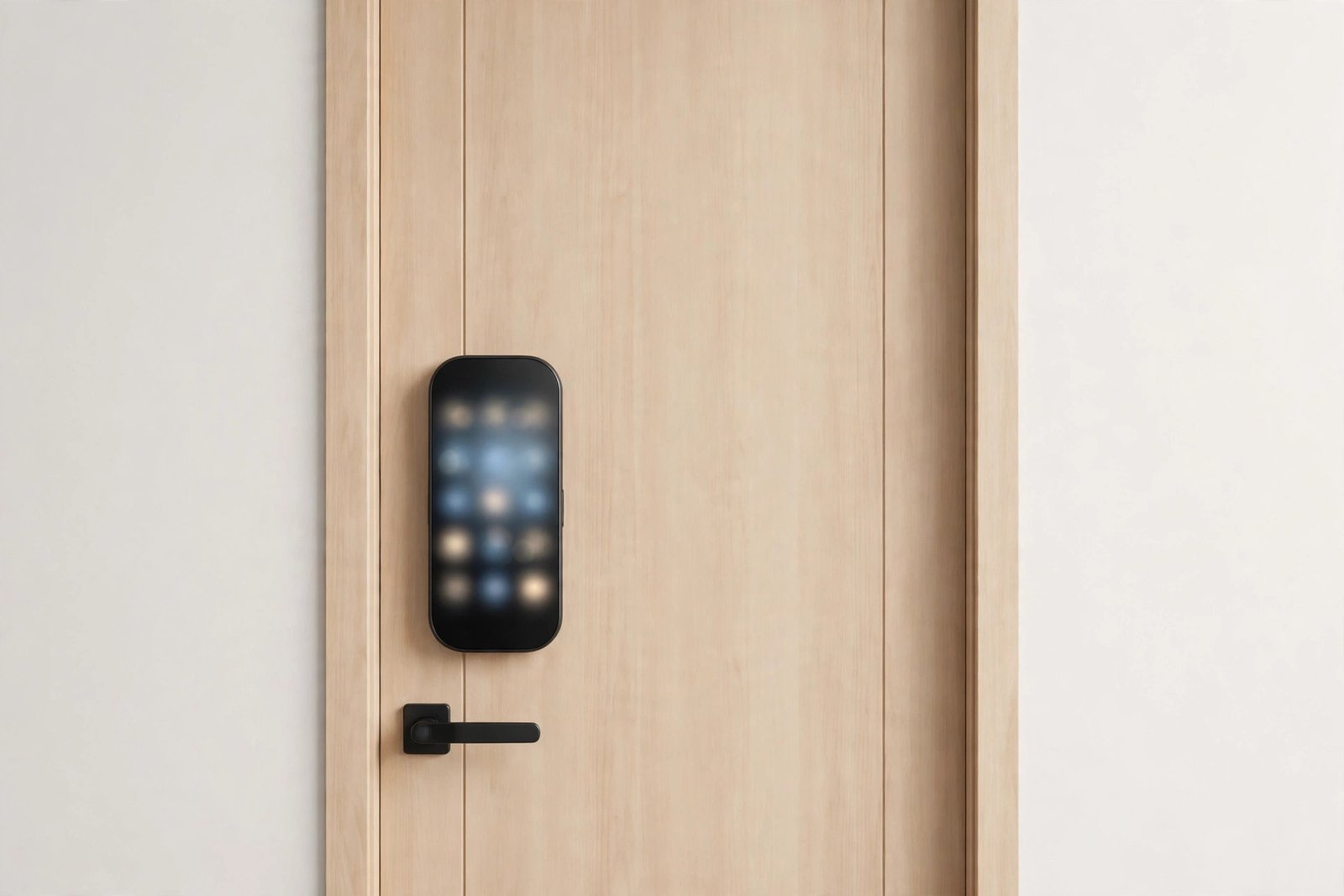
Pros
- 👍 Sleek touchscreen with no keyhole
- 👍 Auto-lock and tamper alerts
- 👍 Works with smart home modules
Cons
- 👎 Touchscreen needs clean, dry fingers
- 👎 Module choice affects features
Best for: Modern doors wanting a touchscreen keypad
Check Price And User Reviews on Amazon
14. Kwikset Premis
The Kwikset Premis earns its place in this guide because it solves a real everyday problem rather than adding novelty for its own sake. In daily use it feels straightforward to set up, reliable to control from your phone or by voice, and well suited to the room or routine it is designed for. We looked closely at how it fits into a wider smart home, how forgiving it is for beginners, and whether it keeps working smoothly once the novelty wears off, because those are the qualities that separate a gadget you use every day from one that ends up in a drawer.
What stands out most is how naturally it blends into routines you already have. You do not need to rebuild your home around it or learn a complicated new system, and it plays nicely with the other devices most households already own. Check the compatibility notes and the app requirements before you buy, and you will know within minutes whether it is the right fit for your home, your phone and your voice assistant of choice.
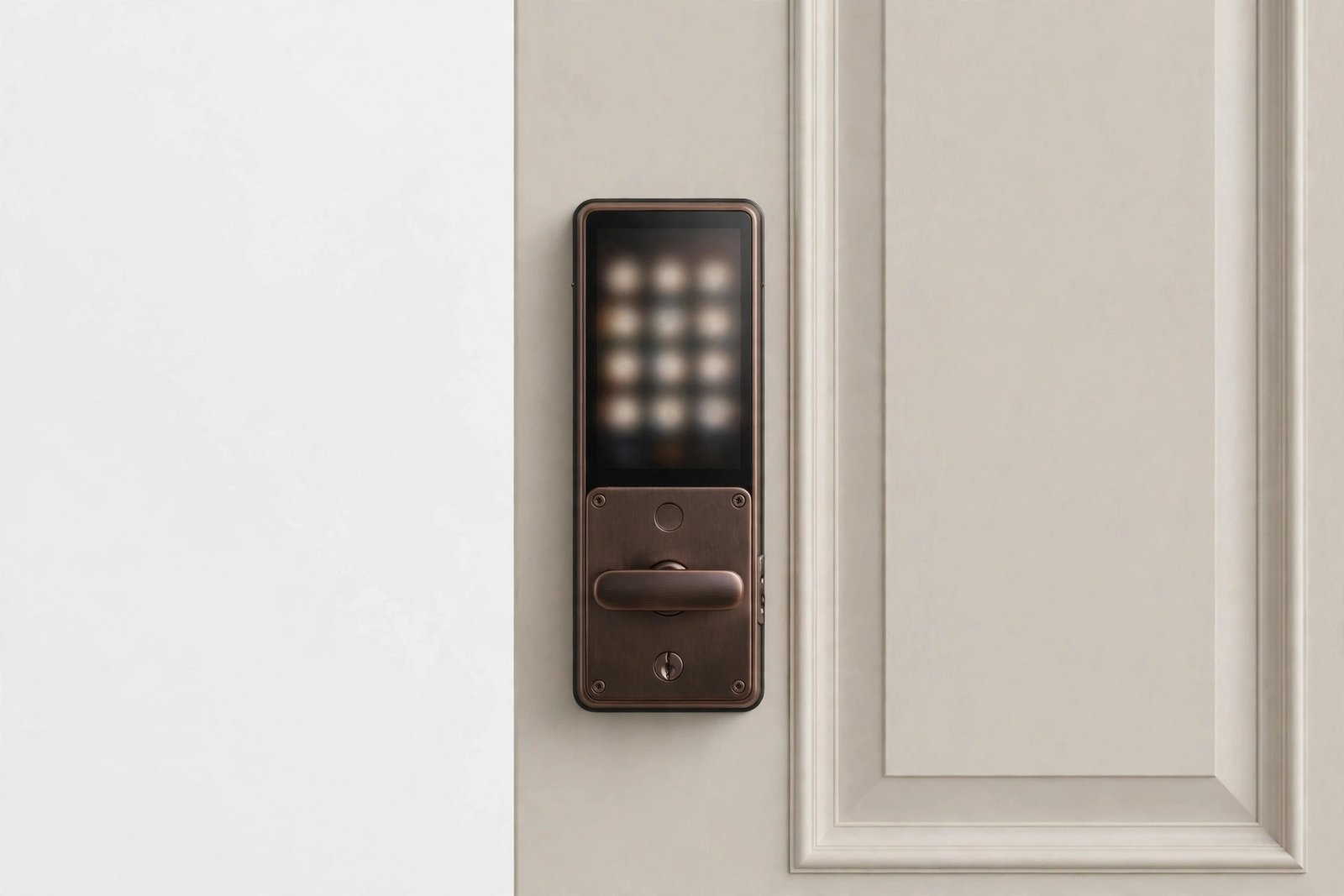
Pros
- 👍 Touchscreen keypad with HomeKit
- 👍 Siri voice control for locking
- 👍 SecureKey re-keying technology
Cons
- 👎 No fingerprint reader included
- 👎 Wi-Fi needs a separate bridge
Best for: Apple households wanting a touchscreen lock
Check Price And User Reviews on Amazon
15. Lockly Secure Plus
The Lockly Secure Plus earns its place in this guide because it solves a real everyday problem rather than adding novelty for its own sake. In daily use it feels straightforward to set up, reliable to control from your phone or by voice, and well suited to the room or routine it is designed for. We looked closely at how it fits into a wider smart home, how forgiving it is for beginners, and whether it keeps working smoothly once the novelty wears off, because those are the qualities that separate a gadget you use every day from one that ends up in a drawer.
What stands out most is how naturally it blends into routines you already have. You do not need to rebuild your home around it or learn a complicated new system, and it plays nicely with the other devices most households already own. Check the compatibility notes and the app requirements before you buy, and you will know within minutes whether it is the right fit for your home, your phone and your voice assistant of choice.
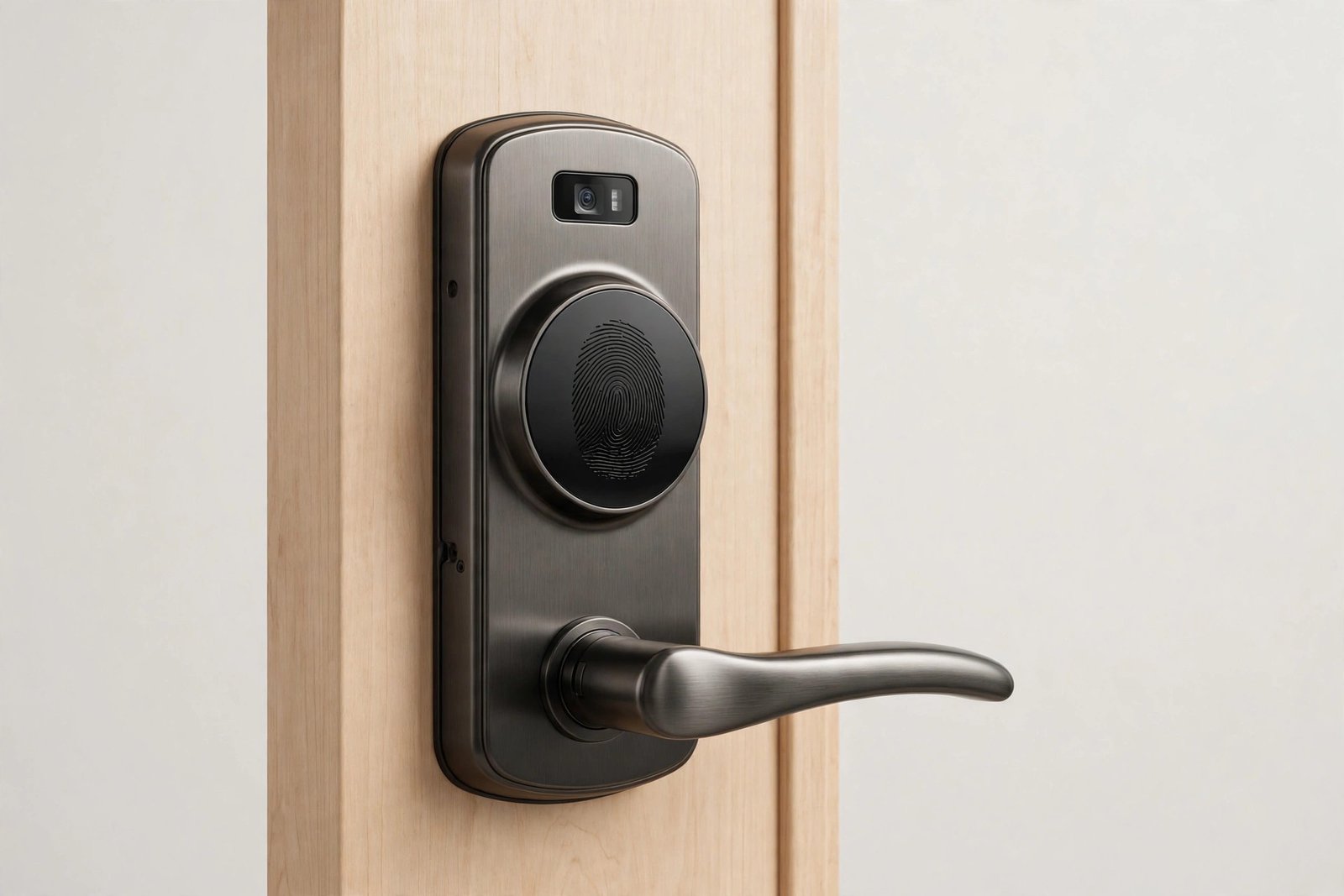
Pros
- 👍 PIN shuffle keypad resists code guessing
- 👍 Fingerprint and app control
- 👍 Auto-lock and door sensor included
Cons
- 👎 Keypad layout takes getting used to
- 👎 App has a learning curve
Best for: Tech lovers wanting a moving PIN keypad
Check Price And User Reviews on Amazon
16. Lockly Vision Elite
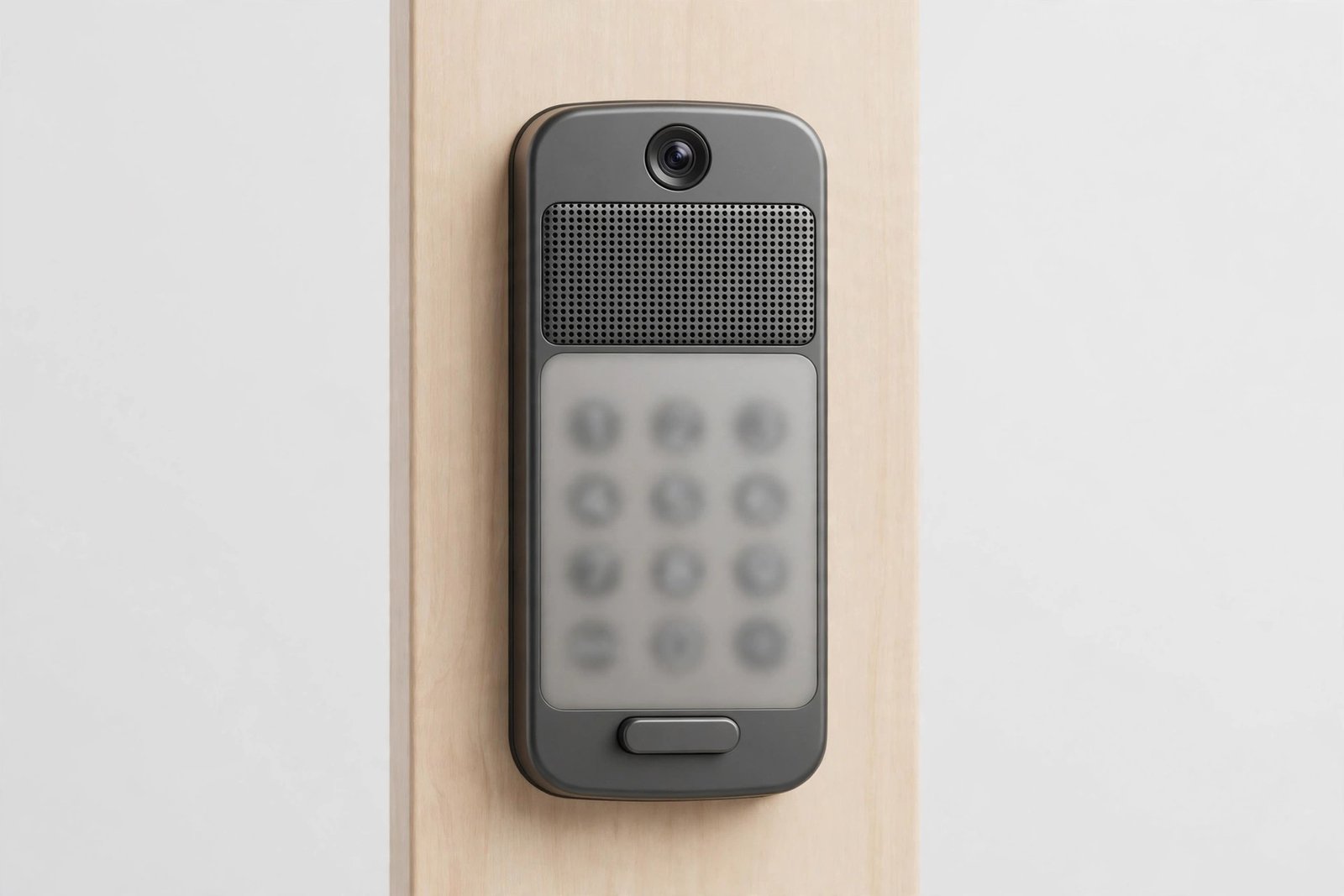
The Lockly Vision Elite earns its place in this guide because it solves a real everyday problem rather than adding novelty for its own sake. In daily use it feels straightforward to set up, reliable to control from your phone or by voice, and well suited to the room or routine it is designed for. We looked closely at how it fits into a wider smart home, how forgiving it is for beginners, and whether it keeps working smoothly once the novelty wears off, because those are the qualities that separate a gadget you use every day from one that ends up in a drawer.
What stands out most is how naturally it blends into routines you already have. You do not need to rebuild your home around it or learn a complicated new system, and it plays nicely with the other devices most households already own. Check the compatibility notes and the app requirements before you buy, and you will know within minutes whether it is the right fit for your home, your phone and your voice assistant of choice.
Pros
- 👍 Video camera built into the lock
- 👍 Fingerprint, keypad and app entry
- 👍 Motion alerts and two-way talk
Cons
- 👎 Camera needs good Wi-Fi at the door
- 👎 Battery life drops with video use
Best for: Front doors wanting a lock plus camera
Check Price And User Reviews on Amazon
What to Look for Before You Buy
Choose your entry method first
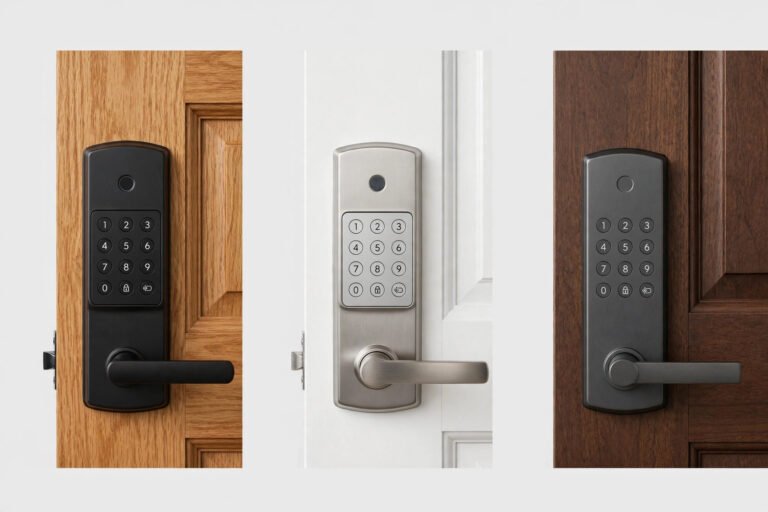
A keyless door lock can mean a keypad, a fingerprint reader, a phone app or all three. A fingerprint door lock is fastest for families with children, a keypad door lock suits guests and cleaners who need a code, and a smart deadbolt lock with app control suits households that want remote locking and activity history. Pick the method your least technical household member can use confidently.
Check door fit before you buy
Measure door thickness, backset and the size of your existing deadbolt hole, then compare them with the lock’s requirements. Most smart locks fit standard doors, but older or unusually thick doors may need an adapter or a different model. A WiFi smart lock with a bulky interior unit also needs clearance on the inside of the door.
Wi-Fi, Bluetooth or hub: what is the difference?
A WiFi smart lock can be controlled from anywhere without extra hardware, but it uses more battery. Bluetooth locks sip battery but only work when you are nearby, unless a bridge or hub is added. A hub-based lock can be the most reliable option in a large home, because the hub keeps the lock connected even when Wi-Fi at the front door is weak.
Plan for batteries and backup entry
Every smart lock runs on batteries, so check how often they need changing and whether the lock warns you in time. Keep a physical key with a neighbour or in a safe place, and make sure at least one household member knows the master code. A keypad door lock with a key backup is the safest combination for most families.
Manage codes like you manage keys
Give each regular visitor their own code, so you can see who entered and when, and delete codes when a cleaner, guest or tenant no longer needs access. Change the master code after moving house, avoid obvious codes such as birth years, and review the lock’s activity history now and then for peace of mind.
Final Thoughts
The best smart locks for front door use are the ones your whole household can operate without thinking — a fingerprint for the kids, a code for the cleaner, an app check for you at work. Choose the entry method that fits your family, confirm the lock fits your door, and keep a key backup for the rare day the batteries run out. Done that way, a keyless door lock does not just feel modern; it quietly removes one small daily friction, every single day.
Frequently Asked Questions
Is a keyless door lock safe?
Yes, when it is installed properly and managed well. A smart deadbolt lock uses the same strong bolt as a traditional deadbolt, and a fingerprint door lock or keypad door lock adds auto-locking and activity history that a key cannot. Use unique codes, keep software updated, and keep a physical key backup.
What happens if a WiFi smart lock battery dies?
Most locks warn you weeks in advance, and many have a backup: a physical key, an external battery contact for a temporary charge, or a keypad that works on reserve power. Keep a spare set of batteries in the house and a key with a neighbour, and a flat battery becomes a minor inconvenience.
Can I install a smart lock myself?
Most keyless door lock models are designed for DIY installation with a screwdriver in under an hour, as long as your door already has a standard deadbolt. If your door needs drilling, has an unusual thickness, or the lock instructions mention wiring, a locksmith is money well spent.
Do smart locks work in cold or rainy weather?
Outdoor-rated locks are built for rain and cold, but extreme cold shortens battery life and wet fingers can confuse a fingerprint door lock. A keypad door lock with a key backup is the most weather-proof combination, and sheltered doors always fare better than fully exposed ones.
Related Guides
- Best Smart Home Gadgets Under $100: Easy Upgrades for Every Room
- Best Smart Speakers for Home: Voice Control, Music and Routines
- Best Video Doorbells for Home Security: See Who Is at Your Door
- Best Smart Light Bulbs: Colour, Schedules and Voice Control
- Smart Home Security Tips: Protect Your Home and Your Wi-Fi

2 Comments