Smart Home Security Tips: Protect Your Home and Your Wi-Fi
Smart Home Security Tips: Protect Your Home and Your Wi-Fi
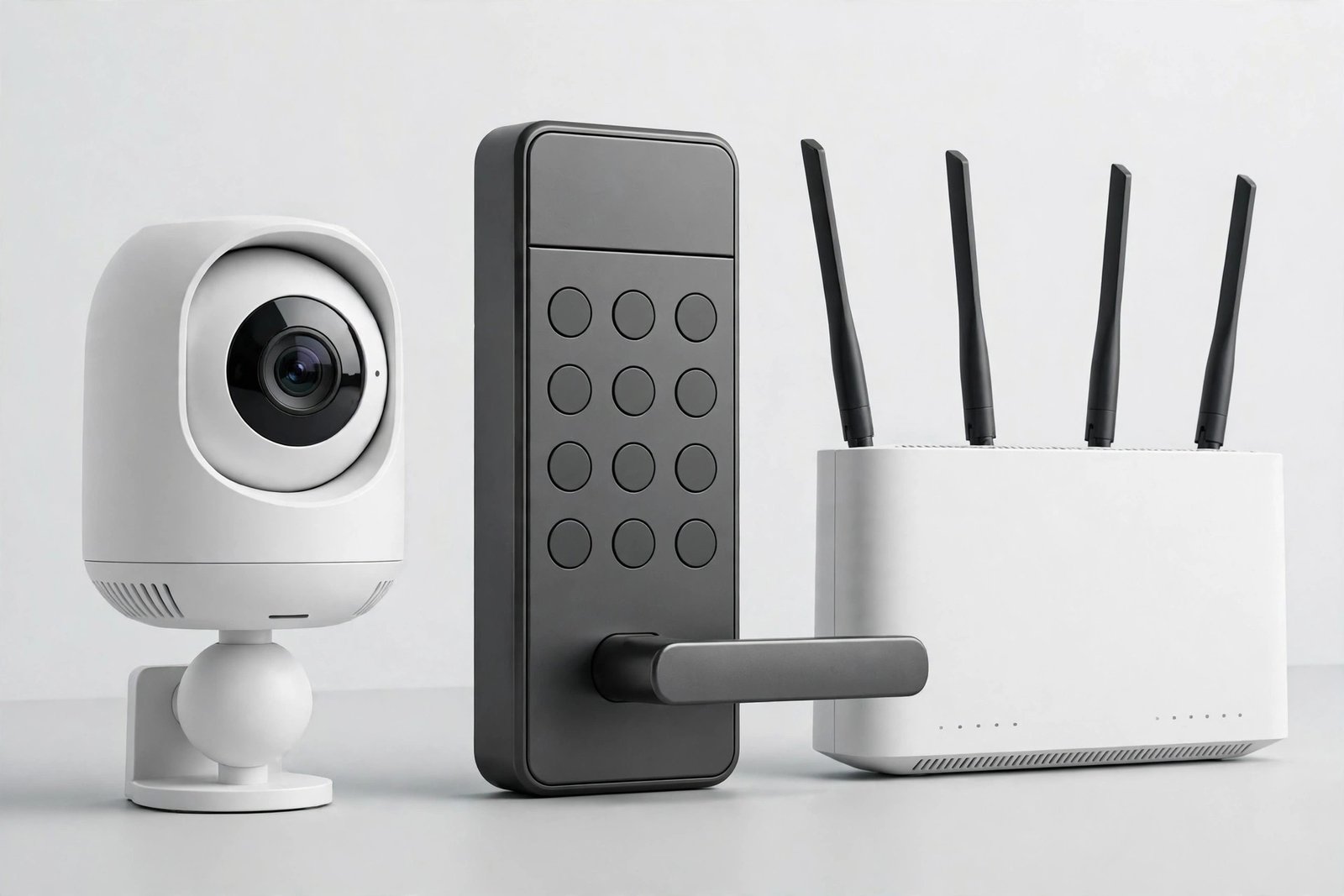
These smart home security tips are the simple, unglamorous habits that protect both your house and your data, and they matter more than any single camera or lock. To secure smart home devices properly, you need to think about three things: strong accounts, sensible camera placement, and a Wi-Fi network that does not hand your devices to strangers. Add smart home privacy tips such as reviewing who has access to your home and keeping software updated, and you will have a home that is genuinely safer — not just one that looks safer on the box. The good news is that none of this takes long, and most of it is set-and-forget.

Strong passwords and two-factor authentication
Start with the account that controls your smart home, because it is the master key to your cameras, locks and lights. Use a strong, unique password that you do not reuse anywhere else, turn on two-factor authentication wherever it is offered, and store the password in a password manager rather than on a note by the router. If a device offers a separate PIN for guests or children, use it, and change the master code after moving house or after a cleaner, tenant or guest no longer needs access. These steps alone block the most common way smart homes are compromised.
Smart camera placement: see what matters, nothing more
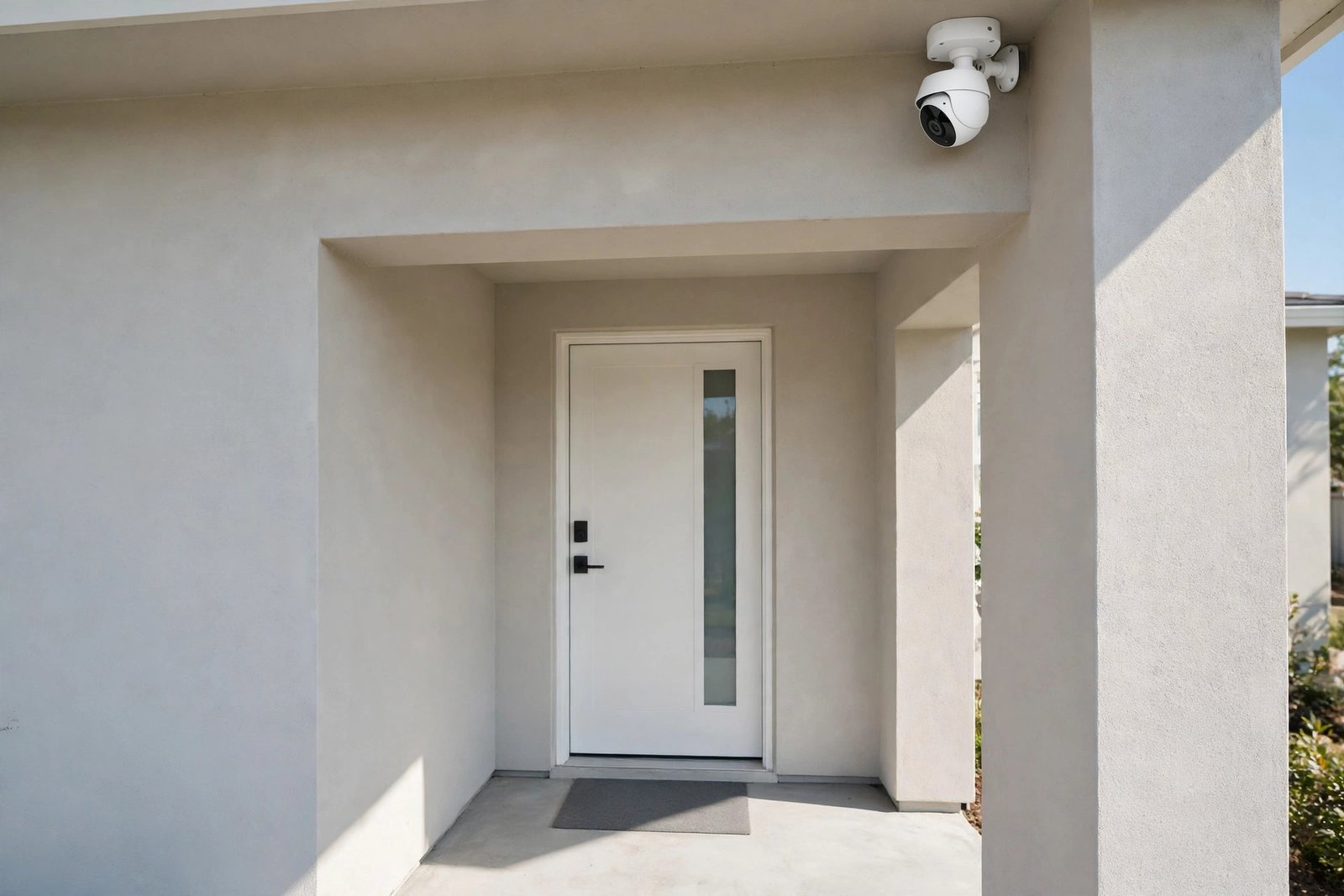
Smart camera placement is a balance between security and privacy. Indoors, place cameras to cover entrances and main rooms, never bedrooms or bathrooms, and tell everyone in the household where they are. Outdoors, angle cameras to cover your own doors, paths and garden, not a neighbour’s windows or the whole street, and check the view in the app before fixing a camera permanently. A camera that watches your front door and your back gate covers the routes a burglar would actually use, while a camera pointed at the pavement mostly records strangers who never come near your house.
Locks, codes and who has access
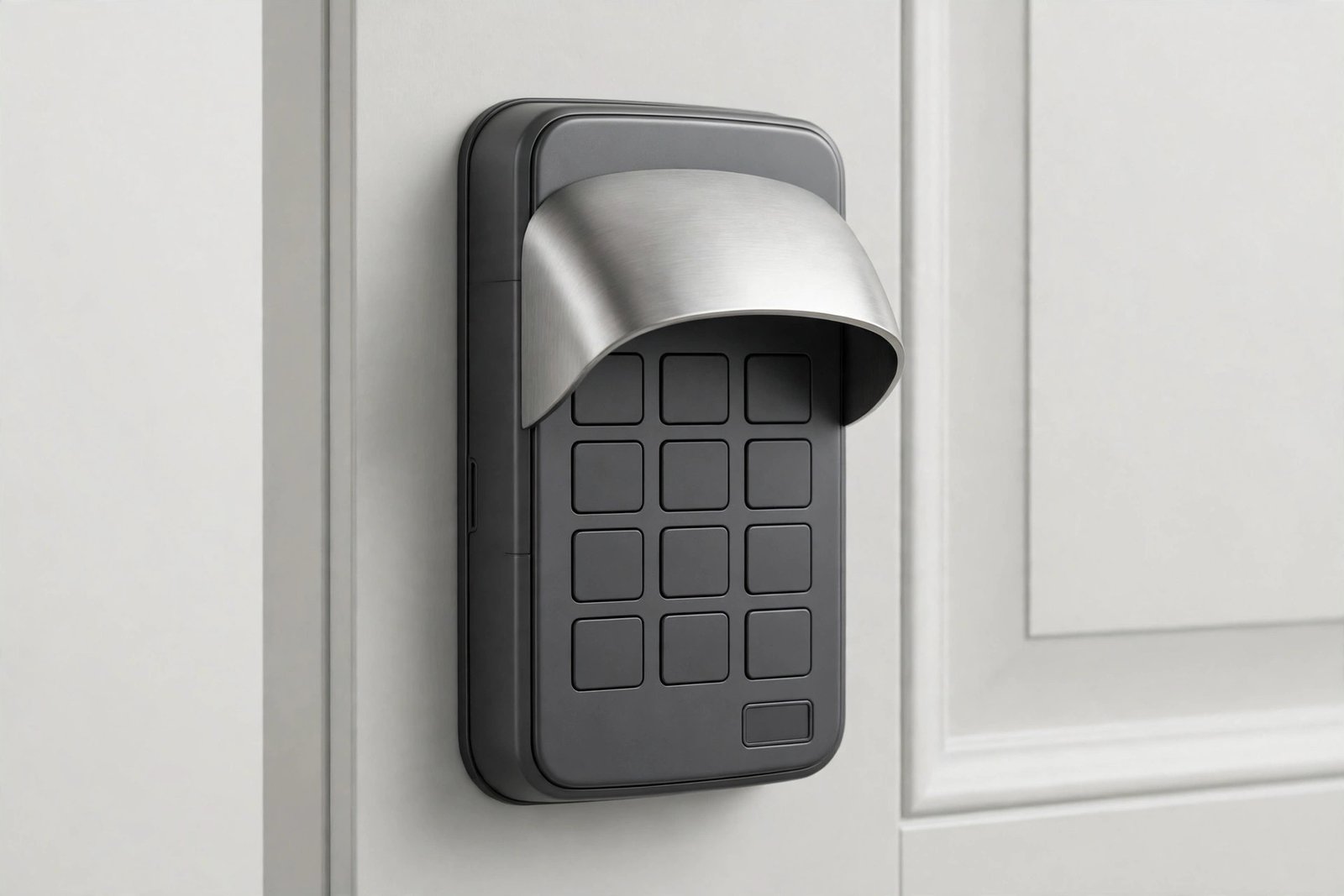
A smart lock is only as secure as its codes. Give each regular visitor their own code so you can see who entered and when, delete codes promptly when someone no longer needs access, and avoid obvious codes such as birth years or house numbers. Keep a physical key with a trusted neighbour for the rare day batteries run flat, and check the lock’s activity history now and then. If your lock or doorbell app offers shared access for family members, review that list every few months — old phones and old accounts are easy to forget and easy to exploit.
Secure your Wi-Fi, secure your home
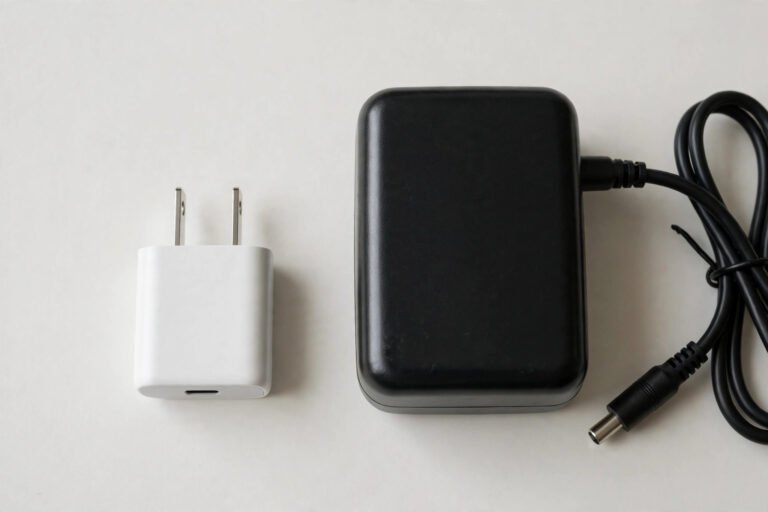
Your Wi-Fi network is the foundation of your smart home, so treat it seriously: use a strong router password, keep router software updated, and use WPA2 or WPA3 encryption rather than older settings. If your router supports a guest network, put visitors and less-trusted gadgets on it, keeping cameras and locks on your main network. Consider a separate network for smart devices if your router supports it, and never leave the router’s default admin password unchanged — it is the first thing an attacker tries.
Privacy habits and software updates
Smart home privacy tips are mostly habits: review app permissions so a camera app does not also read your contacts, check what data each device stores and for how long, and delete old clips you no longer need. Keep every device’s software updated, because updates often fix security flaws, and replace any device whose maker has stopped issuing updates. Finally, talk to your household about the cameras and microphones in the home — a smart home that everyone understands is one everyone can use confidently.
A Simple Monthly Security Check
Good security is a habit, not a one-time setup, so run a quick monthly check to secure smart home devices properly. Start by reviewing who has access to your smart home app and your locks, and remove anyone who no longer needs it. Next, check that every device is running its latest software, and replace anything whose maker has stopped issuing updates. Then review your camera clips and storage settings, deleting old footage you no longer need, and confirm that smart camera placement still covers your doors without filming a neighbour’s property after a camera has been bumped or adjusted. Finally, test your locks, doorbell and alarms the way a burglar would test them: try the door, ring the bell, and check that alerts reach your phone promptly. This ten-minute routine keeps your smart home privacy tips in practice rather than on paper, and it catches small problems — a flat battery, a moved camera, an expired code — before they become real gaps in your home security.

Frequently Asked Questions
How do I secure smart home devices on day one?
To secure smart home devices, use a strong unique password, turn on two-factor authentication, keep software updated, and change default passwords on routers and cameras. Those four steps block the most common attacks and take under an hour to complete.
Where should I place security cameras?
Smart camera placement should cover your own entrances, paths and main rooms, never bedrooms, bathrooms or a neighbour’s property. Angle outdoor cameras to watch your doors and garden, and check the view in the app before fixing a camera permanently.
Should smart devices be on a separate Wi-Fi network?
If your router supports it, a separate network for smart devices is a sensible precaution, because it limits what an attacker can reach if one device is compromised. At minimum, put guests on a guest network and keep cameras and locks off it.
How often should I update smart home devices?
Turn on automatic updates where offered, and check manually every month or two for devices that do not update themselves. Replace any device whose maker has stopped issuing updates, because unpatched devices become easier targets over time.