
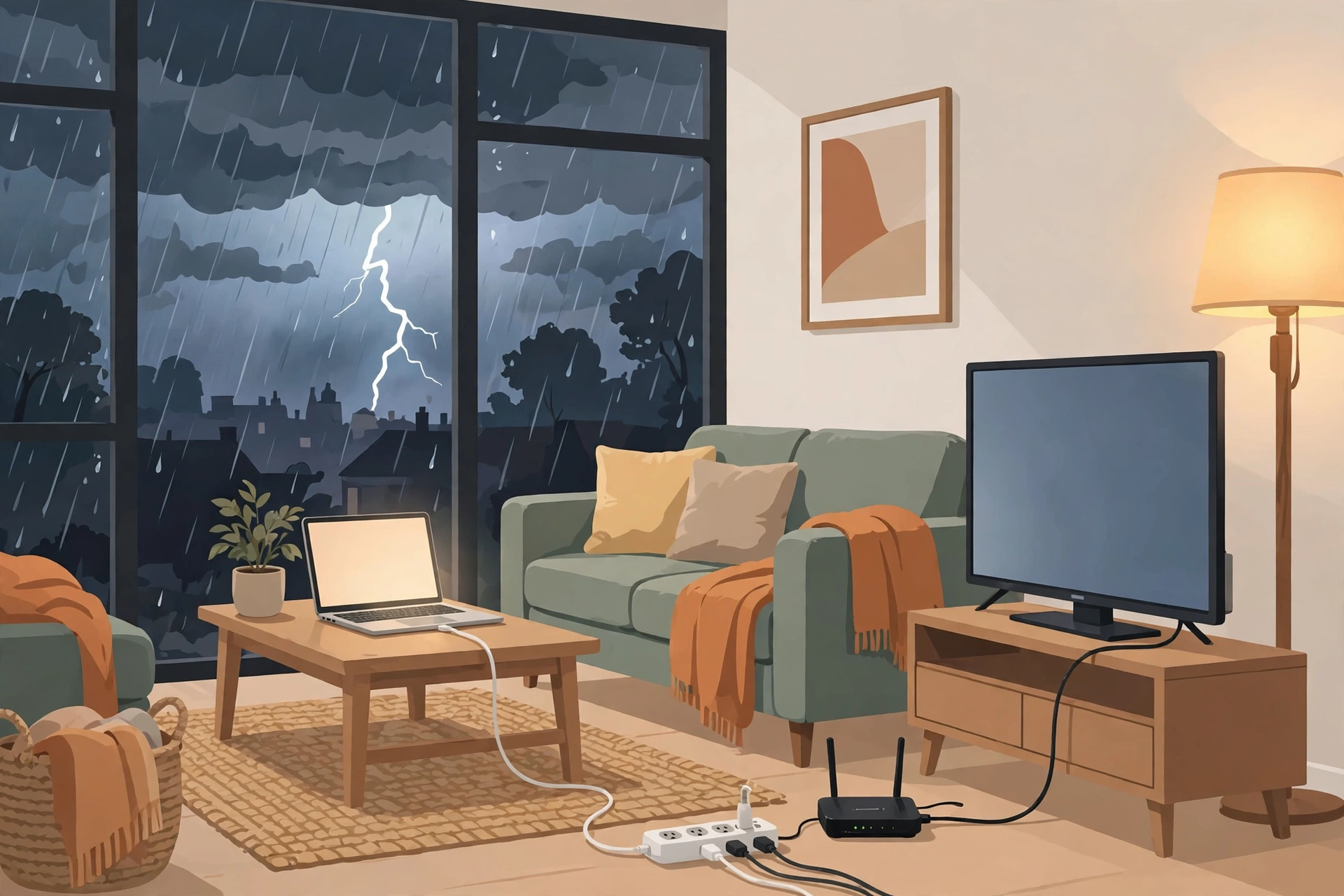
How to Protect Your Gadgets from Power Surges at Home
Affiliate Disclosure: As an Amazon Associate, we earn from qualifying purchases made through links on this page, at no extra cost to you. This helps us keep testing and reviewing home gadgets and publishing free guides for readers.
Prices change often on Amazon, so please check the current price on the product page before you buy. Product images on this page are original illustrations created to show each gadget’s design and key features, not photographs taken from a retailer listing.
Learning how to protect your gadgets from power surges at home is one of the cheapest insurance policies you can buy for your electronics. A single spike can kill a television, fry a laptop charger, or quietly shorten the life of your router, and you will rarely see it coming. The good news: real protection costs far less than one replacement and takes less than an hour to set up. This guide explains what surges are, where they come from, and the simple layers that keep your gear safe. Key topics covered here: a surge protector for home electronics; how to protect electronics from lightning strikes; whole house surge protection for appliances; a UPS battery backup for home office gadgets; and power surge damage prevention tips for gadgets.
Most people only think about surges during a thunderstorm, but storms cause only a small share. The slow damage comes from inside your own home, and once you understand both kinds, the fixes are obvious — and none is expensive.
What a Power Surge Actually Does to Your Gadgets
A power surge is a brief spike in the voltage reaching your outlets: normal mains power flows at a steady level, but a surge pushes far more voltage through the wires for a fraction of a second. Sensitive electronics can handle small wobbles, not a sudden flood of extra power — their circuits can overheat, short, or burn out in that instant.
Big surges cause sudden death: a television that never turns on again, a router with dead ports, a console that smells of burnt plastic. Small surges are sneakier — each one weakens components a little, so a charger that survived three small spikes dies on the fourth, and you blame the charger instead of the power. That slow damage is why protection matters even in homes with no obvious electrical trouble.
The gadgets most at risk are the ones with delicate electronics that stay plugged in all day: televisions, laptops, routers, and games consoles. Large appliances are tougher, but their control boards are just as sensitive as a phone charger.
Where Power Surges Come From
Lightning is the most dramatic cause: a strike near your home can send thousands of extra volts down the power lines. That is why the best power surge damage prevention tips for gadgets always start with storms: if you can hear thunder, your gear is at risk. Lightning can also travel through phone and cable lines, so anything connected to the wall by any cable is exposed.
The more common cause is inside your house: every time a large appliance switches on or off — an air conditioner, a fridge compressor, a washing machine — it sends a small spike back through your wiring. Grid switching and power returning after an outage do the same. None of these is dramatic alone, but they add up over months and years.
Old or loose wiring makes everything worse, because poor connections create arcing and uneven voltage. If your lights flicker when the air conditioner starts, or an outlet feels warm, call an electrician before buying any gadget — no surge protector can fix faulty wiring.
Start at the Wall with the Right Surge Protector
The first layer is a surge protector for home electronics, the strip that sits between your gadgets and the wall. It watches the voltage and diverts the excess to the ground wire before it reaches your devices. A basic power strip does not do this at all — it only adds more sockets — so check that the product actually says surge protection on the box.
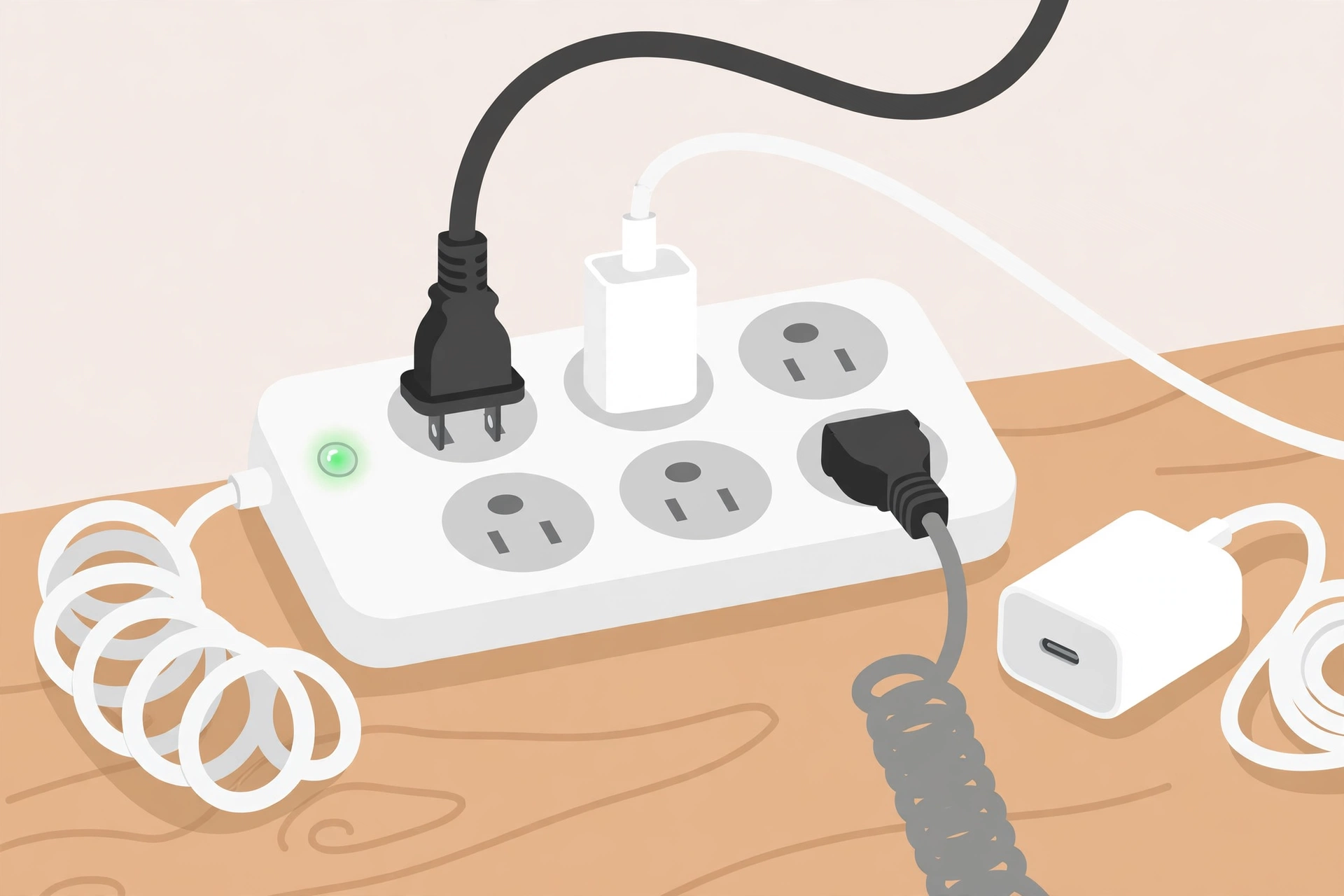
Three numbers matter. The joule rating tells you how much surge energy the strip can absorb; look for at least 1,000 joules for a television or computer setup, and 2,000 or more for expensive gear. Clamping voltage is the level at which it starts working, and lower is better — 400 volts or less is a good target. Response time should be under one nanosecond, which almost every decent strip achieves.
Buy one strip per cluster of gear rather than daisy-chaining strips, which is a fire risk. A television, console, and soundbar share one strip; a desk setup shares another. Replace a strip when its protection light goes out, after any major surge, or roughly every three to five years — the parts inside wear out silently with every spike they absorb.
Add a Second Layer with a Battery Backup
A surge protector stops spikes, but it cannot help when the power cuts out completely. That is the job of a UPS battery backup for home office gadgets: a box with a battery that keeps your devices running for a few minutes after an outage, long enough to save your work and shut down safely. A sudden shutdown can corrupt files or damage a hard drive, so the UPS guards against a different kind of damage.

Most home UPS units also include surge protection, so the two layers work together: the strip catches the spike, and the UPS keeps things running through the dip that follows. Connect only the gear that must not lose power suddenly — computer, monitor, router, external drive — and leave printers and lamps on a plain strip. A UPS battery is a consumable: expect to replace it every three to five years, and test it twice a year by unplugging it from the wall and checking your computer stays on.
Size the UPS to your load: add up the watts of everything you will plug in, then buy a unit rated at least a quarter higher. A small unit is enough for a laptop and router; a desktop with a large monitor needs a bigger one.
Whole-House Protection for Big Appliances
Point-of-use strips protect one cluster of gear, but your fridge, washing machine, oven, and air conditioner sit far from any strip. That is where whole house surge protection for appliances comes in: a device fitted at your main electrical panel that clips surges for the entire home.

A whole-house unit is fitted by an electrician and costs far less than replacing one major appliance. It does not replace strips and UPS units — think of it as the outer wall and the strips as the locks on each door — but it catches big external surges before they reach anything inside. Storm-prone homes and homes with older wiring benefit the most.
If you rent, ask your landlord about a whole-house unit, and spend your own money on strips and a UPS, which move with you. If you own your home and have already lost an appliance to a surge, a whole-house unit is usually the best purchase you can make next.
Everyday Habits That Keep Your Gadgets Safe
Gear helps, but habits do most of the work. Unplug expensive electronics during a serious storm, especially if you are leaving the house — no protector is guaranteed against a direct strike. The same applies to cable and phone lines: disconnect the aerial or cable feed from the television during a storm if you can do it safely.
Give your gadgets breathing room. Do not overload one outlet with a tower of adapters, keep strips where air can flow, and never run a strip under a rug where heat builds up. Check strips and plugs every few months for warmth, discolouration, or a loose fit, and replace anything that looks or smells wrong.
Keep your router and smart home hub on a UPS rather than a bare strip — a sudden restart can corrupt their settings and leave half your smart home offline.
What to Do Right After a Surge Hits
If a surge happens, act quickly but calmly. Unplug the affected gear before touching any buttons, then check each device for burnt smells, scorch marks, or a strip whose protection light has gone out. A dead protection light means the strip did its job and is now spent, so replace it before plugging anything back in.
Do not plug everything back in at once. Start with the least expensive item on each strip, confirm it works, then move on. If a device will not turn on, try a different outlet and cable before declaring it dead — surges often take out the power brick rather than the device. For anything expensive, keep the receipt and the dead strip: some brands offer a connected-equipment warranty, and home insurance may cover surge damage too.
Finally, find the cause. If surges keep happening, note when they occur — storms, the air conditioner starting, power returning after an outage — and tell an electrician. A pattern points to a fixable problem that protects everything you own at once.
Simple Gear That Makes a Real Difference
You do not need a cupboard full of equipment. Three purchases cover almost every home: a surge protector power strip for each cluster of gear, a UPS battery backup for the computer and router that must never die mid-task, and a smart plug with surge protection for the single valuable device, like a television, that deserves its own guarded outlet. Buy the strips first, add the UPS next, and consider whole-house protection when you own your home.
Final Thoughts
Surge protection is unglamorous, and that is exactly why it gets skipped. Nothing about a strip or a battery box is fun to buy, and on a good day it does nothing at all. But the day a storm rolls in or the grid hiccups, the cheapest strip in the house is the difference between a television that keeps working and a repair bill ten times higher. Start with one good surge protector for home electronics on your most expensive setup, add a UPS battery backup for home office gadgets, and unplug during serious storms — your gadgets will last longer.
More Guides You’ll Like
These live guides go deeper on the topics around it: Best Fire Safety Gadgets for Older Homes with Aging Wiring, How to Prevent Fires in Older Homes, How to Automate Your Home With Smart Plugs, and Best Charging Gadgets for Large Families with Many Devices at Home.
Frequently Asked Questions
Can a power surge damage gadgets that are switched off but still plugged in?
Yes. A switched-off device is still connected to the mains, so a surge can reach its circuits through the plug. Unplugging is the only way to fully isolate a gadget, which is why it is the most reliable protection in a serious storm.
How often should I replace a surge protector?
Replace it when the protection light goes out, after any major surge, or roughly every three to five years. The parts inside wear out with every spike they absorb, and a worn strip looks identical to a working one, so the light is your only warning.
Is a power strip the same as a surge protector?
No. A basic power strip only adds extra sockets. A surge protector looks similar but contains parts that divert excess voltage away from your devices, and it should list a joule rating and a clamping voltage. If those numbers are missing, it is just a strip.
Do I still need surge protection if I have a UPS?
Yes, use both. A UPS keeps your devices running through an outage so you can shut down safely, while a surge protector clips voltage spikes. Most home UPS units include some surge protection, but a dedicated strip gives your gear a stronger first layer.





One Comment