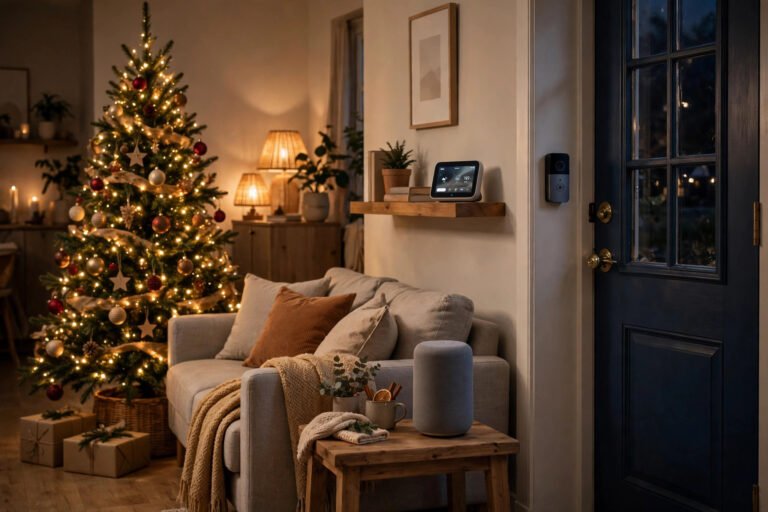
Top 10 Smart Home Devices for 2026: The Best Gadgets to Upgrade Your Home
Affiliate Disclosure: As an Amazon Associate, we earn from qualifying purchases made through links on this page, at no extra cost to you. This helps support our work and keeps our guides free to read.
A quick note on prices: prices change often, so we never quote a fixed price here. Please check the latest price on Amazon before you buy, using the yellow buttons in this guide. Product images on this page are original images created for this guide to show each gadget’s design and key features, not photos taken from a retailer listing.
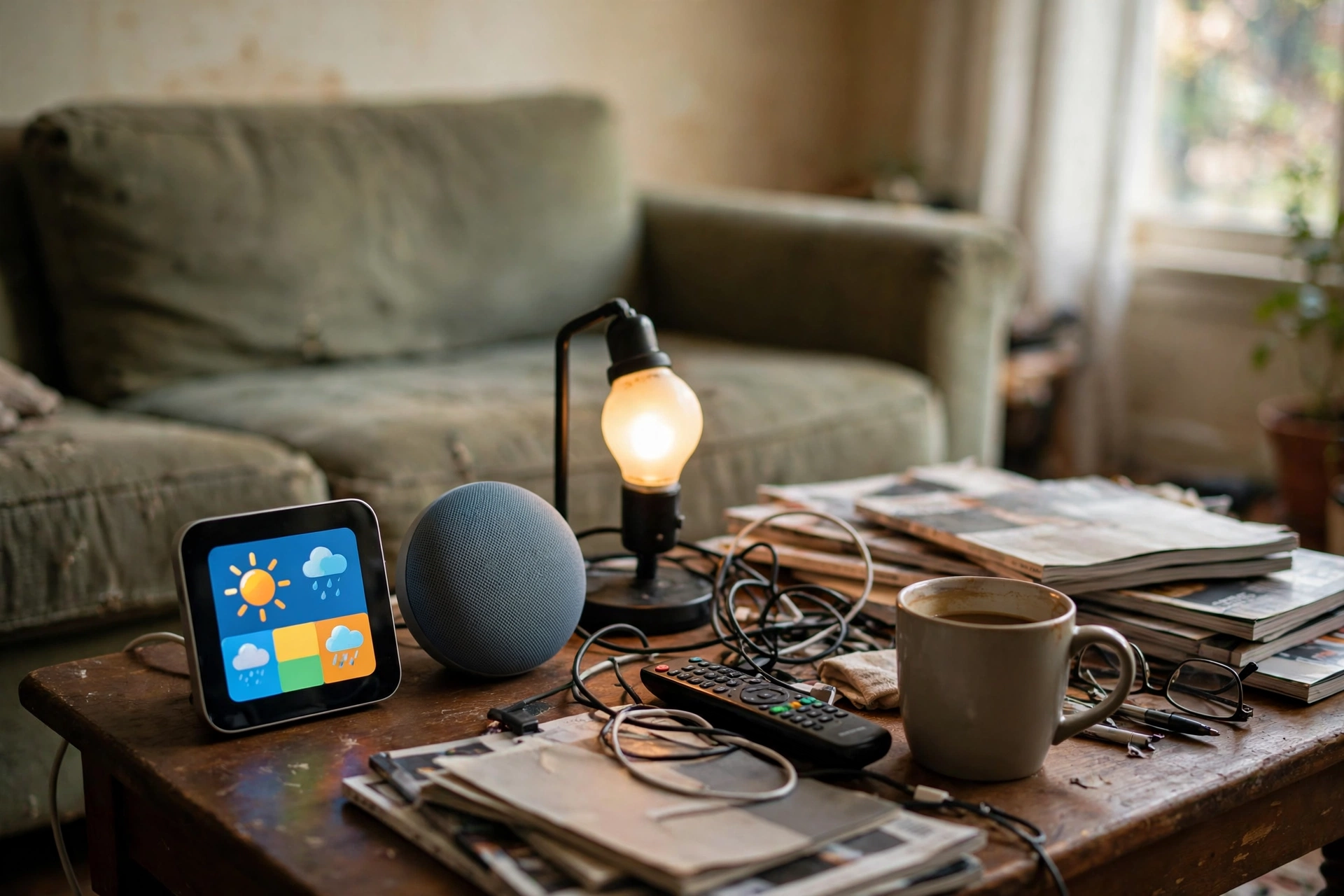
Ask ten homeowners what to buy first and you will get ten different answers, but the top 10 smart home devices 2026 buyers agree on share one thing: they save time or worry every single day, not just during the first excited week. This guide is our ranked list of the best smart home devices 2026 has produced so far, judged on real daily life rather than spec sheets.
A smart home is not about filling every socket with technology. The best smart home gadgets earn their place by doing one job brilliantly — answering the door from the sofa, warming the house before you get home, vacuuming while you are out. Every pick below is a powered device that connects to your home Wi-Fi and can be controlled from your phone or by voice.
If you are new to all this, do not worry: most of these are smart home devices for beginners as much as for enthusiasts, because each one installs in minutes and works on its own before you connect it to anything else. And if you already own a few home automation gadgets, every pick here plays nicely with the major voice assistants and apps.
How We Chose
We compared dozens of smart home devices on what matters once the novelty wears off, not just the feature list on the box:
- Everyday usefulness: it must save time, money or worry every week, not just impress on day one.
- Simple setup: most picks install in under 30 minutes with a phone and, at most, a screwdriver.
- App and voice quality: a good app and reliable voice control matter more than a long feature list.
- Connection reliability: a device that keeps dropping off Wi-Fi fails the whole idea, so stable connections scored highest.
- Honest running costs: subscriptions, filters and batteries were weighed, not just the price of the box.
Quick List
- 1. Smart Home Hub with Touchscreen Display and Voice Control — the control centre for everything else
- 2. Video Doorbell with Wireless Chime and Night Vision — answer the door from anywhere
- 3. Smart Thermostat with Room Sensors and Learning Schedule — lower bills on autopilot
- 4. Smart Door Lock with Fingerprint Keypad and App Control — keys become optional
- 5. Robot Vacuum with LiDAR Mapping and Self-Empty Base — clean floors, zero effort
- 6. Outdoor Smart Security Camera with Solar Panel and Spotlight — no cables, solar powered
- 7. Smart Speaker with Voice Assistant and Room-Filling Sound — the voice of the house
- 8. Smart LED Light Strip with App and Voice Control — a new room in ten minutes
- 9. Smart Plug with Energy Monitoring and App Control — makes any appliance smart
- 10. Smart Air Purifier with Air Quality Sensor and App Control — cleaner air, automatically
1. Smart Home Hub with Touchscreen Display and Voice Control

The Smart Home Hub with Touchscreen Display and Voice Control is the natural starting point for this whole list: one screen on the counter that shows the doorbell camera, dims the lights and reads the weather aloud. A built-in voice assistant means timers, music and routines run without reaching for your phone, and the display doubles as a photo frame when idle. If you only buy one device, this is the one the rest of the house will gather around — a strong claim to being among the best smart home devices 2026 shoppers can start with.
Pros
- 👍 One screen controls lights, cameras and locks
- 👍 Built-in voice assistant for hands-free routines
- 👍 Doubles as a photo frame and video-call screen
Cons
- 👎 Needs a permanent counter spot near a socket
- 👎 Screen can feel bright in a dark bedroom
Best for: anyone building a smart home who wants one central screen and voice control for the whole house.
Check Price And User Reviews on Amazon
2. Video Doorbell with Wireless Chime and Night Vision

The Video Doorbell with Wireless Chime and Night Vision lets you see and speak to whoever is at the door from your phone, whether you are on the sofa or in another country. The plug-in chime means you still hear the bell in the hallway without your phone, and clear night vision keeps parcels and visitors visible after dark. It is one of the best smart home gadgets for renters and homeowners alike, because the battery version fits without any wiring.
Pros
- 👍 See and talk to visitors from anywhere
- 👍 Wireless chime included, no phone needed to hear it
- 👍 Battery or wired fitting options
Cons
- 👎 Video history usually needs a subscription
- 👎 Battery needs recharging every few months
Best for: anyone who misses deliveries or wants to answer the door from the sofa.
Check Price And User Reviews on Amazon
3. Smart Thermostat with Room Sensors and Learning Schedule

The Smart Thermostat with Room Sensors and Learning Schedule pays for its keep quietly, learning when the house is empty and trimming heating and cooling you would otherwise pay for. The little room sensors fix the classic problem of one cold bedroom and one hot hallway by telling the system the temperature where people actually sit. Control from the app means the house is warm when you land, not an hour after.
Pros
- 👍 Learns your routine and saves energy automatically
- 👍 Room sensors end hot and cold spots
- 👍 Clear display and simple app controls
Cons
- 👎 Fitting can need a common wire or an adapter
- 👎 Best savings take a few weeks of learning
Best for: households with regular routines who want lower energy bills without thinking about it.
Check Price And User Reviews on Amazon
4. Smart Door Lock with Fingerprint Keypad and App Control
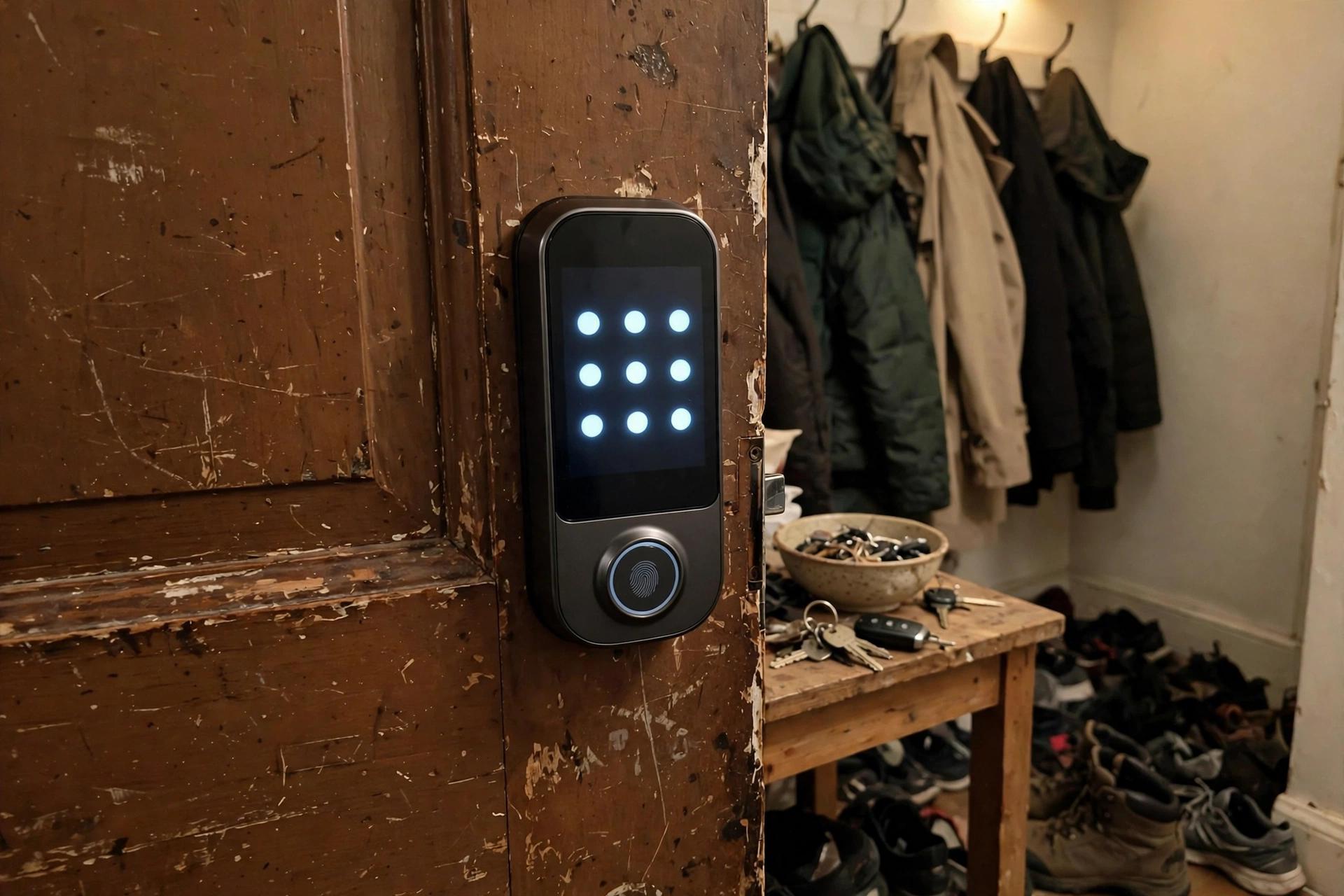
The Smart Door Lock with Fingerprint Keypad and App Control ends the era of keys under the mat. Your fingerprint opens it in a second, guests get temporary codes instead of spare keys, and the app shows a log of who came and went. Unlike simpler home automation gadgets, a fingerprint lock changes how the whole family uses the front door — no more locked-out teenagers or hidden keys for the cleaner.
Pros
- 👍 Fingerprint unlock in about a second
- 👍 Temporary codes for guests and cleaners
- 👍 Entry log in the app for peace of mind
Cons
- 👎 Batteries need changing a few times a year
- 👎 Fitting takes longer than most gadgets here
Best for: families, rental hosts and anyone tired of spare keys and lockouts.
Check Price And User Reviews on Amazon
5. Robot Vacuum with LiDAR Mapping and Self-Empty Base
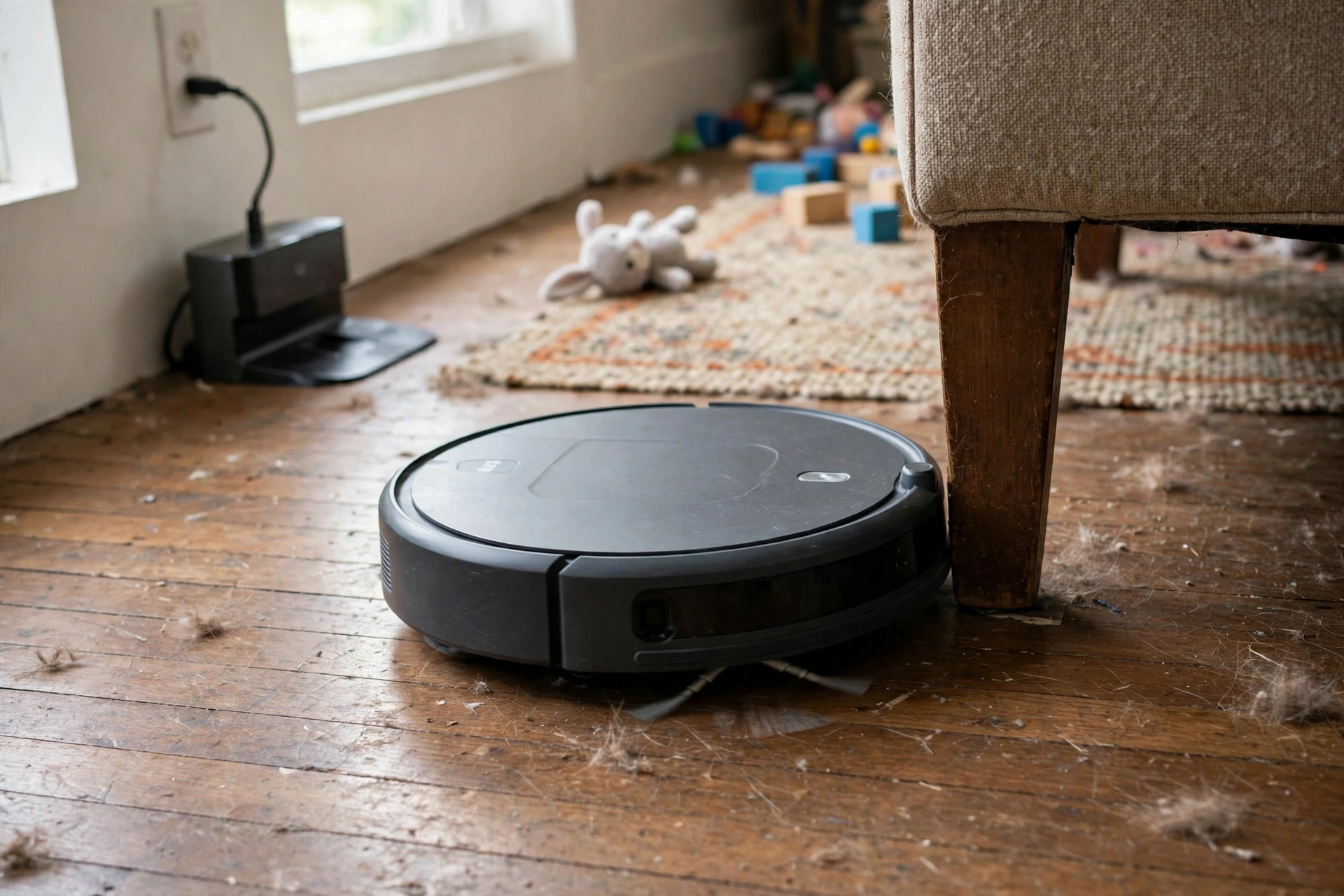
The Robot Vacuum with LiDAR Mapping and Self-Empty Base is the hardest-working device in this guide: it maps your rooms, vacuums them in neat lines while you are out, then empties itself into its base. You can send it to just the kitchen after dinner or schedule the whole house for while you work. Weeks pass between emptying the base, which is the difference between a gadget you use daily and one that gathers dust.
Pros
- 👍 Accurate room mapping and no-go zones
- 👍 Self-empty base holds weeks of dirt
- 👍 Room-by-room scheduling from the app
Cons
- 👎 Base takes up floor space
- 👎 Struggles with very thick rugs and clutter
Best for: pet owners and busy households who want clean floors with almost zero effort.
Check Price And User Reviews on Amazon
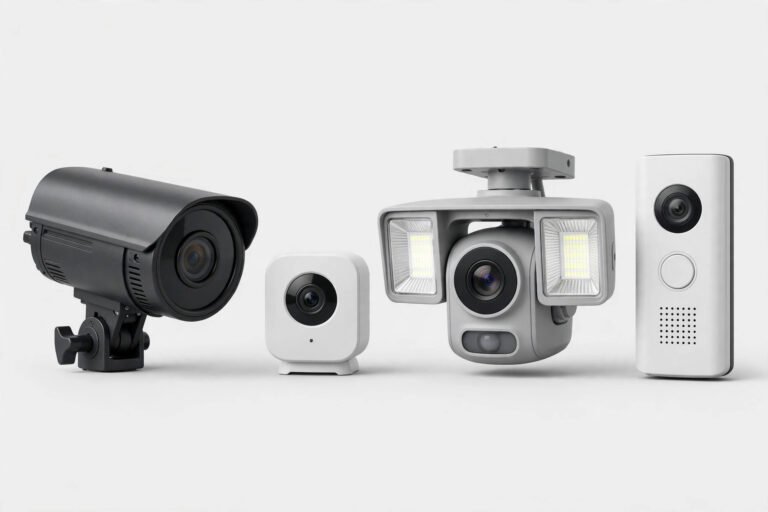
6. Outdoor Smart Security Camera with Solar Panel and Spotlight
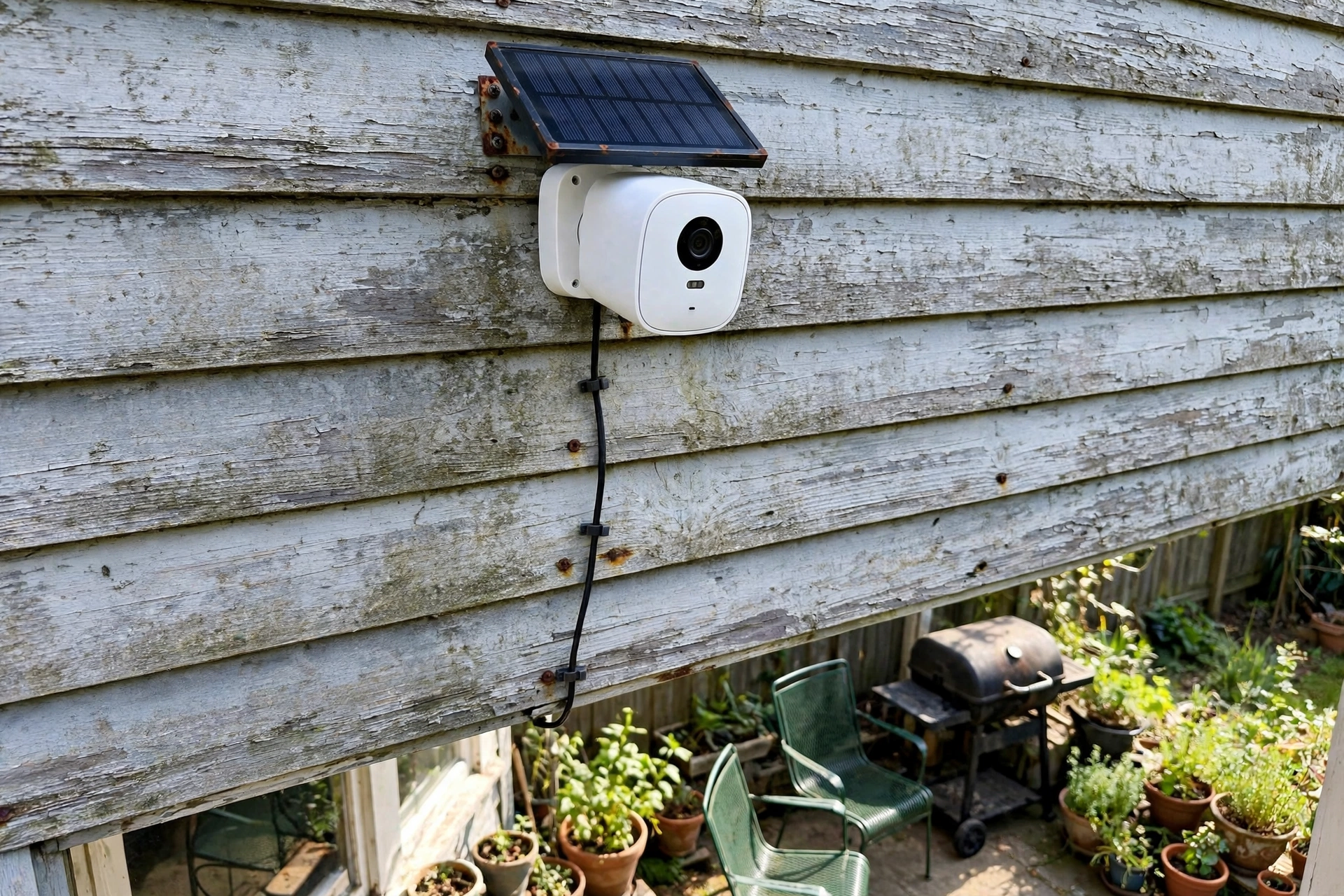
The Outdoor Smart Security Camera with Solar Panel and Spotlight watches the driveway or garden without a single cable run. The small solar panel keeps the battery topped up, motion alerts land on your phone in seconds, and the built-in spotlight and two-way talk let you greet couriers or warn off strangers. It records in crisp detail day and night, and shrugs off rain, dust and frost.
Pros
- 👍 Solar panel means almost no recharging
- 👍 Spotlight and two-way talk built in
- 👍 Fully weatherproof, no cables to run
Cons
- 👎 Needs a spot with a few hours of sun
- 👎 Cloud clips may need a subscription
Best for: driveways, gardens and side doors where running a power cable is impractical.
Check Price And User Reviews on Amazon
7. Smart Speaker with Voice Assistant and Room-Filling Sound

The Smart Speaker with Voice Assistant and Room-Filling Sound is the smallest pick here and the one you will talk to most. It plays music and radio, sets timers while your hands are covered in flour, controls every other device in this list by voice, and answers questions from the weather to spellings for homework. Small, cheap to run and endlessly useful, it is one of the best smart home gadgets you can add to a kitchen or bedside table.
Pros
- 👍 Voice control for music, timers and other gadgets
- 👍 Surprisingly full sound for its size
- 👍 Cheapest way to start a smart home
Cons
- 👎 Sound will not fill a large party room
- 👎 Always-listening mic needs trust in privacy settings
Best for: kitchens and bedrooms — and anyone starting a smart home on a small budget.
Check Price And User Reviews on Amazon
8. Smart LED Light Strip with App and Voice Control

The Smart LED Light Strip with App and Voice Control sticks behind a TV, under cabinets or along a shelf and paints the wall with colour you choose from the app. Set it warm for reading, soft for films, or sync it to music for a party — and schedule it to fade on as a gentle wake-up light. It is the most fun-per-minute device here and the fastest way to change how a room feels.
Pros
- 👍 Millions of colours and scenes in the app
- 👍 Voice control and schedules included
- 👍 Cut-to-length and easy stick-on fitting
Cons
- 👎 Adhesive can mark paint on removal
- 👎 Needs a socket near the strip’s start
Best for: renters, gamers and movie lovers who want a room to feel new in ten minutes.
Check Price And User Reviews on Amazon
9. Smart Plug with Energy Monitoring and App Control
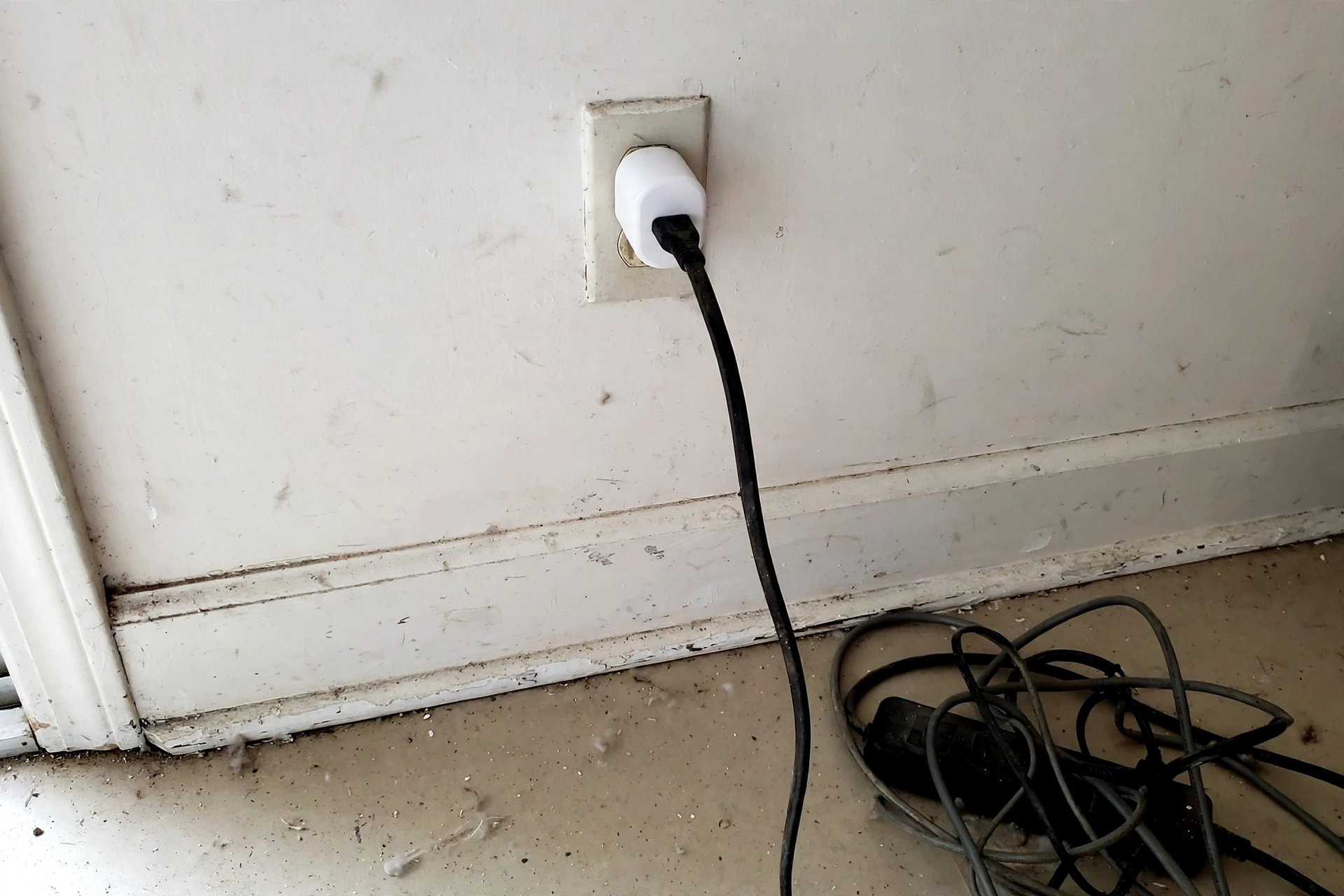
The Smart Plug with Energy Monitoring and App Control turns anything with a plug into a smart device: the old lamp, the coffee maker, the fan. The energy monitoring is the quiet star — it shows exactly what each appliance costs to run, which tends to change habits fast. It keeps appearing in roundups of the best smart home devices 2026 has to offer because it is the cheapest way to make a dumb appliance smart.
Pros
- 👍 Makes any appliance app and voice controlled
- 👍 Energy monitoring exposes power-hungry devices
- 👍 Tiny size leaves the second socket free
Cons
- 👎 Only as smart as the appliance’s own switch
- 👎 Not suited to very heavy loads like heaters on max
Best for: first-time buyers and anyone curious what their appliances really cost to run.
Check Price And User Reviews on Amazon
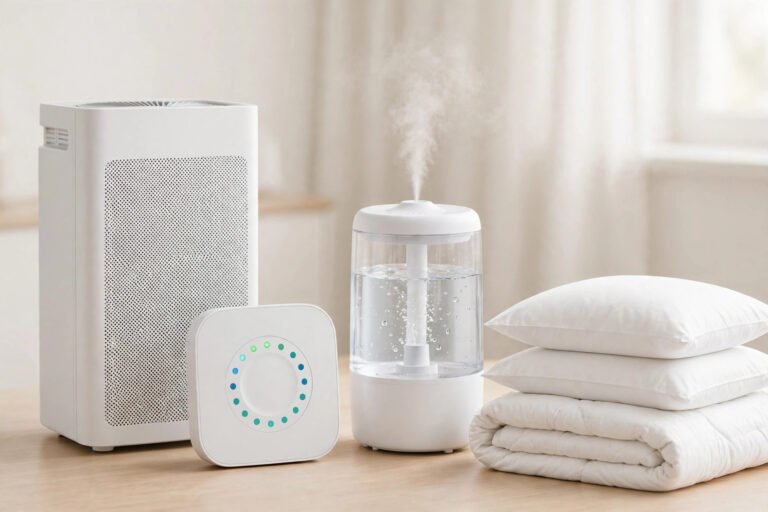
10. Smart Air Purifier with Air Quality Sensor and App Control

The Smart Air Purifier with Air Quality Sensor and App Control watches the air you cannot see. Its sensor sniffs out dust, pollen and cooking smells, speeds the fan up when the air worsens and slows to a whisper at night, and the app shows the air quality trend through the week. As smart home devices for beginners go, it is not the obvious first buy — but allergy sufferers tend to rank it first within a month.
Pros
- 👍 Automatic fan speed follows real air quality
- 👍 Sleep mode is quiet enough for light sleepers
- 👍 App shows air quality history
Cons
- 👎 Replacement filters are an ongoing cost
- 👎 Too small to serve a whole open-plan floor alone
Best for: allergy sufferers, pet owners and bedrooms in homes near busy roads.
Check Price And User Reviews on Amazon
What to Look for Before You Buy
Start with one ecosystem
Nearly all of the best smart home devices 2026 buyers choose work with at least two of the big voice platforms, but life is simpler when everything answers to the same one. Pick the assistant your household already uses — on phones, speakers or the TV — and favour devices that list it first. A shared standard called Matter is also making mixed-brand homes much easier than they were a few years ago.
Check your Wi-Fi where the device will live
Most smart devices use the 2.4GHz Wi-Fi band, and the one in the garden or garage is only as good as the signal that reaches it. Before buying a doorbell or outdoor camera, stand where it will go and check your phone shows a strong signal there. A cheap mesh Wi-Fi node near the front door fixes more smart home problems than any gadget upgrade.
Budget for the extras, not just the box
Even the best smart home gadgets can carry running costs: video history subscriptions for cameras and doorbells, filters for purifiers, batteries for locks and sensors. None of these are reasons to avoid a device, but they belong in the decision. Check what still works without a subscription — local recording and live view should never be paywalled.
Beginners should start small
The smart home devices for beginners that actually stick are the ones solving a daily annoyance: a door you cannot answer, a hallway that is always cold, a lamp on the wrong side of the room. Buy one device, live with it for a few weeks, and let it teach you what you want next. Add home automation gadgets one room at a time and the system grows in a way that makes sense to everyone in the house.
Final Thoughts
A good smart home is not bought in one basket; it grows device by device as each one proves itself. Every pick in this list works as a first buy, which makes them smart home devices for beginners and seasoned owners alike. Add them one at a time and your home automation gadgets start to feel like one system, not a pile of boxes — the lights welcome you home, the door answers itself, and the floors clean themselves while you get on with your day.
More Guides You’ll Like
- Best Smart Home Gadgets on a Budget
- How to Set Up a Smart Home
- Smart Home Security Tips
- Best Smart Home Gadgets Under $100
FAQs
What should I buy first for a smart home?
If you are shopping for smart home devices for beginners, start with a smart speaker or a hub with a display. They cost the least effort to set up, control almost everything you add later, and prove within a day whether voice control suits your household. A smart plug is the other classic first buy.
Do smart home devices work without internet?
Partly. Most home automation gadgets need Wi-Fi for app control, voice assistants and alerts, but many keep working locally during an outage: schedules stored on the device still run, locks still open with a fingerprint or code, and thermostats still heat. What you lose is remote access, not the basics.
Will these devices work together if they are different brands?
Yes, in most cases. The best smart home gadgets now support shared standards like Matter and Thread, and almost all of them work with at least one major voice assistant, which acts as the glue between brands. Check the box for your assistant’s logo and you can mix brands freely.
How much should I budget for a smart home in 2026?
Far less than people fear, because you do not need everything at once. The best smart home devices 2026 picks in this guide can be added one at a time — start with one or two that solve a daily annoyance, then grow room by room. Many households build a genuinely useful setup over a few months of small purchases rather than one big spend.