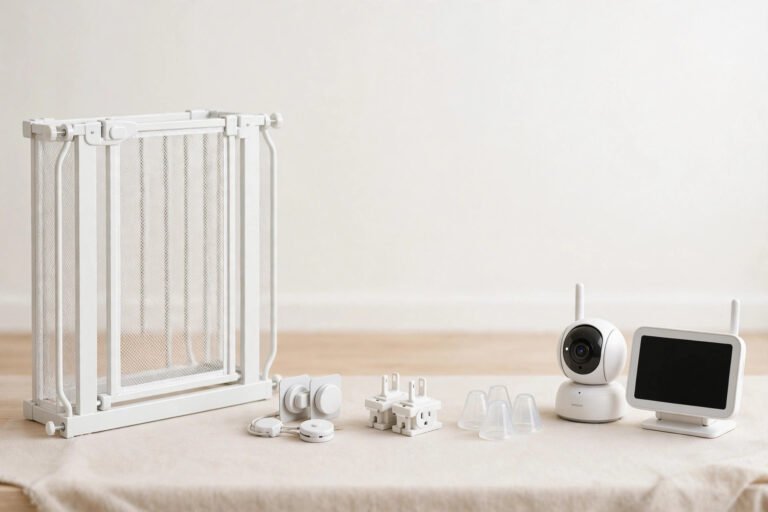
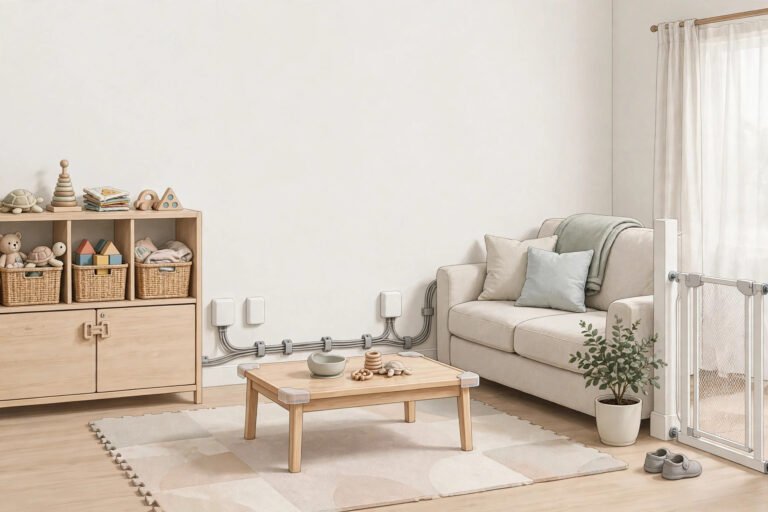
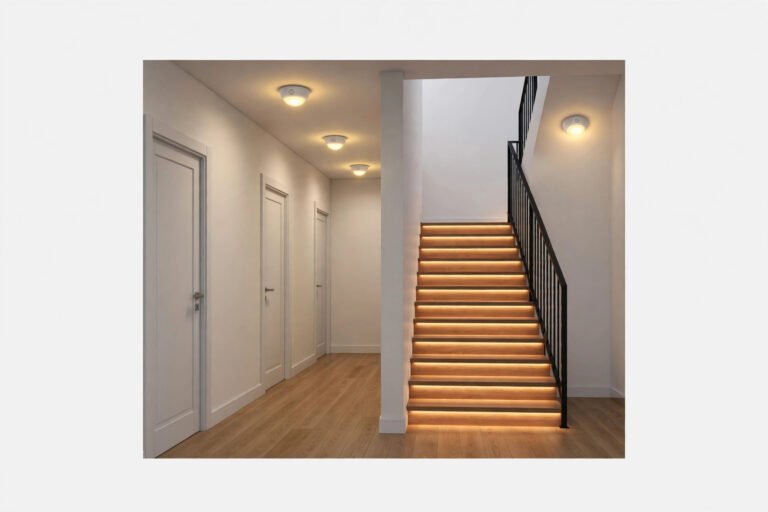
Best Safety Gadgets for Elderly Parents Living Alone at Home: 12 Simple Picks for Everyday Peace of Mind
Affiliate Disclosure: As an Amazon Associate, we earn from qualifying purchases made through links on this page, at no extra cost to you. This helps support our work and keeps our guides free to read.
A quick note on prices: prices change often, so we never quote a fixed price here. Please check the latest price on Amazon before you buy, using the yellow buttons in this guide. The product pictures in this article are original illustrations created for this guide, not manufacturer photos.
When a parent lives alone, the worries are rarely dramatic. It is the everyday moments: a knock at the door after dark, a pan left on the stove, a dark hallway on the way to the bathroom at 3 a.m. That is exactly where the best safety gadgets for elderly parents living alone at home earn their place — not as alarms and sirens, but as quiet, practical helpers that make the ordinary day feel steadier. The right home safety gadgets for seniors answer the door without opening it, light the path to the bathroom, and remind, nudge and reassure in small ways that add up.
Living alone is something many older parents value deeply, and the goal of this guide is to protect that independence, not replace it. Well-chosen safety devices for elderly living alone handle the small risks of a house — water where it should not be, a door left unlocked, keys that vanish — so your parent can get on with living in the home they love. None of these gadgets needs technical skill to use day to day, and most are set up once, often by a visiting son or daughter, then simply left to do their job.
We chose picks that respect two things at once: your parent’s dignity and your own peace of mind. Every item here works quietly in the background or with a single button press, because home safety devices for aging parents only help if they are actually used. They are, for the most part, simple safety gadgets for the home — fitted in minutes and then forgotten about, exactly as they should be. Anything complicated, fiddly or likely to end up forgotten in a drawer was cut from the list, however impressive it looked on paper.
One honest note before the list. These are everyday safety and peace-of-mind aids, not medical devices: nothing here detects falls, monitors health or replaces an emergency service, and no gadget can promise to prevent an accident. Think of them as the practical half of a senior home safety checklist: sensible layers of help around the home, chosen with your parent rather than for them. Any wider safety plan — medicines, mobility, health concerns — is worth discussing with your parent, the family and the professionals who know them, such as their doctor or an occupational therapist.
How We Chose
We judged every candidate against the real risks of an ordinary day alone at home: a stranger at the door, a dark trip to the bathroom, a stove left on, a leak nobody can hear, an alarm nobody wakes for, keys that cannot be found. Picks had to reduce one of those risks in a way a non-technical parent would actually live with — automatically where possible, or with a single button press where not.
Practical details decided the close calls. We favoured big buttons, clear displays, sounds loud enough to be heard through a closed door and long battery life, and we read owner feedback for the failure points that repeat — suction seals that quietly give up, sensors that miss their moment, apps that demand an account for basic features. Anything that needed daily fiddling, promised medical protection it could not honestly deliver, or relied on a subscription for its core job was dropped from the list.
Quick List
- Video Doorbell with Indoor Chime — see who is at the door before opening it.
- Smart Door Lock with Keypad and Backup Key — codes instead of keys, and it locks itself.
- Plug-In Motion Sensor Night Lights — a lit path to the bathroom, automatically.
- Stove Auto Shut-Off Safety Device — watches the cooker when attention wanders.
- Wireless Water Leak Sensors with Alarm — catch drips before they become damage.
- Smart Smoke and Carbon Monoxide Alarm Listener — alarm alerts sent to family phones.
- Personal Safety Alarm Keychain — a piercing alarm that lives on the keys.
- Large-Button Mobile Phone with SOS Button — big buttons and one-press family calling.
- LED Pathway and Step Lights with Motion Sensor — every step edge lit, indoors and out.
- Suction-Cup Bathroom Grab Bars — a steadying handhold with no drilling.
- Voice-Activated Reminder Clock — spoken reminders and a big, clear display.
- Key Finder with Loud Alarm Tags — keys that beep their hiding place.
1. Video Doorbell with Indoor Chime

Most doorstep worry disappears when your parent can see and speak to whoever is outside without opening the door. A Video Doorbell with Indoor Chime sends a live view to a phone or a simple indoor screen, and the plug-in chime rings inside the house like an ordinary doorbell — important for parents who do not carry a phone from room to room. It changes a daily habit for the better: check first, then decide whether to open the door at all.
Look for clear night vision, a wide viewing angle that shows the whole doorstep, and two-way talk loud enough for someone hard of hearing. A visiting family member can do the one-time setup and connect it to the home Wi-Fi, after which it asks for nothing but an occasional battery charge on wireless models. Recorded clips can help after the fact, but the real value is in the moment — a calm look at the doorstep before the door opens.
Pros
- 👍 See and speak to visitors without opening the door
- 👍 Indoor chime rings like a normal doorbell
- 👍 Night vision shows the doorstep after dark
- 👍 Family sets it up once, then it just works
Cons
- 👎 Needs Wi-Fi and occasional charging if battery-powered
- 👎 A second or two of video delay is normal
- 👎 Long video storage may need a subscription
Best for: parents who open the door to strangers more readily than the family would like.
Check Price And User Reviews on Amazon
2. Smart Door Lock with Keypad and Backup Key

A door that locks itself removes one of the most common living-alone worries — the 10 p.m. question of whether the front door was ever locked. A Smart Door Lock with Keypad and Backup Key lets your parent tap in a simple code instead of fumbling for keys, locks automatically behind them, and still opens with a normal key if the batteries ever run flat. Among home safety gadgets for seniors, it is the pick that quietly fixes a worry on both sides of the family.
Choose big, backlit buttons that can be read at night and pressed with stiff fingers, and a code your parent chooses and can remember — a year that matters to them beats a random string every time. Family members and trusted neighbours can each have their own code, so a spare key never needs to live under a flowerpot. Change codes when carers change, keep the backup key with someone nearby, and check the battery warning light together on visits.
Pros
- 👍 No keys to find, copy or lose
- 👍 Auto-lock ends the “did I lock up?” worry
- 👍 Separate codes for family, carers and neighbours
- 👍 Backup key still works if batteries die
Cons
- 👎 Batteries need changing once or twice a year
- 👎 Codes must be memorable but not guessable
- 👎 Older doors may need a handyman to fit it
Best for: parents who misplace keys, and families tired of the spare hidden under the mat.
Check Price And User Reviews on Amazon
3. Plug-In Motion Sensor Night Lights
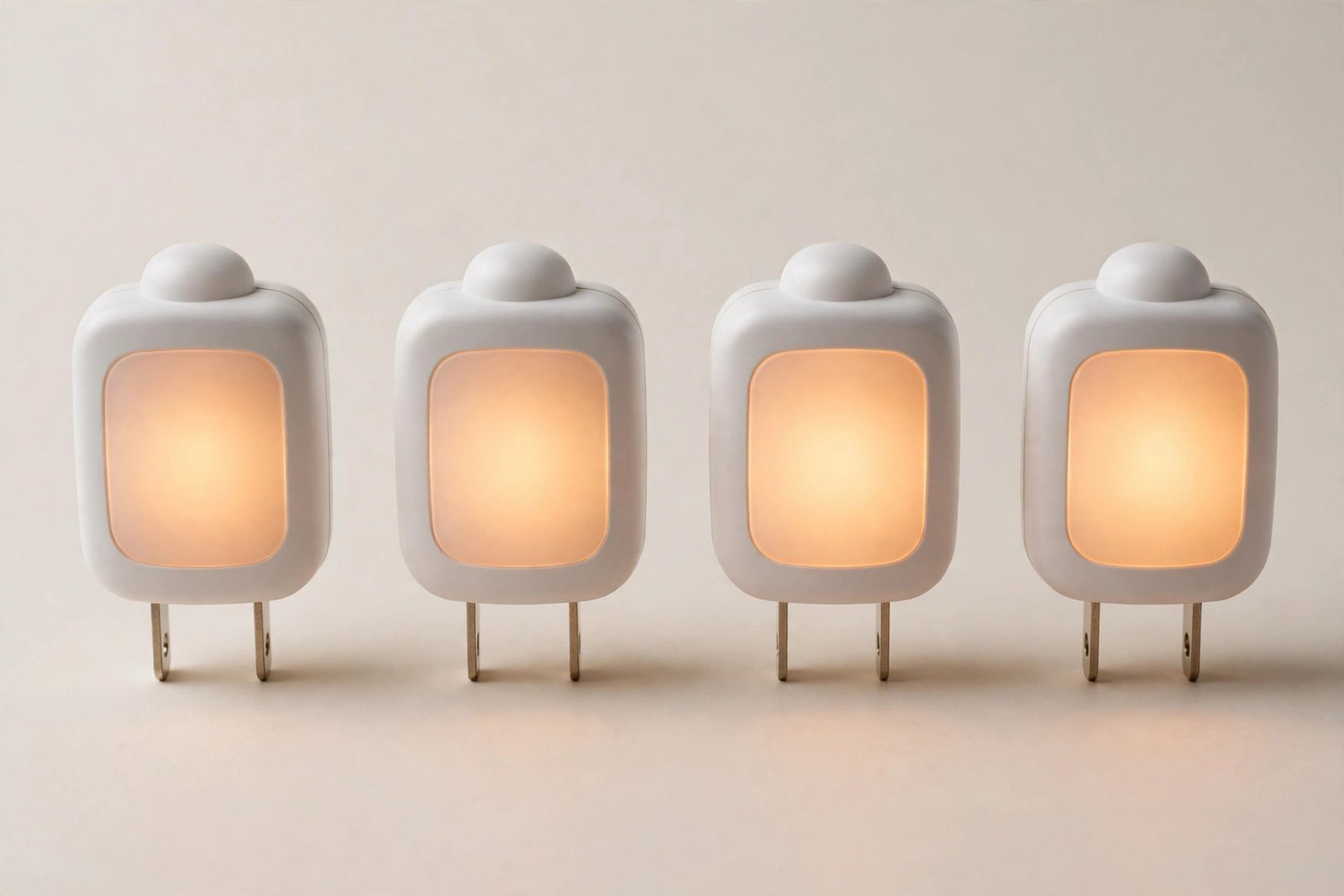
More home accidents happen on familiar routes in the dark than anywhere else, and the fix is almost embarrassingly simple. Plug-In Motion Sensor Night Lights sit in ordinary sockets along the hallway, landing and bathroom route, glowing softly the moment they sense movement and fading again once the path is clear. They are the gentlest kind of simple safety gadgets for the home — no switches to find with sleepy hands, and no bright ceiling light to wake the whole house.
Buy them as a matched set so the whole route lights evenly, and choose a warm colour temperature that guides without dazzling. Place one where feet first touch the floor, one on any turn or step along the way, and one inside the bathroom itself. Models with a dusk-to-dawn sensor stay off in daylight, and because they only run when needed, each one costs very little to leave plugged in all year round.
Pros
- 👍 Light the night route automatically
- 👍 No switches, apps or batteries to manage
- 👍 Warm glow guides without dazzling
- 👍 Cheap to run and easy to replace
Cons
- 👎 Need a free socket along the route
- 👎 Very bright models can disturb light sleepers
- 👎 Cheap sensors sometimes trigger too late
Best for: the bedroom-to-bathroom route, and any home with steps or turns in the dark.
Check Price And User Reviews on Amazon
4. Stove Auto Shut-Off Safety Device
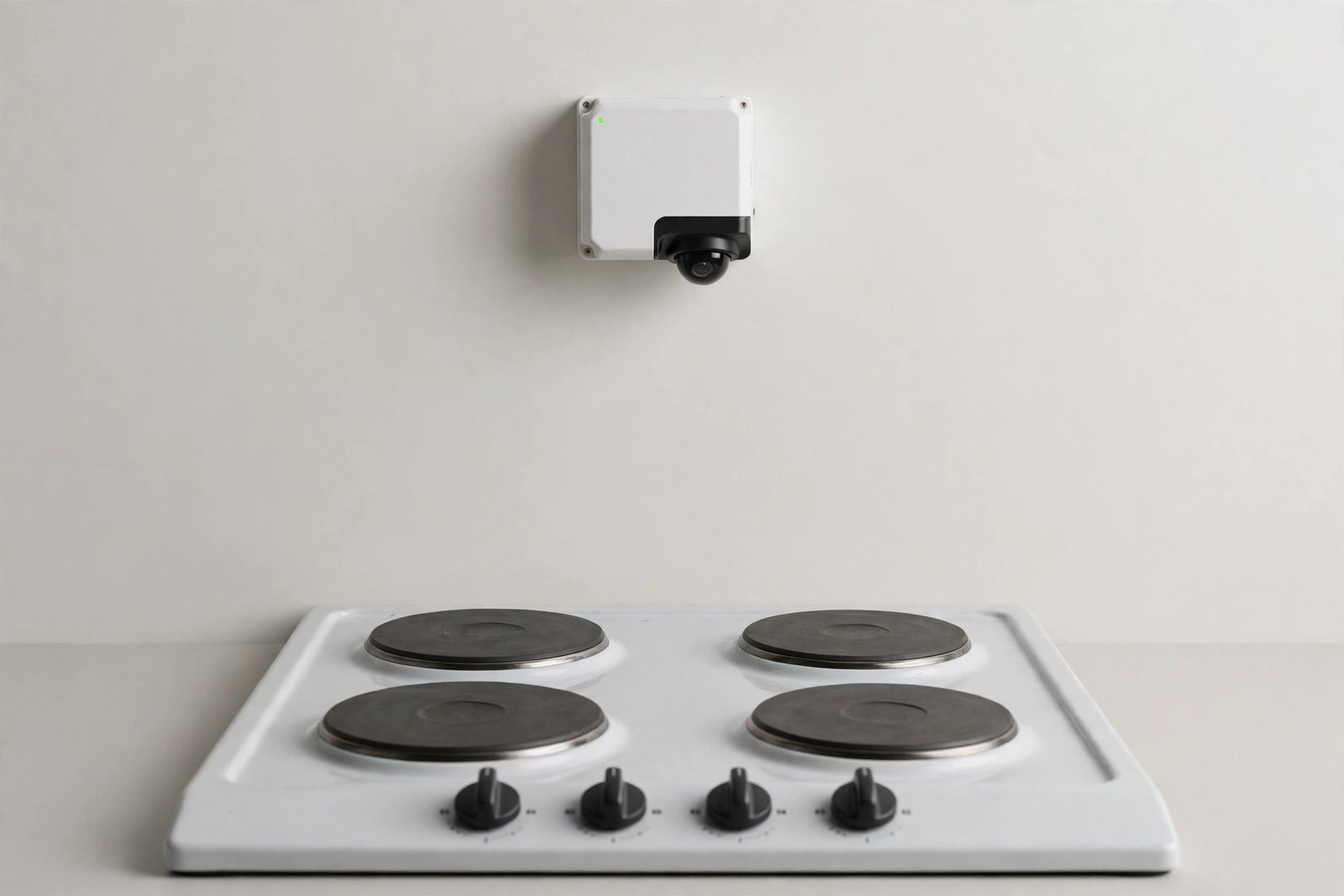
A pan left simmering while the doorbell rings or the phone goes is a story every family knows. A Stove Auto Shut-Off Safety Device watches the cooker with a motion sensor and a timer: if nobody has been near the stove for a set period, it warns first, then turns the power or supply off. It is one of the most practical home safety devices for aging parents because it guards the exact moment attention wanders, without stopping your parent cooking the meals they enjoy.
Be clear about what it is and is not. It is a helpful extra layer, not a guarantee against kitchen fires, and it never replaces working smoke alarms or ordinary care at the hob. Look for a model that suits your parent’s cooker — electric and gas versions differ — with a clear override button for long, slow cooking days. Professional fitting is worth it for gas models, and the family can agree a sensible time limit together during setup.
Pros
- 👍 Turns the stove off when it is forgotten
- 👍 Warning sounds before it cuts the power
- 👍 Lets parents keep cooking independently
- 👍 Works quietly in the background every day
Cons
- 👎 Gas models need professional fitting
- 👎 Long slow cooks need the override button
- 👎 Not a substitute for smoke alarms and care
Best for: keen home cooks whose family worries about pans left on.
Check Price And User Reviews on Amazon
5. Wireless Water Leak Sensors with Alarm

A slow leak under a sink or behind a washing machine can soak a floor for weeks before anyone notices — and a parent living alone may not hear a faint drip or spot a dark patch spreading. Wireless Water Leak Sensors with Alarm are small discs that sit exactly where water escapes: under sinks, beside the washing machine, near the water heater. The moment moisture touches the contacts, they sound a loud alarm and, on connected models, send an alert to a family phone as well.
Place each sensor flat-side down on the surface most likely to get wet first, and test it with a damp fingertip during setup so everyone trusts the sound it makes. Battery life of a year or more is common, and the better sets name each sensor in the alert, so a message about the kitchen sink sends help to the right cupboard. They cannot stop a burst pipe — nothing this small can — but they turn a hidden, expensive problem into a same-day phone call.
Pros
- 👍 Catch leaks while they are still small
- 👍 Loud alarm plus phone alerts on smart sets
- 👍 Tiny, simple and need no plumbing
- 👍 Batteries typically last a year or more
Cons
- 👎 Only guard the spots where they are placed
- 👎 An alarm alone does not stop the water
- 👎 Wi-Fi sets need their hub kept online
Best for: under sinks, washing machines and water heaters in any home.
Check Price And User Reviews on Amazon
6. Smart Smoke and Carbon Monoxide Alarm Listener
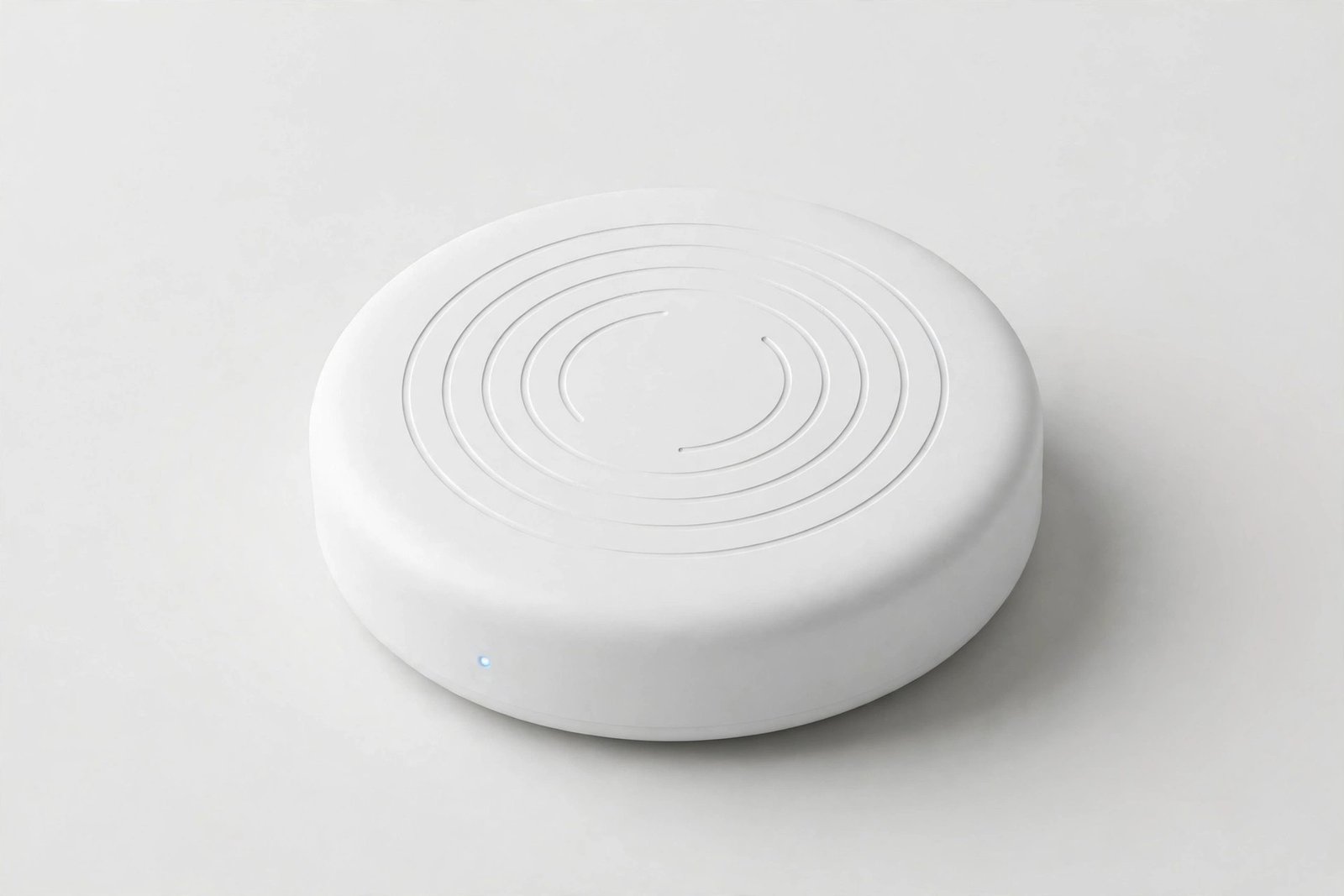
Working smoke and carbon monoxide alarms only help if someone hears them — and a parent who sleeps without hearing aids, or who has the television up loud, may not. A Smart Smoke and Carbon Monoxide Alarm Listener sits near the existing alarms and listens for their distinctive sound patterns; when an alarm goes off, it sends an alert to family phones wherever they happen to be. It extends the reach of alarms you already own instead of replacing them, which is exactly how home safety gadgets for seniors should behave.
Setup is a one-time job: position the listener within range of the alarms, connect it to the Wi-Fi, and run the test mode so it learns the sound. Keep the ordinary alarms themselves tested and in date — press their test buttons on visits and replace out-of-date units, because the listener is only ever as good as the alarm it hears. Many local fire services offer free alarm advice for older residents, and it is well worth taking.
Pros
- 👍 Family is alerted even from miles away
- 👍 Works with the alarms already fitted
- 👍 Helps when alarms may go unheard at night
- 👍 One-time setup, then it just listens
Cons
- 👎 Useless if the main alarms are dead or expired
- 👎 Needs Wi-Fi and a power source
- 👎 Rare false alerts from similar loud sounds
Best for: families who live far away and want alarm alerts on their own phones.
Check Price And User Reviews on Amazon
7. Personal Safety Alarm Keychain

Not every worrying moment happens inside the house. A Personal Safety Alarm Keychain is a small fob that lives on the keys or a handbag; pull the pin and it lets out a piercing alarm that draws attention from anyone nearby. For a parent who walks to the shops, waits at bus stops or simply feels uneasy at a quiet front door after dark, it is a pocket-sized layer of confidence that needs no phone signal and no subscription.
Choose one that is genuinely loud, with a pull-pin design stiff enough not to trigger from a knock inside a bag — and practise using it together at home, because a gadget fumbled with is a gadget wasted. Replaceable batteries or USB charging keep it ready month after month. Be honest about its limits, too: it summons attention, nothing more, and it works as a companion to ordinary habits — known routes, a charged phone — rather than a replacement for them.
Pros
- 👍 Piercing sound draws attention fast
- 👍 No signal, app or subscription needed
- 👍 Small enough to live on keys permanently
- 👍 Simple to use even under stress
Cons
- 👎 Summons help but cannot call anyone
- 👎 Loose pins can trigger it accidentally
- 👎 Batteries or charging need occasional checks
Best for: walks to the shops, bus stops and the walk from the car to the front door.
Check Price And User Reviews on Amazon
8. Large-Button Mobile Phone with SOS Button

The most useful safety gadget is often the one that simply makes calling easy. A Large-Button Mobile Phone with SOS Button has big, widely spaced keys, a loud speaker and a clear screen with large text. The SOS button, pressed and held, dials a short list of family numbers in turn and texts them as well. Say it plainly, because it matters: this is an easy-calling aid that contacts the family — it is not a monitored medical alert service, and nobody is listening around the clock.
Set it up together on a visit: add the SOS list in the order people are most likely to answer, store the important numbers on speed dial, and practise one SOS press so the button holds no fear. A simple charging cradle on the kitchen counter beats a cable that has to be hunted for every night. Keep expectations honest, and this unglamorous phone quietly becomes the centre of the whole safety setup.
Pros
- 👍 Big buttons and text suit stiff fingers and tired eyes
- 👍 SOS button calls family numbers in turn
- 👍 Loud speaker for harder-of-hearing users
- 👍 Long battery life and a simple charging cradle
Cons
- 👎 SOS calls family, not a monitoring centre
- 👎 The numbers list must be kept up to date
- 👎 Few smart features beyond calling and texting
Best for: parents who find smartphones fiddly and just want to reach family fast.
Check Price And User Reviews on Amazon
9. LED Pathway and Step Lights with Motion Sensor
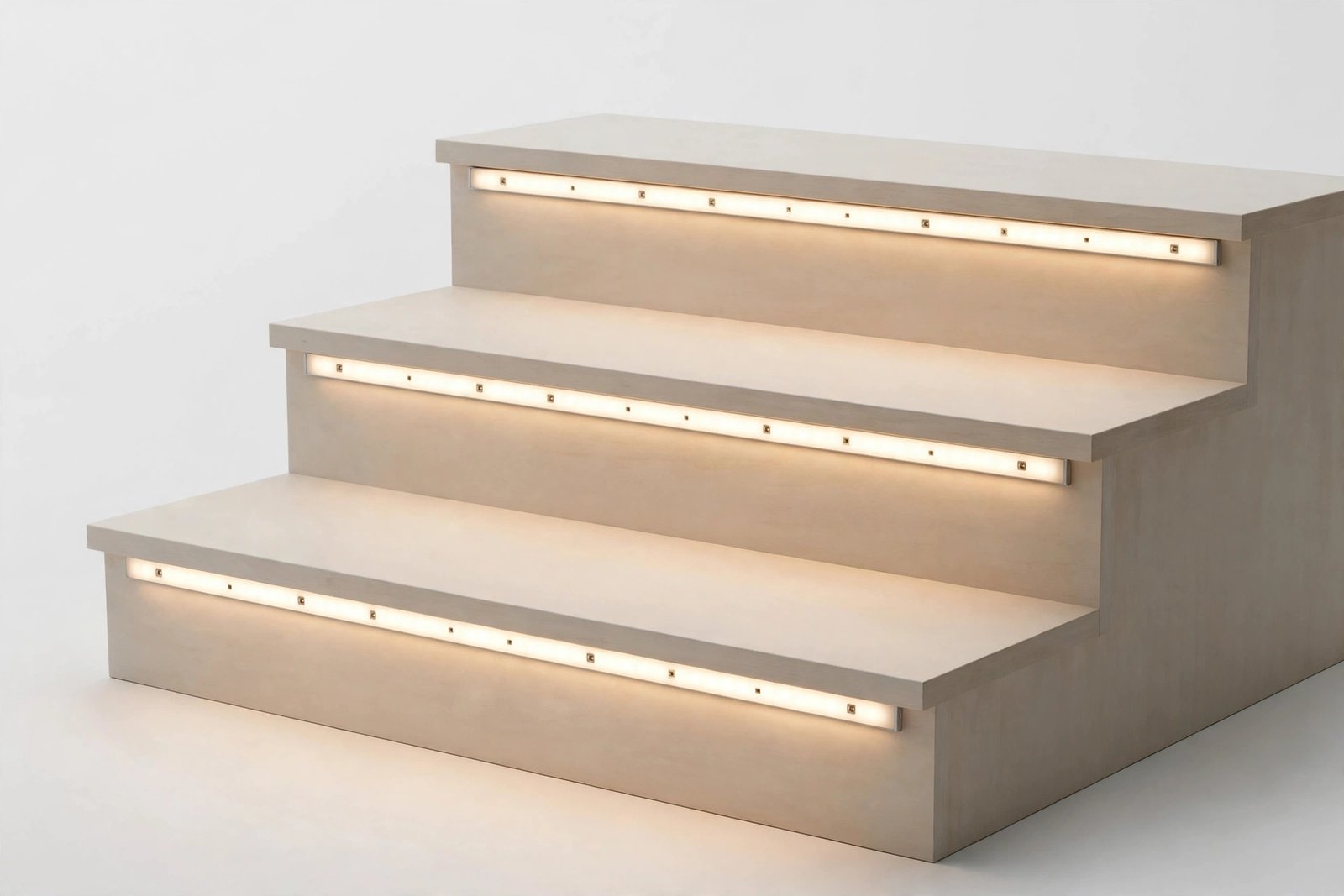
Night lights handle the hallway, but steps, garden paths and porches need something stronger. LED Pathway and Step Lights with Motion Sensor are slim bars or pucks fitted along stair edges, porch steps and the path to the gate, switching on as your parent approaches and off again once they have passed. As safety devices for elderly living alone go, they guard the two journeys most likely to end in a stumble: the front steps with shopping in hand, and the garden path after dark.
Even spacing matters more than brightness: a light on every step, placed so the edge of each tread is clearly defined, beats one brilliant light that throws confusing shadows. Outdoor models should be weatherproof and solar or battery powered, so no cable ever crosses a walking route. Indoors, battery step lights with screw or adhesive mounts work well on stairs — check them during visits and swap tired batteries before the lights fade.
Pros
- 👍 Every step edge clearly lit at night
- 👍 Motion sensing means no switches in the dark
- 👍 Solar and battery options avoid trailing cables
- 👍 Work indoors on stairs and outdoors on paths
Cons
- 👎 Batteries or solar charging need upkeep
- 👎 Adhesive mounts can fail outdoors over time
- 👎 Poor placement creates shadows instead of light
Best for: front steps, garden paths, porches and indoor stairs.
Check Price And User Reviews on Amazon
10. Suction-Cup Bathroom Grab Bars

The bathroom is the slipperiest room in the house, and a steady handhold by the bath or shower makes getting in and out far less of a performance. Suction-Cup Bathroom Grab Bars fix to smooth tiles with strong suction cups — no drilling, no landlord permission, and easy to reposition as needs change. The better designs have indicator buttons that show green when the seal is firm and red when it needs reseating, which turns a guess into a quick check before every bath.
Honesty matters most with this pick. A suction bar is a balance aid for steadying — a hand to trust while stepping over the bath edge — not a weight-bearing support, and it must never be the only plan for someone who needs real support to stand. Fit it only to smooth, clean, non-porous tiles, test the seal before every use, and treat it as a first step: for lasting support, fixed grab bars installed properly are the right answer, and an occupational therapist can advise on exactly where they should go.
Pros
- 👍 No drilling — ideal for tiled or rented bathrooms
- 👍 Indicator shows when the seal is firm
- 👍 Easy to reposition as routines change
- 👍 Steadies getting in and out of the bath
Cons
- 👎 Balance aid only — not weight-bearing
- 👎 Suction fails on rough or cracked tiles
- 👎 Seal must be checked before every use
Best for: a steadying hand in the bath or shower, as a first step before fixed bars.
Check Price And User Reviews on Amazon
11. Voice-Activated Reminder Clock
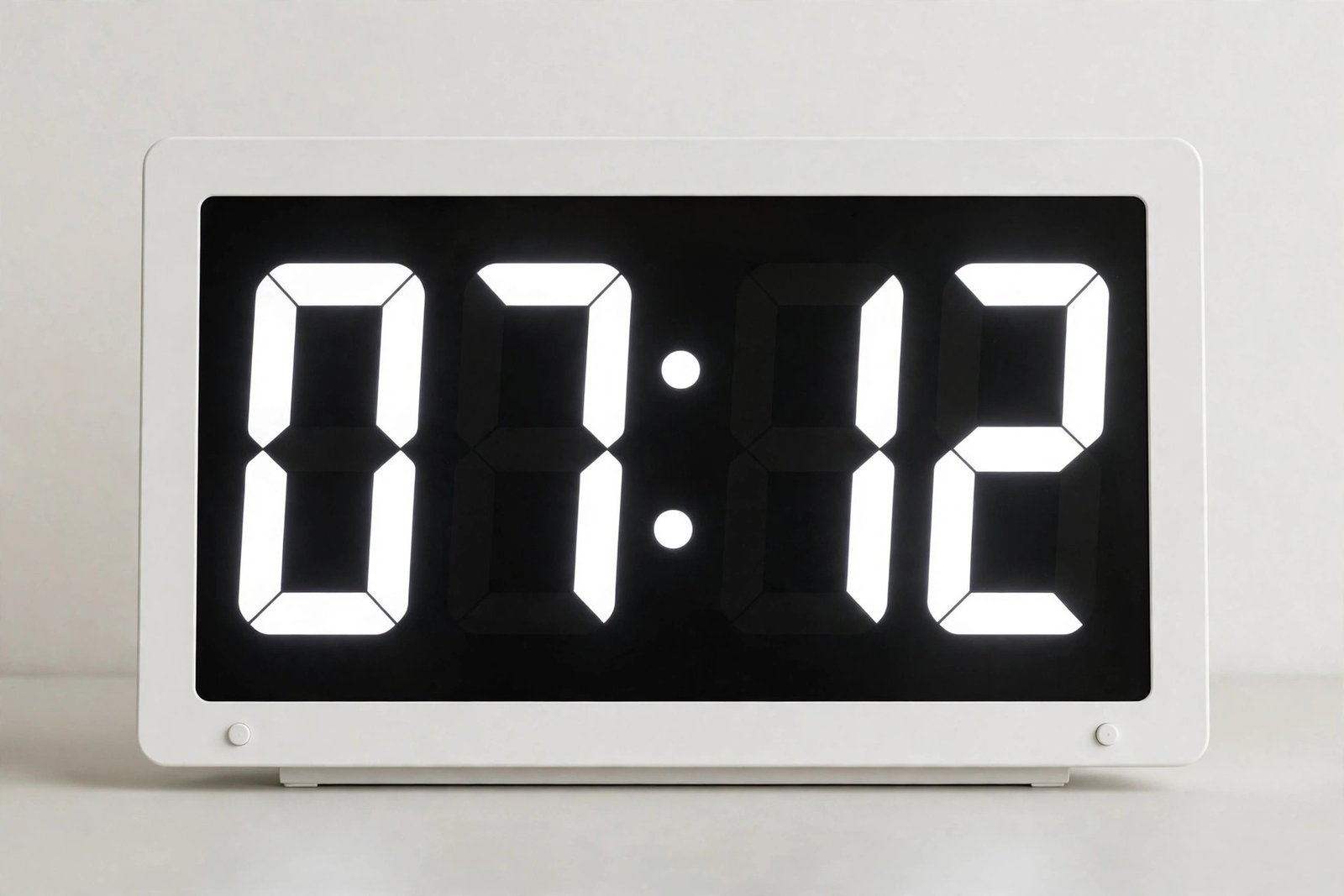
A surprising amount of daily anxiety is just scheduling: tablets with breakfast, the bins on Tuesday, the nurse’s visit on Thursday. A Voice-Activated Reminder Clock speaks reminders aloud at the times that matter, in a clear voice at a volume set for the room, and shows the day, date and time in large letters for the 6 a.m. moments when “what day is it?” strikes. It asks nothing of your parent at all — no buttons, no menus — just a calm, familiar prompt at the right moment.
Family members usually record or schedule the reminders during setup, phrased exactly as they would say them: friendly, specific and unhurried. Keep the list short and genuinely important, because a clock that talks all day soon stops being heard at all. And keep its role clear, too: it is a memory and routine aid, not a medical device. It can prompt, but it cannot check that a tablet was actually taken, and any real medication worry belongs in a conversation with the pharmacist or doctor.
Pros
- 👍 Speaks reminders aloud — nothing to read or press
- 👍 Large day, date and time display reduces confusion
- 👍 Family sets it up once; parent just listens
- 👍 Routines run without daily reminder phone calls
Cons
- 👎 Cannot confirm a task was actually done
- 👎 Too many reminders quickly get tuned out
- 👎 Needs mains power and a sensible place to sit
Best for: daily routines, appointment days and gentle medication prompts.
Check Price And User Reviews on Amazon
12. Key Finder with Loud Alarm Tags

Few things unravel a morning like keys that were “right here” an hour ago — and for a parent living alone, lost keys can mean a missed appointment or a slow rise of panic. A Key Finder with Loud Alarm Tags pairs slim tags for keys, wallet and handbag with a simple remote that makes the right tag beep loudly, even from down the side of a sofa. It sounds like a small thing, right up until the first time it saves a day.
Loudness is the whole game here: choose tags that beep at a volume your parent can genuinely hear, and test them from the next room before trusting the set. Attach the tags together on a calm afternoon, label which button rings which tag, and give the finder remote one fixed home — the hall table, always — because a lost finder helps nobody. Swap the little tag batteries on a schedule, perhaps at each family visit, rather than waiting for the day one answers with silence.
Pros
- 👍 Finds keys, wallet and bags in seconds
- 👍 Loud beep carries through cushions and coats
- 👍 One remote can ring several tags
- 👍 Removes a daily source of stress
Cons
- 👎 Useless once a tag battery goes flat
- 👎 Range shrinks through thick walls
- 👎 The finder remote itself needs a fixed home
Best for: keys, wallets, handbags and anything else that walks off on its own.
Check Price And User Reviews on Amazon
What to Look for Before You Buy
Start where your parent actually walks. The most useful exercise is a slow wander through the home together, thinking like a senior home safety checklist: the front door, the route to the bathroom, the stairs, the stove, the laundry corner. Buy for the risks on that walk, in the order you meet them, rather than working through a catalogue — one home needs step lights most, another needs the stove watched, and the checklist keeps the spending honest.
Ease of use decides everything that follows. A gadget that needs an app opened daily will be abandoned by Friday, however clever it is; the home safety devices for aging parents that last are the ones that work automatically — lights that sense movement, locks that lock themselves, listeners that simply listen. Where a connected gadget does need setup, let family do it during a visit, write the one thing your parent must do (usually nothing at all) on a card kept by the device, and let the gadget disappear into the routine.
Power and upkeep are the quiet deal-breakers. Count the batteries your shortlist needs and decide whose job changing them is — a lock, a listener and a set of leak sensors can mean a dozen batteries scattered across the house. Favour long battery life, clear low-battery warnings and, where a subscription exists, know exactly what stops working without it before you pay. Several picks in this guide need no subscription at all, which suits a set-and-forget family plan.
Finally, buy with honest limits in mind. Among home safety gadgets for seniors, the trustworthy products describe themselves modestly: a suction grab bar steadies but does not hold body weight, a stove guard helps but does not fireproof a kitchen, and a listener relays an alarm that must itself be tested and in date. Treat each gadget as one layer over sound basics, and talk the bigger picture — health, mobility, medicines — through with your parent and their doctor or other professionals, rather than trying to gadget your way around it.
Final Thoughts
Nothing in this guide is dramatic, and that is rather the point. A parent who can see who is at the door, find their keys, walk a lit path to the bathroom and trust the stove to look after itself keeps the thing that matters most: an ordinary, independent life at home. Good safety devices for elderly living alone do not wrap anyone in cotton wool — they quietly remove the small risks that make families lie awake at night.
Start with the two or three risks your family actually worries about, set them up together on a visit, and let your parent live with them for a month. The next gap will show itself soon enough, and you can add the next layer then. Safety built gradually, with your parent choosing alongside you, protects their independence instead of arguing with it — and that is the only kind that lasts.
More Guides You’ll Like
Keeping a parent comfortable at home goes beyond safety alone. Start with Best TV Listening Gadgets for Seniors with Hearing Loss for easier evenings in front of the television, then see Best Gadgets for Grandparents Who Live Alone Far From Family for connection and everyday-ease picks, and Best Smart Gadgets for Newly Married Couples Setting Up First Home if you are setting up simple smart tech for the whole family.
Frequently Asked Questions
What are the most important safety gadgets for a parent living alone?
Start with the front door and the dark. A video doorbell and a self-locking keypad lock handle callers and keys, motion sensor night lights cover the route to the bathroom, and a stove shut-off device watches the kitchen. Those four cover the worries families mention most often; add leak sensors, an alarm listener and step lights as your own walk-through of the home suggests. Among home safety gadgets for seniors, the best first buys are always the ones matched to your parent’s actual day.
Can these gadgets replace a medical alert service or emergency help?
No — and any product implying otherwise should be treated with suspicion. Everything in this guide is an everyday safety or peace-of-mind aid: nothing here detects falls, monitors health or guarantees an emergency response. The SOS phone, for example, is an easy-calling aid that dials the family numbers you programme into it; no monitoring centre is listening. If your parent needs a proper alert service or a medical device, discuss it with them, the family and their doctor, and choose that separately and deliberately.
My parent is not confident with technology. Which picks are easiest?
The ones that ask for nothing: plug-in night lights, step lights, a key finder and suction grab bars work with no apps, accounts or menus at all. Connected picks like the doorbell, the keypad lock and the alarm listener are one-time setups that a family member can do during a visit; after that, your parent simply uses a doorbell, a lock and their ordinary alarms exactly as they always have. The best simple safety gadgets for the home are the ones your parent forgets are there.
How do we make the home safer without taking away independence?
Walk the house together and turn the changes into a shared project, not an inspection. A simple senior home safety checklist — door, lights, steps, stove, water, alarms — gives you a shared list to work through, and your parent chooses the order. Gadgets that work automatically and ask for nothing preserve independence best of all, and the bigger questions about health or mobility always belong in a conversation with your parent and the professionals who support them, not in a shopping basket.