

How to Set Up a Home Charging Station for All Your Gadgets
Affiliate Disclosure: As an Amazon Associate, we earn from qualifying purchases made through links on this page, at no extra cost to you. This helps us keep testing and reviewing home gadgets and publishing free guides for readers.
Prices change often on Amazon, so please check the current price on the product page before you buy. Product images on this page are original illustrations created to show each gadget’s design and key features, not photographs taken from a retailer listing.
Learning how to set up a home charging station for all your gadgets is one of the easiest upgrades you can make to a busy home. Right now your phone charges on the kitchen counter, your tablet is plugged in behind the sofa, your earbuds are somewhere in a drawer, and your smartwatch cable is missing again. A single tidy spot changes all of that: one place where every device charges, every cable has a home, and nobody has to hunt for a plug before bed. This guide shows you how to pick the best place to charge phones at home, choose a multi-device charging station for home use, and organize charging cables at home so the whole setup stays neat — including how to charge phones overnight safely.
You do not need to buy much to get started: a good GaN charger for multiple devices and a few short cables are often enough, and the whole setup costs less than replacing one lost charger cable every few months. The trick is choosing the right spot and the right gear once, instead of adding another random charger every time a new gadget arrives.
Why One Charging Spot Beats Chargers in Every Room
Most homes do not have a charging problem — they have a charging sprawl problem. Every gadget arrives with its own cable and its own charger, and each one ends up in a different room: the phone by the bed, the tablet on the kitchen counter, the earbuds in a jacket pocket, the smartwatch cable curled up in a drawer. Nobody can ever find the right cable, and every flat battery becomes a small emergency.
A single charging station fixes the sprawl instead of adding to it. When every device lives in one spot, you always know where a charged phone is, you stop buying duplicate cables, and the kitchen counter stops looking like a cable nest. It also protects your gadgets: devices left on a dedicated station are not knocked off counters, sat on, or left charging on a soft bed where heat builds up.
There is a money side too. A home with four or five gadgets can easily collect a dozen cheap chargers, and the cheap ones are the ones that fail, overheat, or charge slowly. One good charger shared by everything costs less over a year than replacing weak ones — and it charges everything faster.
Pick the Best Place to Charge Phones at Home
The best place to charge phones at home is the spot where phones naturally land when everyone walks in — usually the kitchen counter, the hallway shelf, or the bedroom dresser. Watch your family for a day: the place where phones are already being dropped is the place the station will actually get used. A station in a cupboard nobody opens will stay empty.
Whatever spot you pick, it needs three things: a wall outlet within easy reach, a flat stable surface away from water, and enough room for every device at once. Count the devices first — two phones, a tablet, a watch and earbuds need a very different station from a single phone. Leave a little spare space too, because a new gadget always arrives eventually.
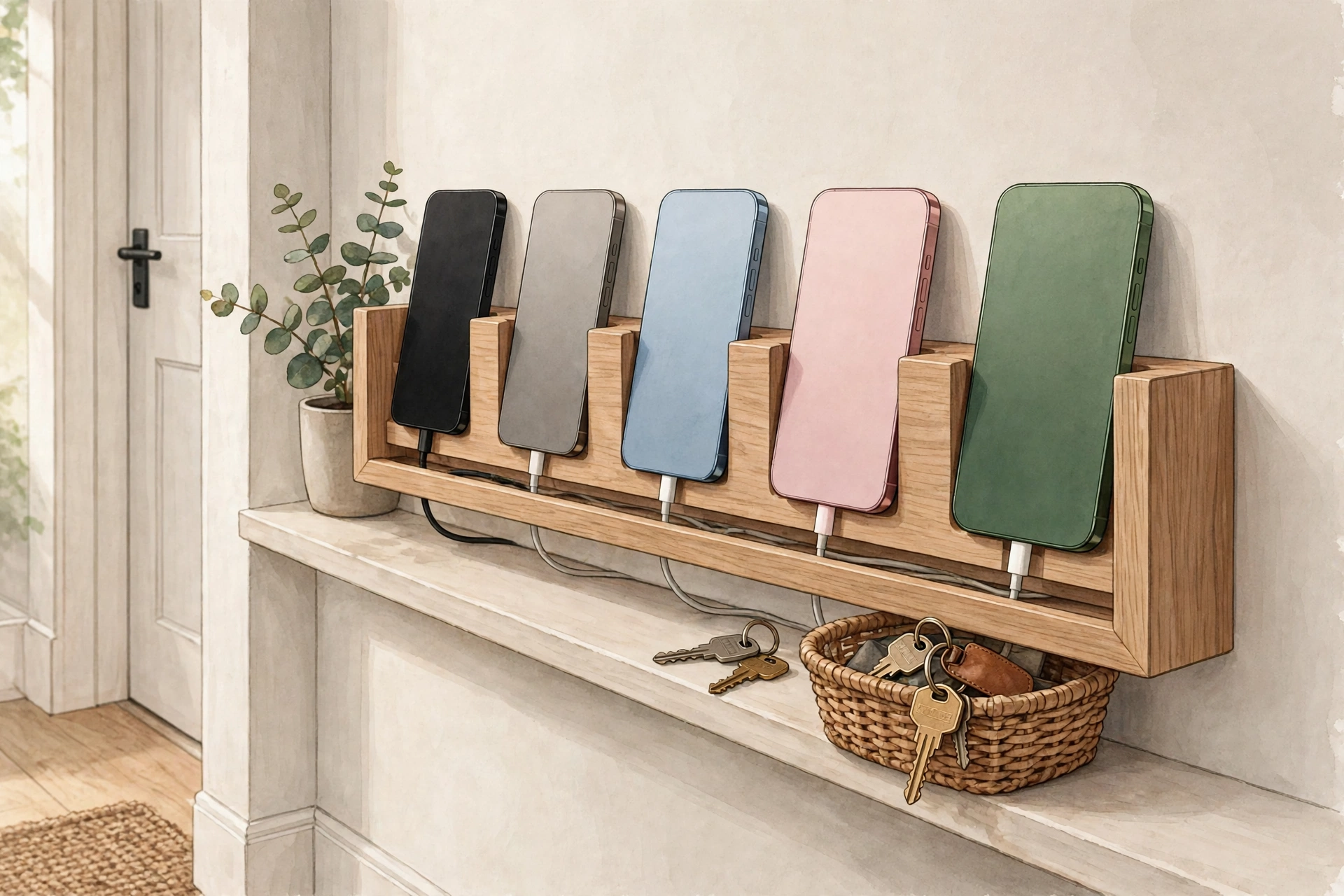
Keep the station out of direct sunlight and away from the hob, the sink and radiators, since heat is the enemy of batteries. And put it where you can see it: a visible station gets used every night, while a hidden one gets forgotten until a phone dies at the worst moment.
Choose the Right Charger for a Multi-Device Charging Station for Home
The heart of any multi-device charging station for home is the charger itself, and one good multi-port charger beats a pile of single chargers. Look for a GaN charger for multiple devices: GaN chargers run cooler and pack more power into a smaller brick than old-style chargers, so one compact unit can charge a phone, a tablet and earbuds at the same time.

Wattage matters more than the number of ports. Add up what your devices need: a phone takes around 20 watts, a tablet around 30, and a laptop needs 45 to 65 watts over USB-C. A 65-watt charger covers most families; a 100-watt charger covers a family plus a laptop. Check the total watts on the box, not just the port count — a four-port charger that only delivers 30 watts in total will charge everything slowly.
Match the cables to the charger. Short cables — 30 to 60 centimetres — keep the station tidy, and braided cables last longer than thin rubber ones. Use USB-C cables for anything modern, and keep one older cable for any gadget that still needs it. Buy cables from known brands: a cheap cable can charge slowly or fail without warning, and it is the part of the setup that gets bent and pulled every day.
How to Organize Charging Cables at Home
Cables are what turn a tidy station into a mess, so give every cable a fixed home. The simplest way to organize charging cables at home is to label them: a small tag or a different coloured cable for each device means nobody unplugs the wrong one. Short cables help even more — a one-metre cable coiled behind the station looks worse than a short cable that runs straight from the charger to the device.
Route cables so they never dangle. Run them along the back of the shelf or through a small cable channel, and use a clip or a tie to hold each one in place. If your station sits on a desk, a weighted cable holder keeps the ends from sliding off the back every time you unplug a phone. The goal is simple: you should be able to plug a phone in with one hand, in the dark, without fishing for a cable end.
Keep one spare cable in the station and the rest in a drawer. Spares left out become clutter, and clutter is what makes people stop using the station. When a cable frays or charges slowly, replace it straight away — a dying cable is the most common reason a station slowly stops working.
Simple Gear That Makes a Charging Station Work
Three items cover almost every home: a multi-device charging station with a dock or tray that holds each gadget in its own slot; a GaN fast charger for multiple devices with enough total watts for everything at once; and a wireless charging pad for the bedside, so the phone and earbuds charge just by being set down at night. Start with the charger and the dock, then add the wireless pad if you like cable-free nights.
How to Charge Phones Overnight Safely
Overnight charging worries a lot of people, and the good news is that modern phones are built for it: they slow down once they reach a full charge, so a phone left plugged in overnight does not keep force-feeding its battery. The real risk is heat, not the hours on the charger — and that is easy to control.
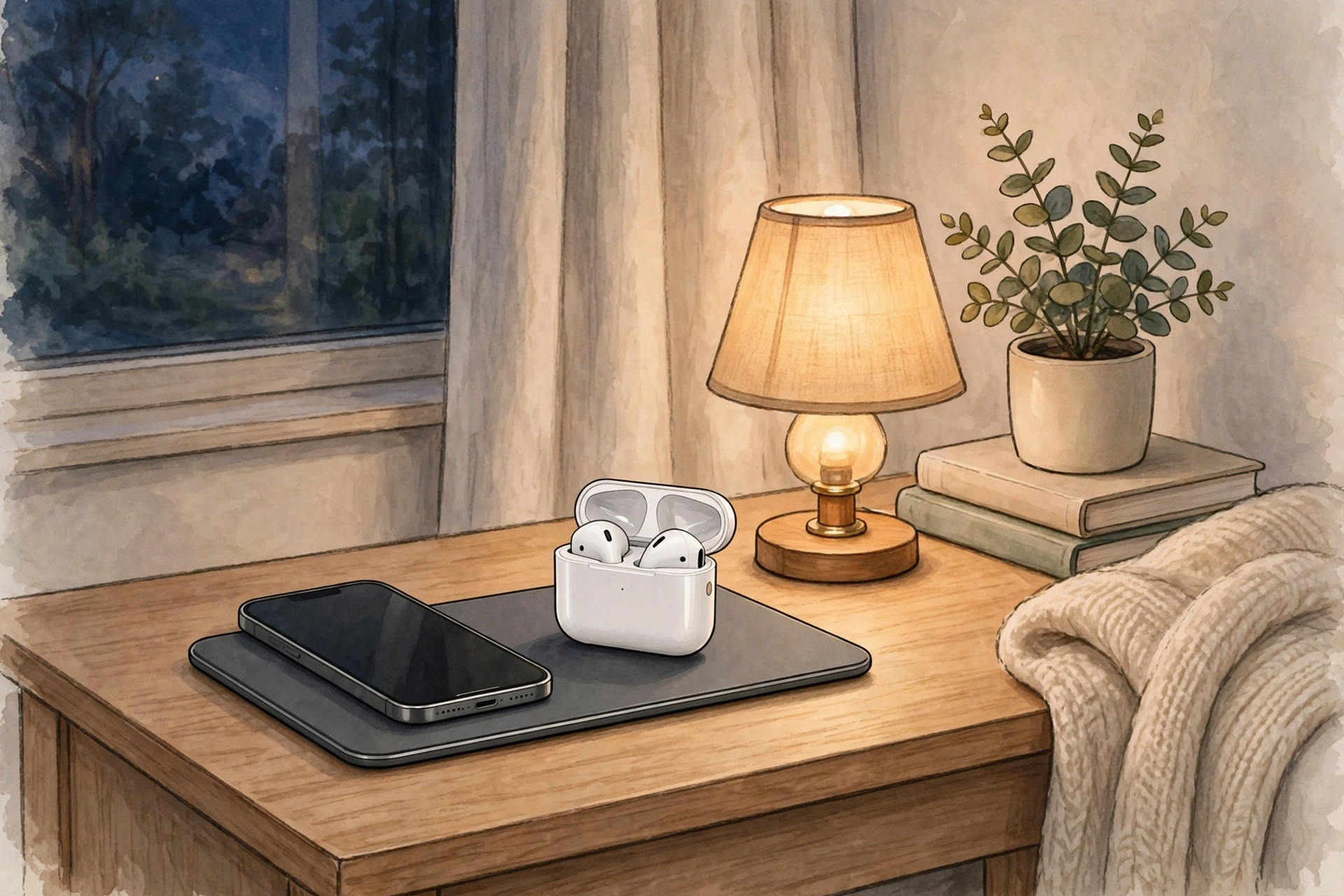
To charge phones overnight safely, keep the phone on a hard, flat surface with air around it, never under a pillow or buried in bedding, where heat builds up with nowhere to go. Use the charger and cable that came with the phone or a good-quality replacement, and skip the bargain-bin charger with no brand name — cheap chargers are the ones that overheat. If your phone feels hot in the morning, move the station somewhere cooler or try a slower charger for overnight use.
A wireless pad is a good overnight option because the phone simply sits on it, away from anything flammable, and most pads stop sending power once the battery is full. Take the phone out of a thick case if it feels warm while charging, and keep the station away from water — no charging station belongs in a bathroom.
Keep It Tidy: A Weekly Two-Minute Reset
A charging station only stays tidy if someone owns it for two minutes a week. Once a week, unplug everything, wipe the surface, coil any cable that has crept out of place, and check for the cable that nobody uses any more — the one for a gadget you replaced months ago. Throw dead cables away instead of keeping them “just in case”.
Give every family member one slot and one cable. When everyone knows their spot, phones stop migrating to random sockets around the house, and the station becomes a habit instead of a project. If a new gadget arrives, add its cable the same day; a station that grows with the household never needs a big reorganisation.
Final Thoughts
A home charging station is a small project with an outsized payoff: no more dead phones, no more cable hunts, and a counter that finally looks clear. Pick the best place to charge phones at home — the spot where they already land — add a GaN charger for multiple devices with enough watts for the whole household, and organize charging cables at home with short cables and a fixed slot for each one. Do it once, keep it tidy with a two-minute weekly reset, and every device you own will be charged, in one place, every morning.
More Guides You’ll Like
These live guides go deeper on the topics around it: How to Keep Your Phone Battery Healthy While Fast Charging, How to Choose a GaN Charger: Wattage, Ports and Size Explained, What Is GaN Charging and How Does It Work? A Simple Explainer, and How to Choose a Power Bank: Capacity, Ports and Travel Rules.
Frequently Asked Questions
Where is the best place to put a charging station at home?
The spot where your family’s phones already land — usually the kitchen counter, a hallway shelf, or the bedroom dresser. It needs a wall outlet nearby, a flat surface away from water, and enough room for every device at once.
Can I charge all my devices from one charger?
Yes, if the charger has enough total watts and the right ports. A 65-watt GaN charger with three or four USB-C ports covers phones, tablets and earbuds for most families; add a 100-watt charger if a laptop charges there too. Check the total wattage, not just the port count.
Is it safe to leave phones charging overnight?
Yes, with a quality charger and a little common sense. Modern phones slow down once full, so keep the phone on a hard surface with air around it, never under bedding, and use a good charger and cable — never a cheap unbranded one.
How many watts do I need for a family charging station?
Add up your devices: about 20 watts per phone, 30 for a tablet, and 45 to 65 for a laptop. A 65-watt charger suits most families, while a 100-watt charger covers a family plus a laptop charging at the same time.






2 Comments